5 min read
AI Video Understanding Before Editing
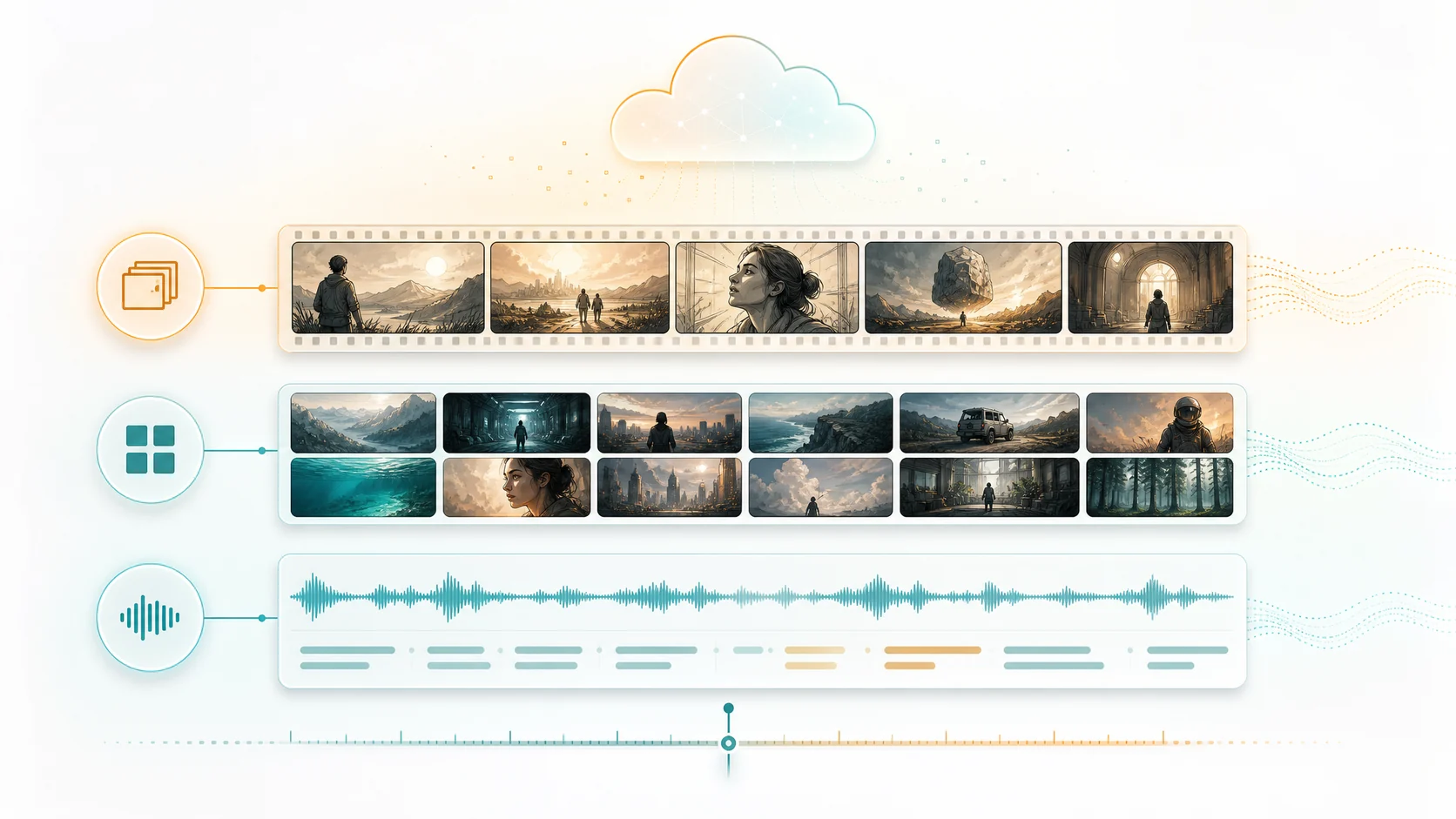
Automatic editing works better when the system understands scenes, dialogue, people, objects, and story beats before it builds a timeline.
AI video understandingautomatic editingediting workflow
 ClipMind
Blog
Practical articles on AI video understanding, reverse scripts, edit exports, and project workflows.
This library explains the core ClipMind workflow: uploading footage, reviewing video understanding results, reading reverse scripts, adjusting clip order, using narration, and exporting finished videos. Each article focuses on real editing situations instead of only listing product buttons.
If you work with long videos, podcasts, interviews, story recaps, or multi-episode footage, start with the usage guide and then read the video understanding article. Together they show which source material fits automatic editing and where human review still matters.
Automatic editing works better when the system understands scenes, dialogue, people, objects, and story beats before it builds a timeline.
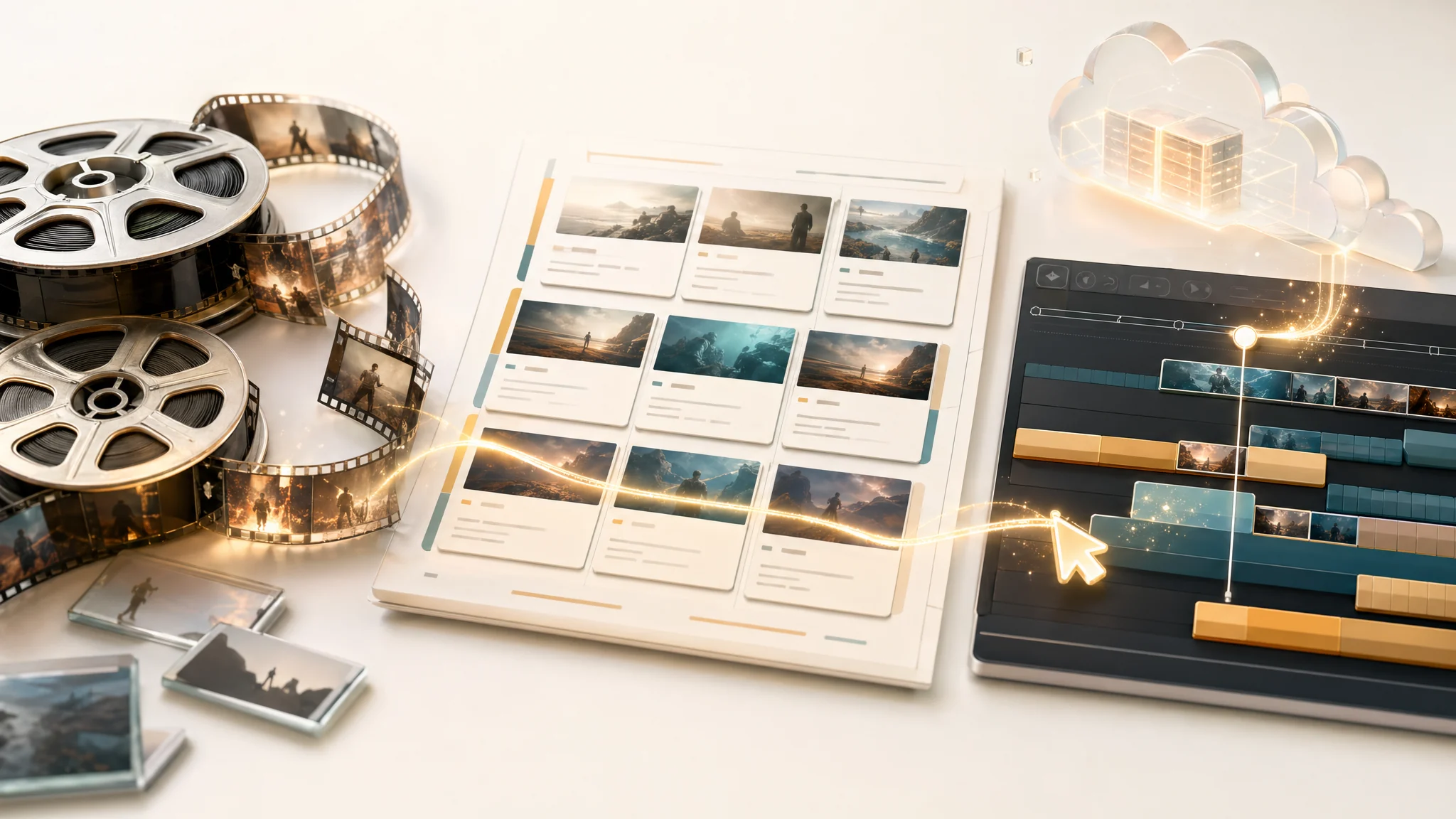
A practical guide to using ClipMind for video upload, AI understanding, reverse-script review, timeline editing, narration, and export.
AI reverse scripts analyze raw video footage — detecting scenes, transcribing dialogue, identifying characters and objects, then composing a structured narrative that guides automatic editing. Learn how each stage of the pipeline works.
AI agents move video editing from manual timeline dragging to intent-driven assembly. Learn how ClipMind's Script Planner Agent reads reverse scripts, selects clips, writes narration, and produces structured timelines from natural language instructions.
AI character recognition uses visual embeddings and HDBSCAN clustering to identify recurring faces and objects across hundreds of scenes. Learn how a project-level identity library forms the foundation for character-aware video editing.
AI text-to-speech has moved past robotic delivery. Learn how modern TTS models like CosyVoice generate natural-sounding narration with voice cloning, emotional control, and multi-language support for video editing workflows.
Not all footage needs the same AI processing. Compare ClipMind's three pipeline flows — character-first-narrative, visual-segment, and ASR-only — to understand which approach matches your source material and editing goals.

A practical workflow for small marketing teams to plan, edit, and ship brand videos without booking a full production crew, using AI video understanding to do the heavy lifting.
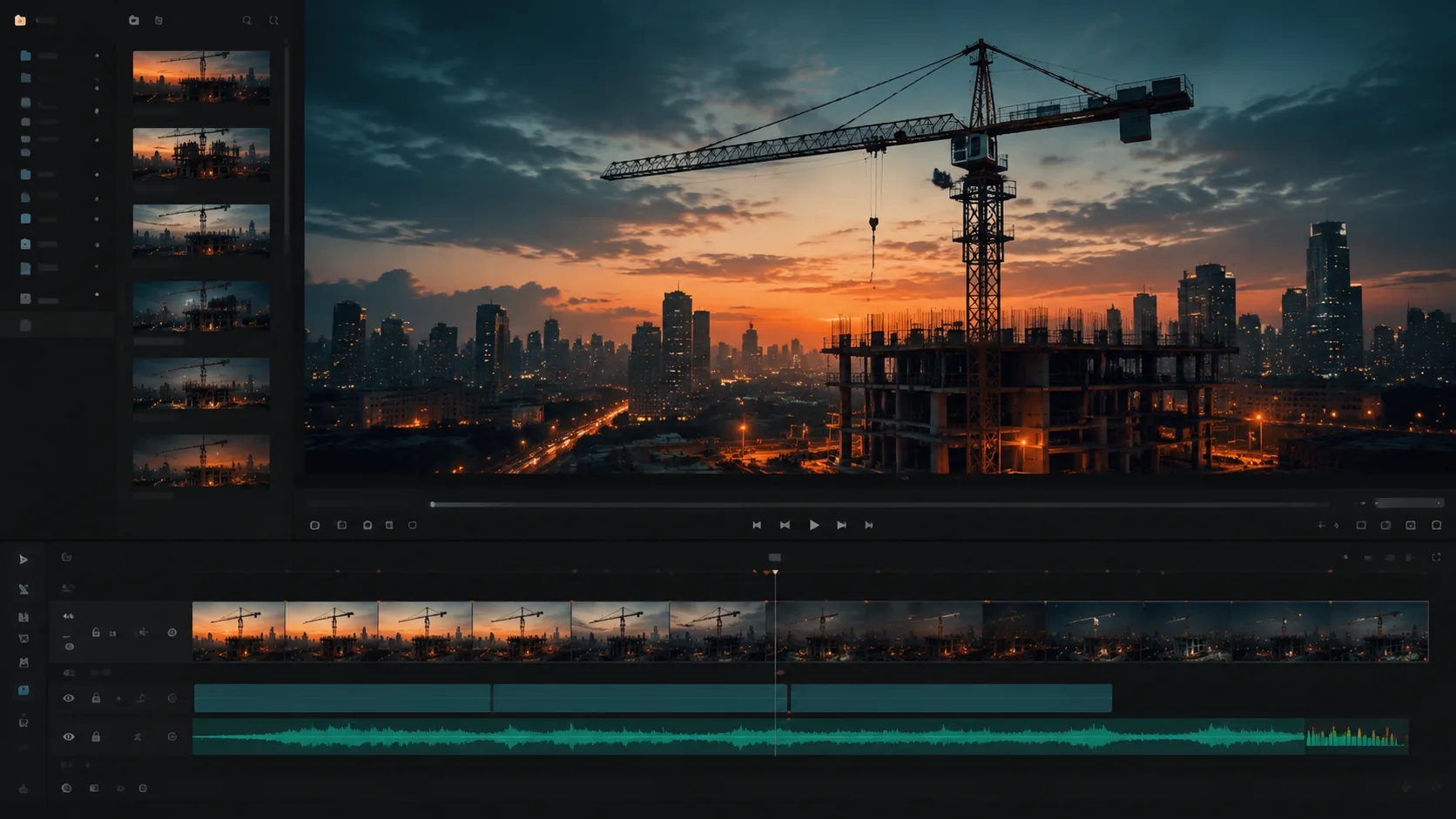
The best software for editing construction time-lapse videos is not the one with the most filters. It is the one that helps you scan thousands of hours of footage and surface the moments that matter.
If you are looking for a Luma AI alternative because you actually need to understand and edit real footage, video understanding is a different shape of tool from text-to-video generation.
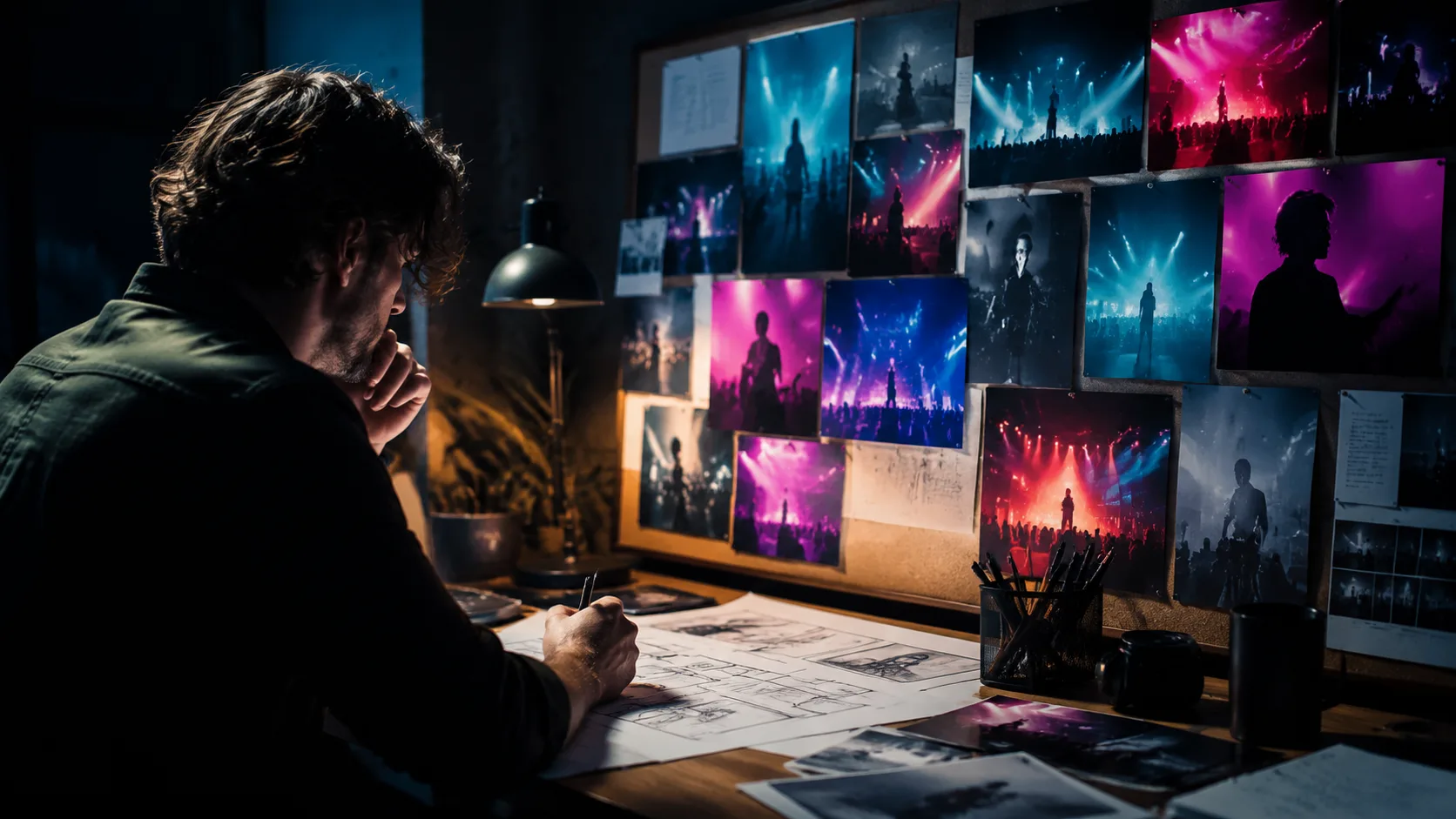
Music video treatment examples are useful as references, but they only help if you can turn them into a structured plan. Here is a workflow that uses AI video understanding to move from references to a real treatment.
Finding the background music in a YouTube Short is a common content workflow problem. Here is how to identify it reliably and how AI video understanding fits into the search.
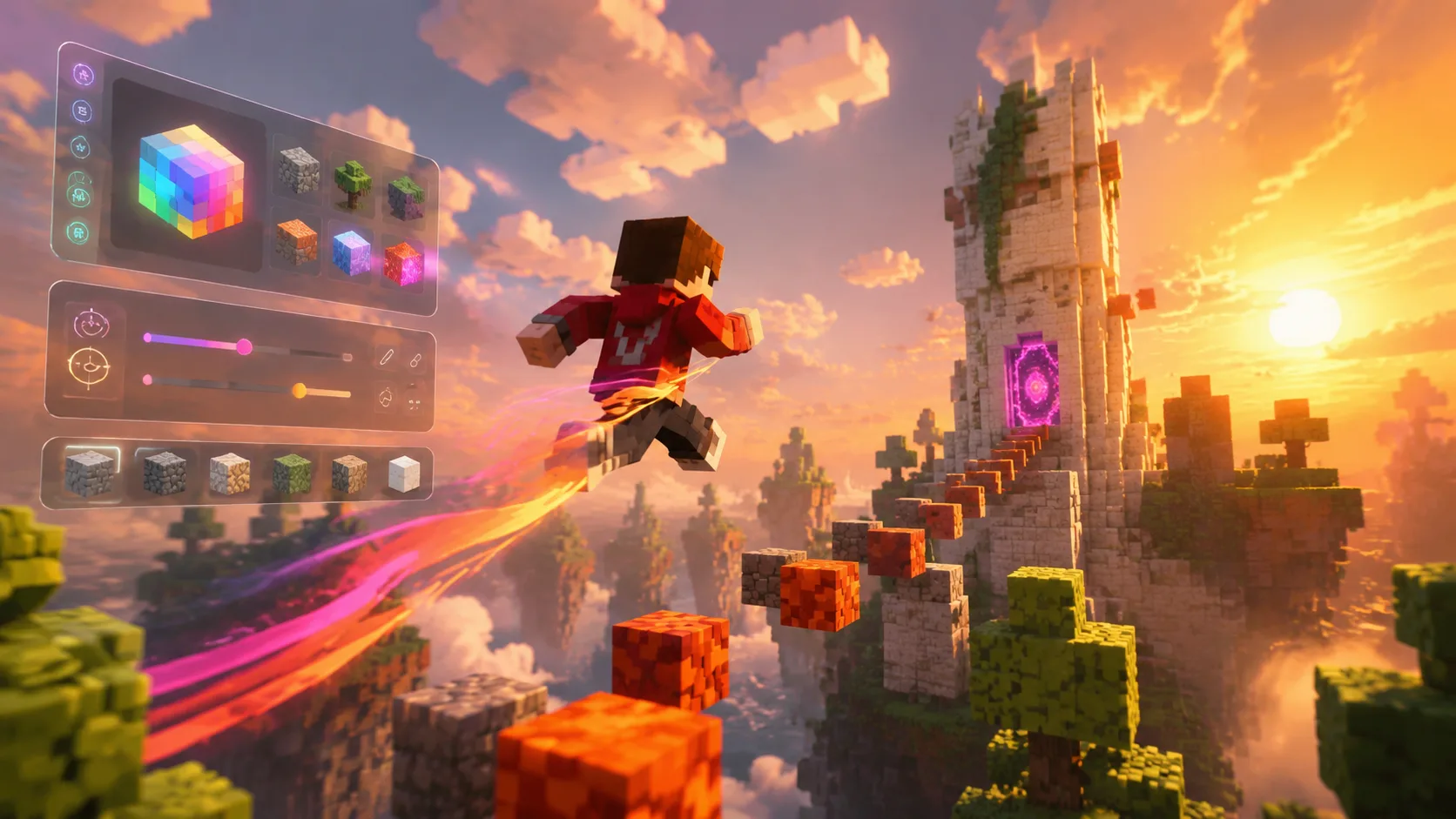
Free AI Minecraft parkour video generators are everywhere, but most produce thin, repetitive clips. Here is a workflow that uses real parkour footage plus AI video understanding to build channels that last.
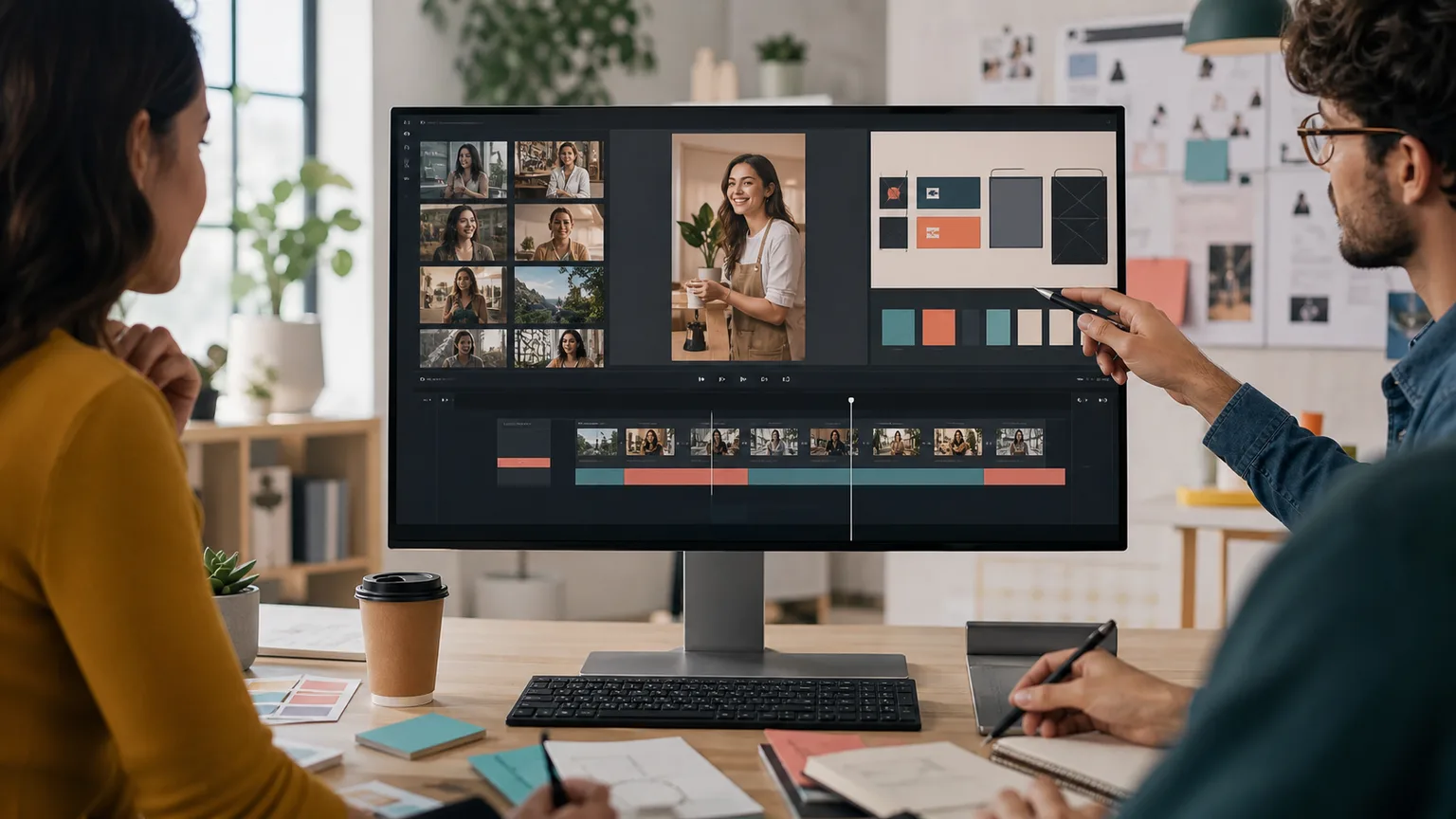
The best UGC video creation tools with custom templates help teams turn raw customer clips into repeatable ads without making every edit from scratch.
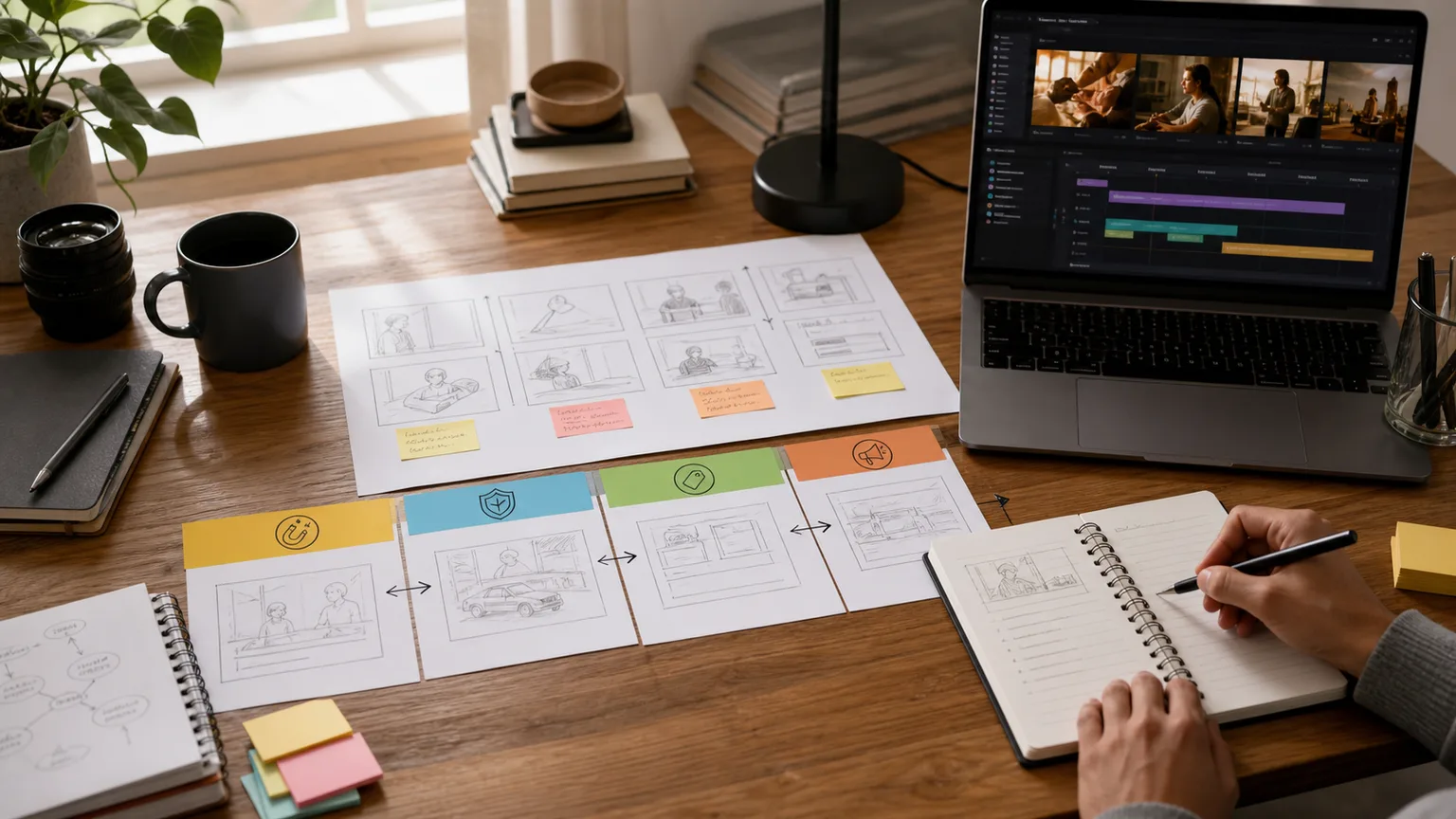
A practical commercial script workflow that turns audience intent, proof points, existing footage, and a clear call to action into a tight video plan.
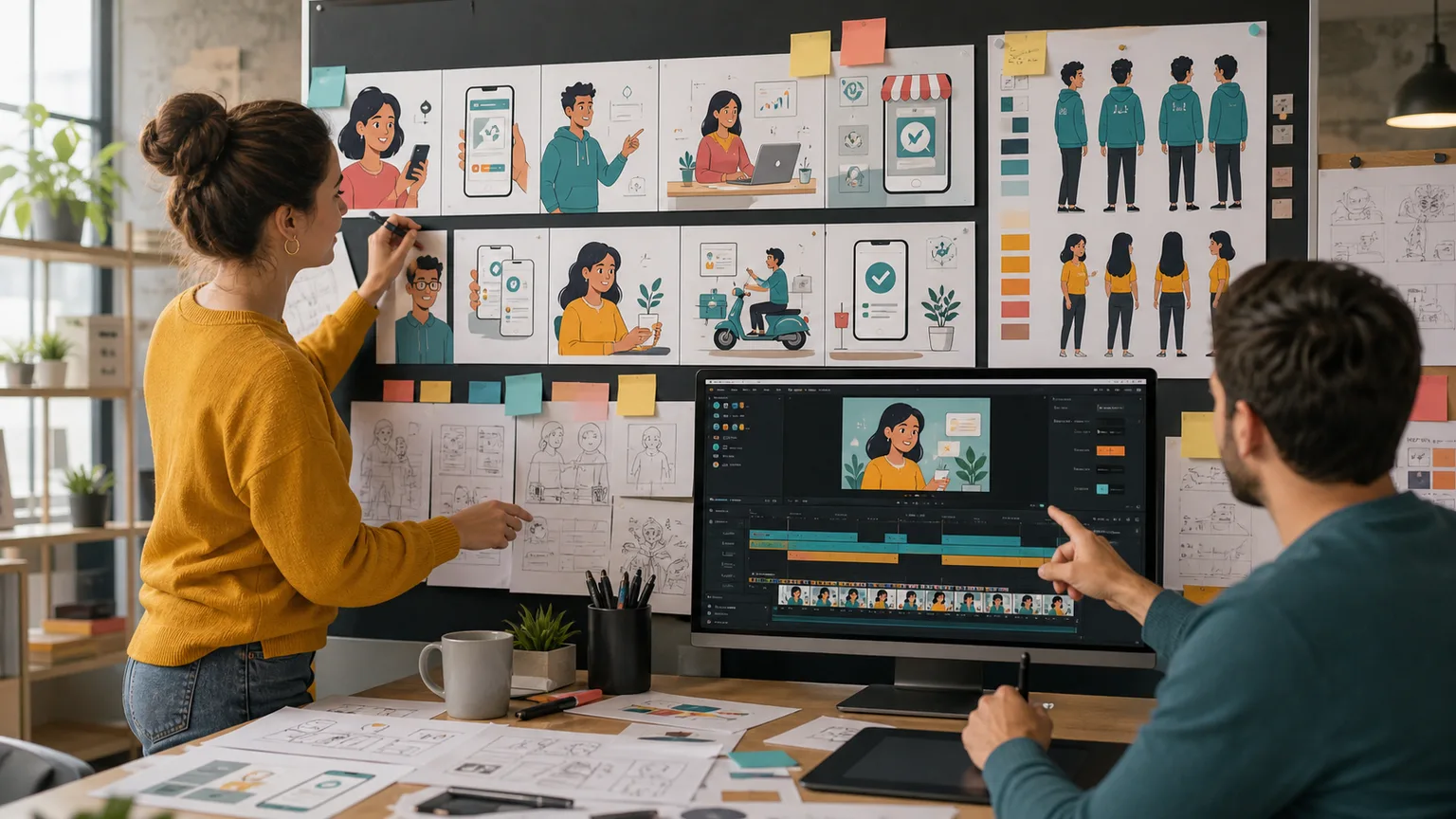
Animated marketing videos work best when the message, source references, storyboard, voiceover, and export plan are built before the design sprint begins.
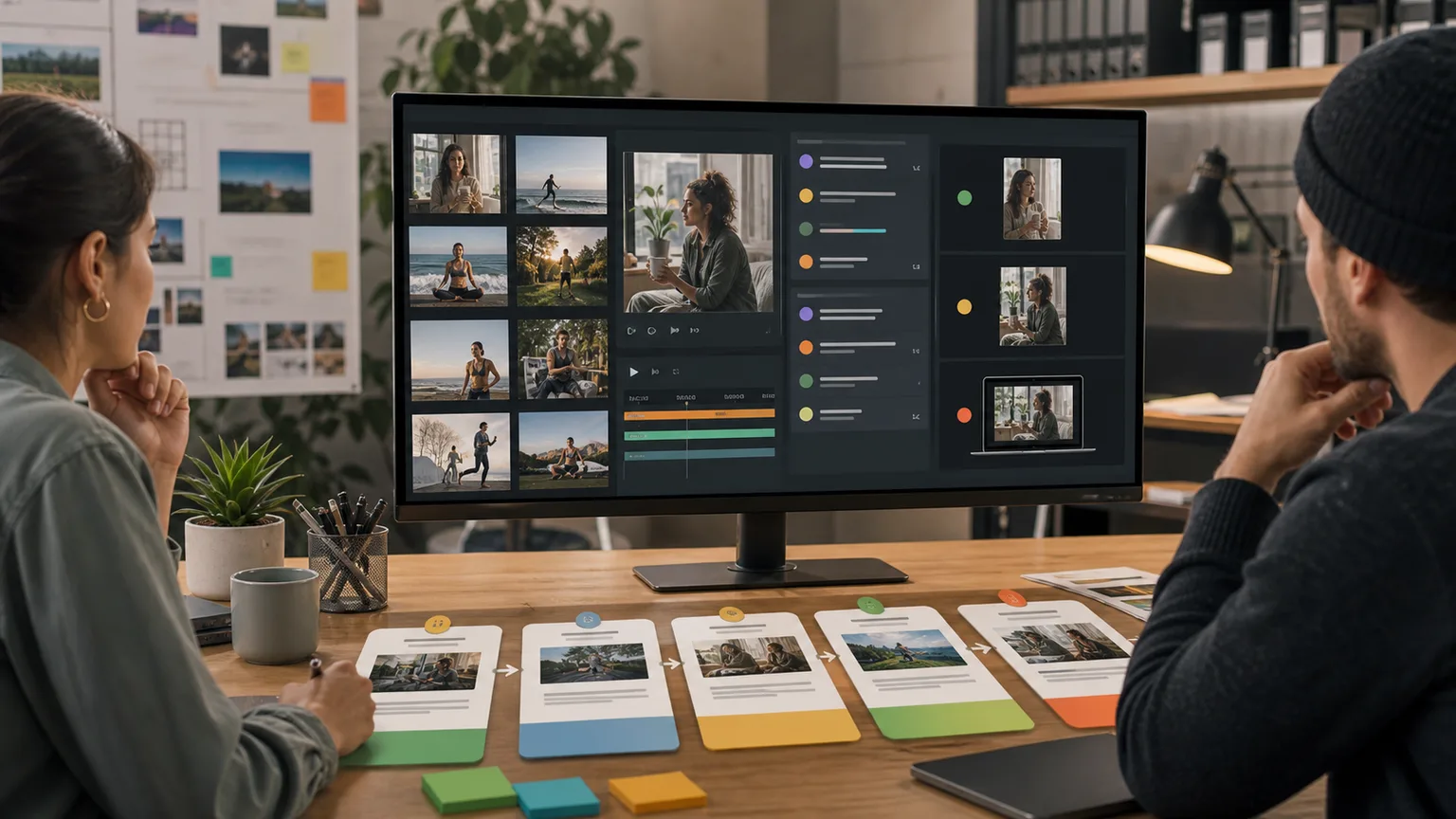
A content post-production service can help, but many teams now combine expert review with an AI video workspace to reduce sorting, revisions, and turnaround time.
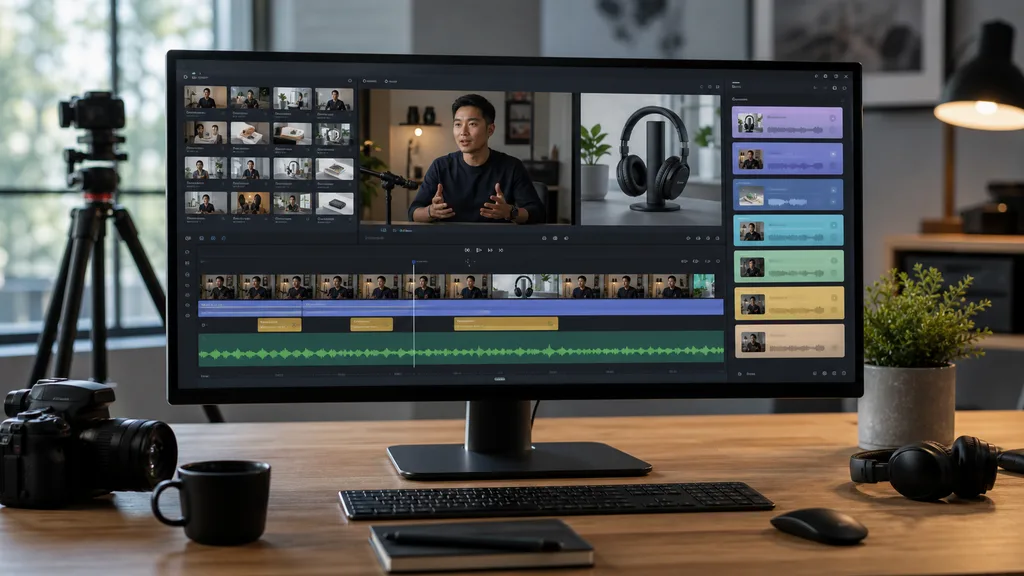
An AI video editor is most useful when it can understand long recordings before it starts cutting. Use this workflow for interviews, webinars, courses, and product footage.
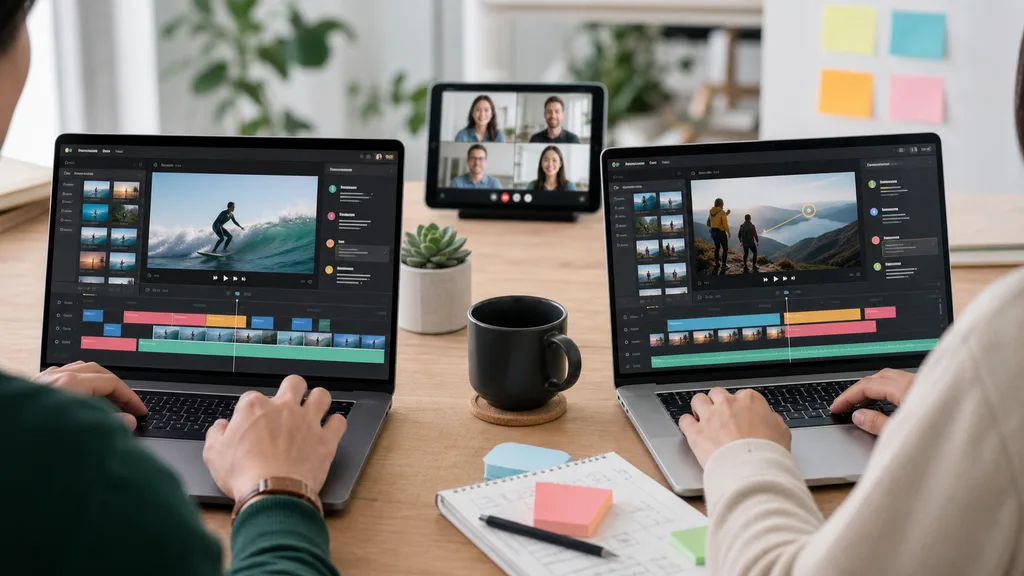
A browser-based online video editor should help teams organize source footage, review decisions, and export variants, not just move clips on a timeline.
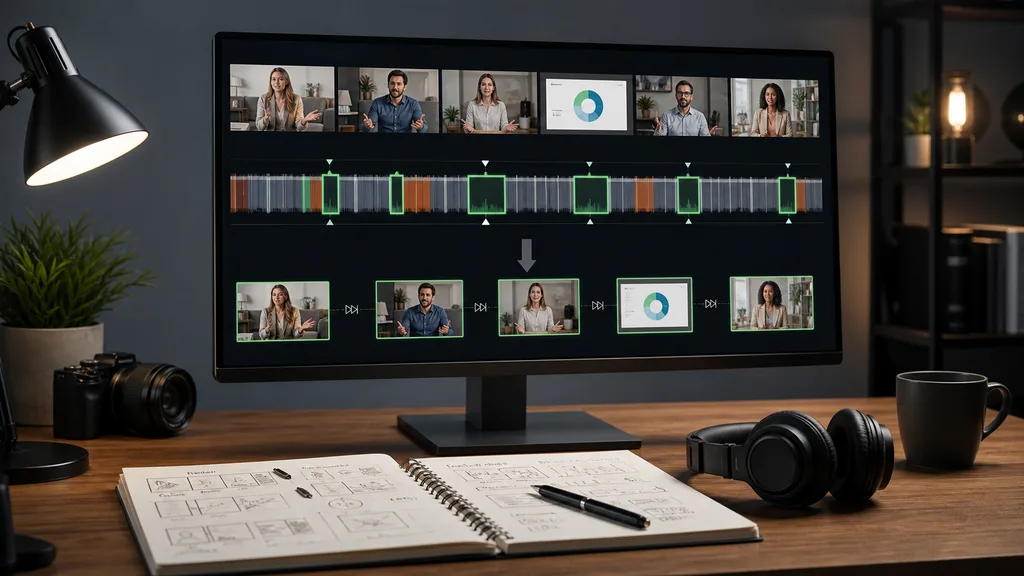
A useful video trimmer workflow starts with understanding the long source, then turns the strongest moments into clean clips for social, sales, and education.
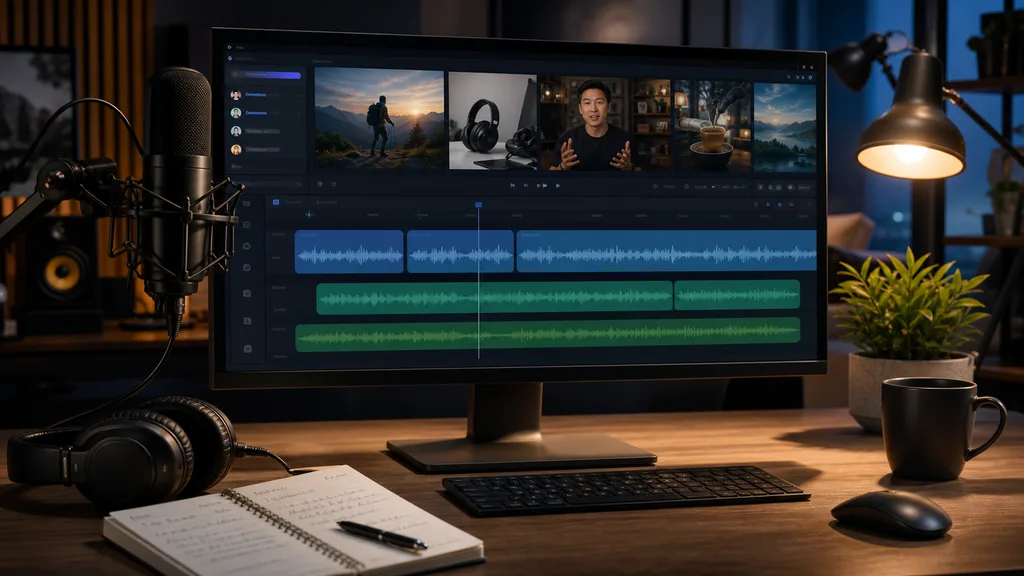
AI text to speech works better when narration is planned with the actual footage, not pasted over the edit at the end.
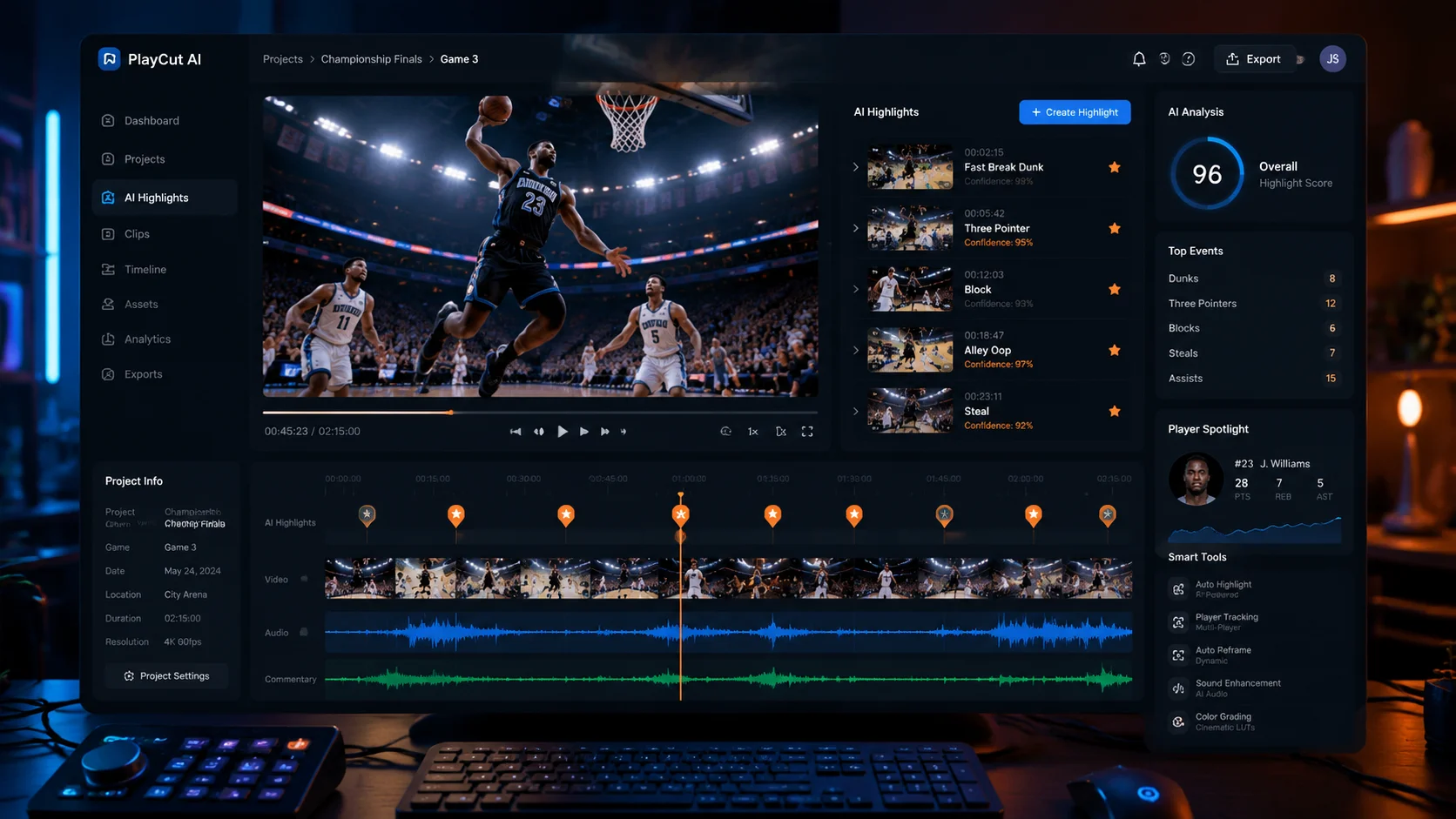
AI sports video editing services help coaches, athletes, and content teams turn hours of game footage into polished highlights, tactical breakdowns, and recruiting clips in a fraction of the time.
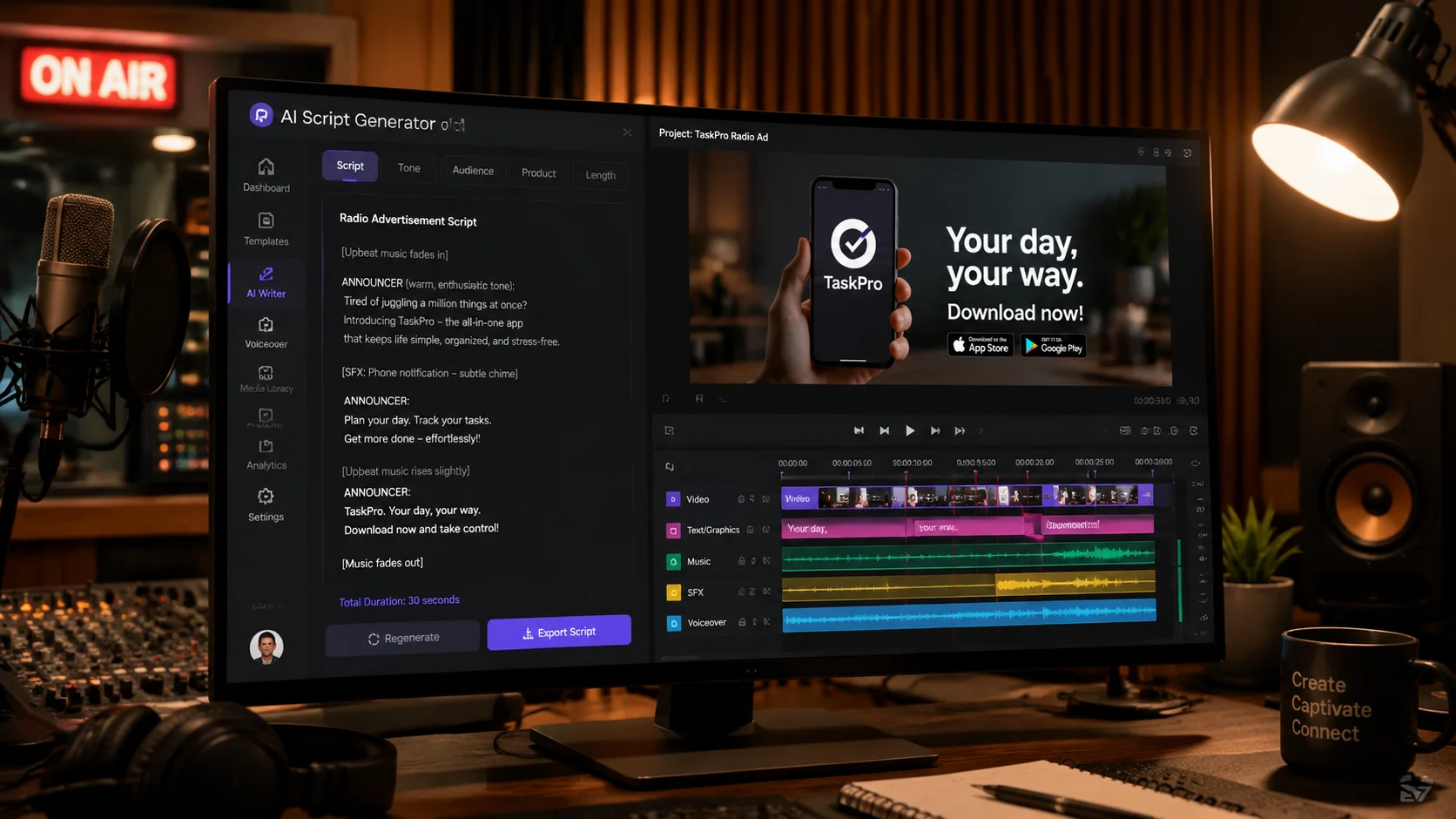
An AI radio ad script generator helps marketers, small business owners, and agencies produce radio-ready commercial scripts faster, with proper timing, tone, and call-to-action structure built in.
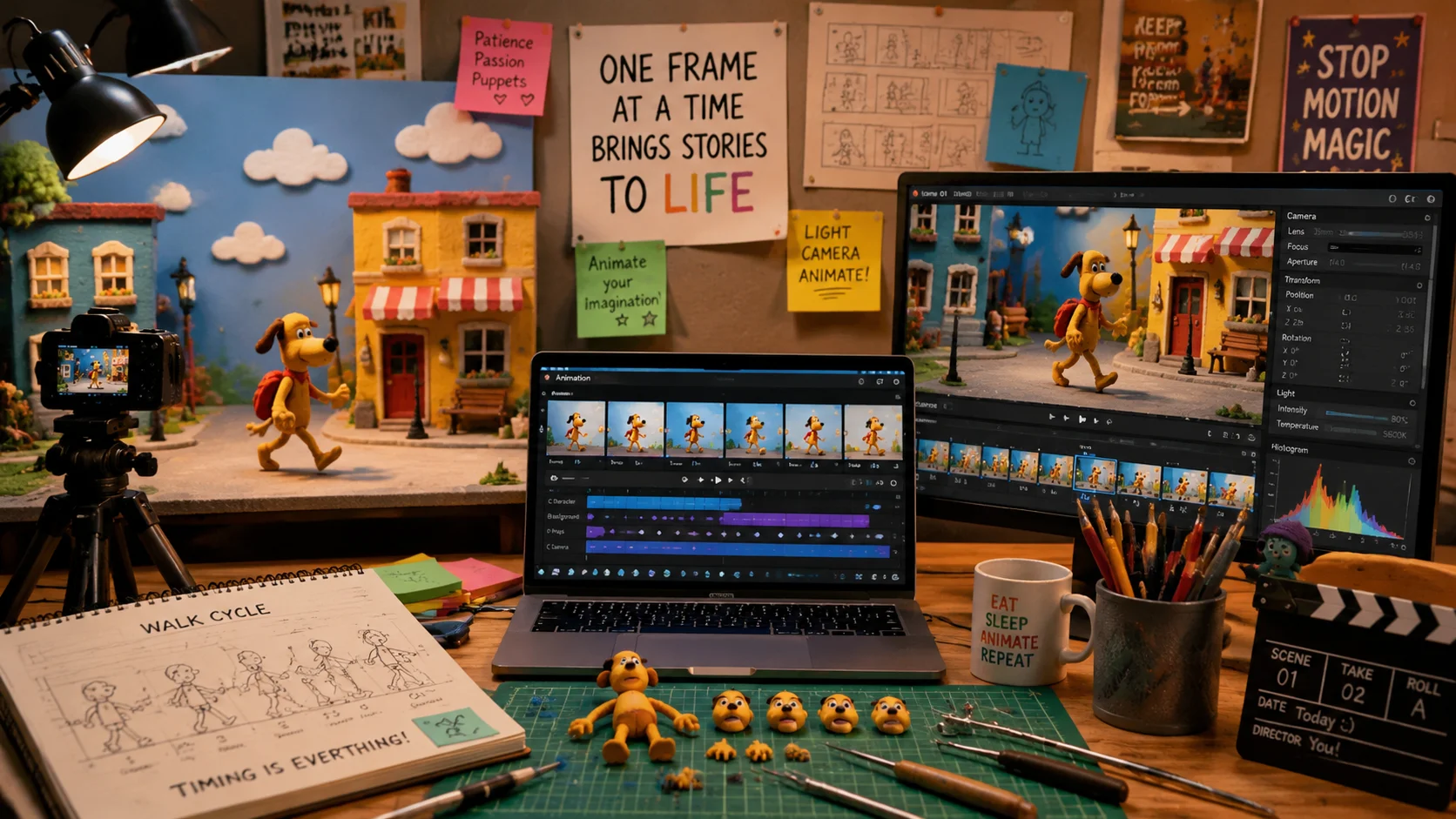
AI-powered stop motion animation services are making frame-by-frame video creation faster and more accessible for independent creators, marketing teams, and educational content producers.
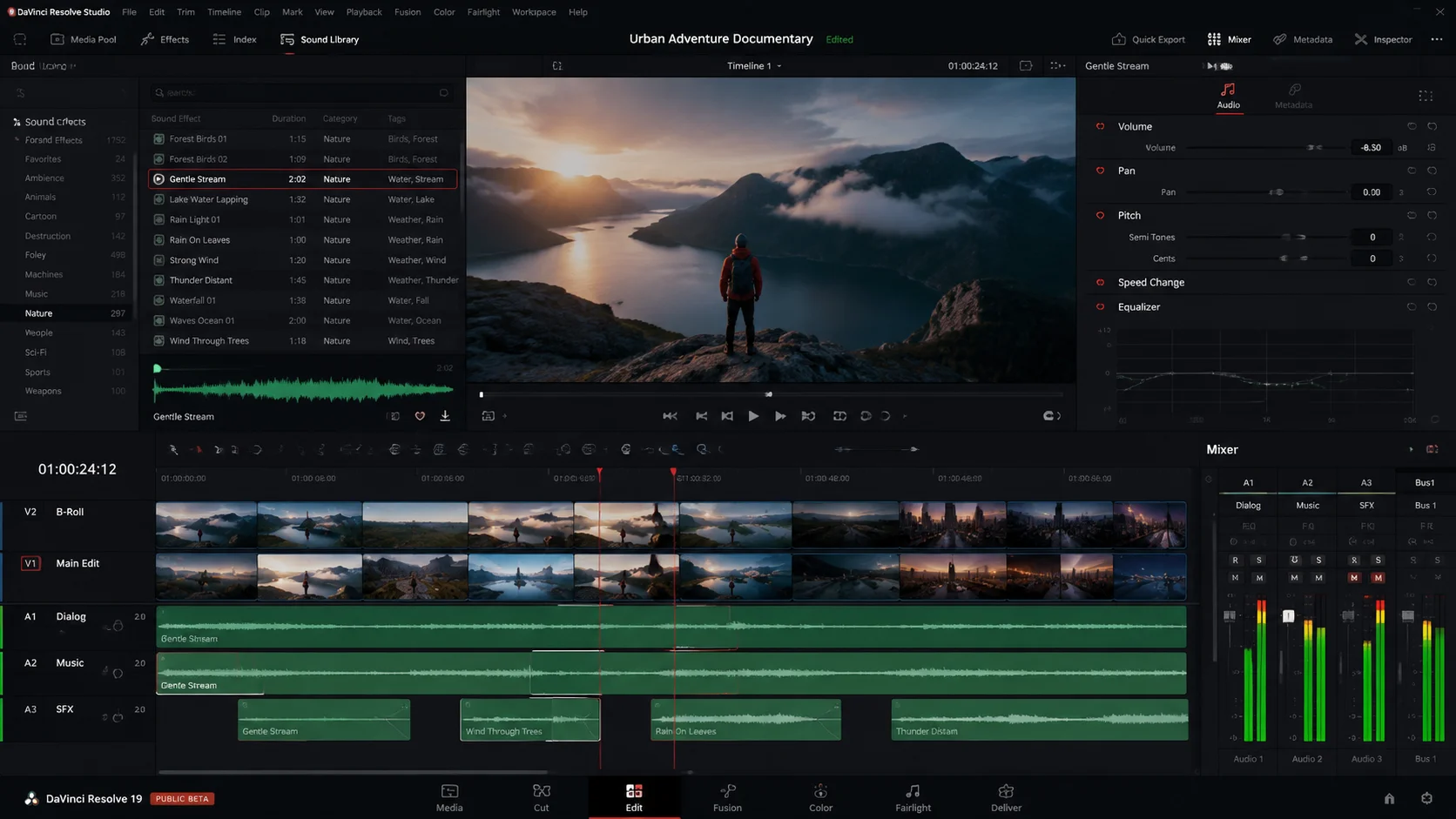
Sound effects in advertising can dramatically improve viewer engagement and message retention. Learn how to choose, layer, and time sound effects for video ads across different platforms.
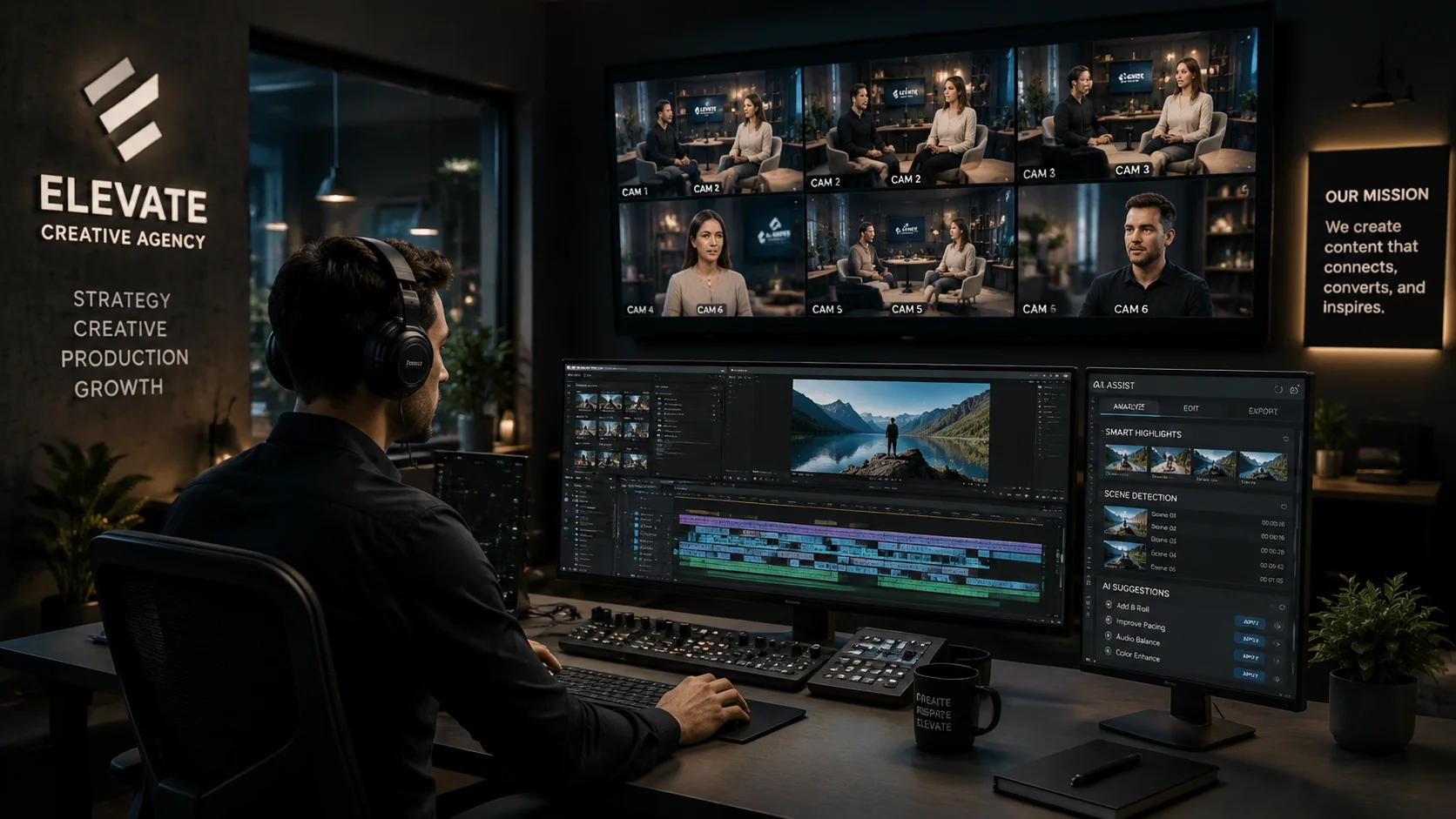
AI is transforming how agencies and brands approach producing commercial videos, from first script draft to final export and platform-specific variants.
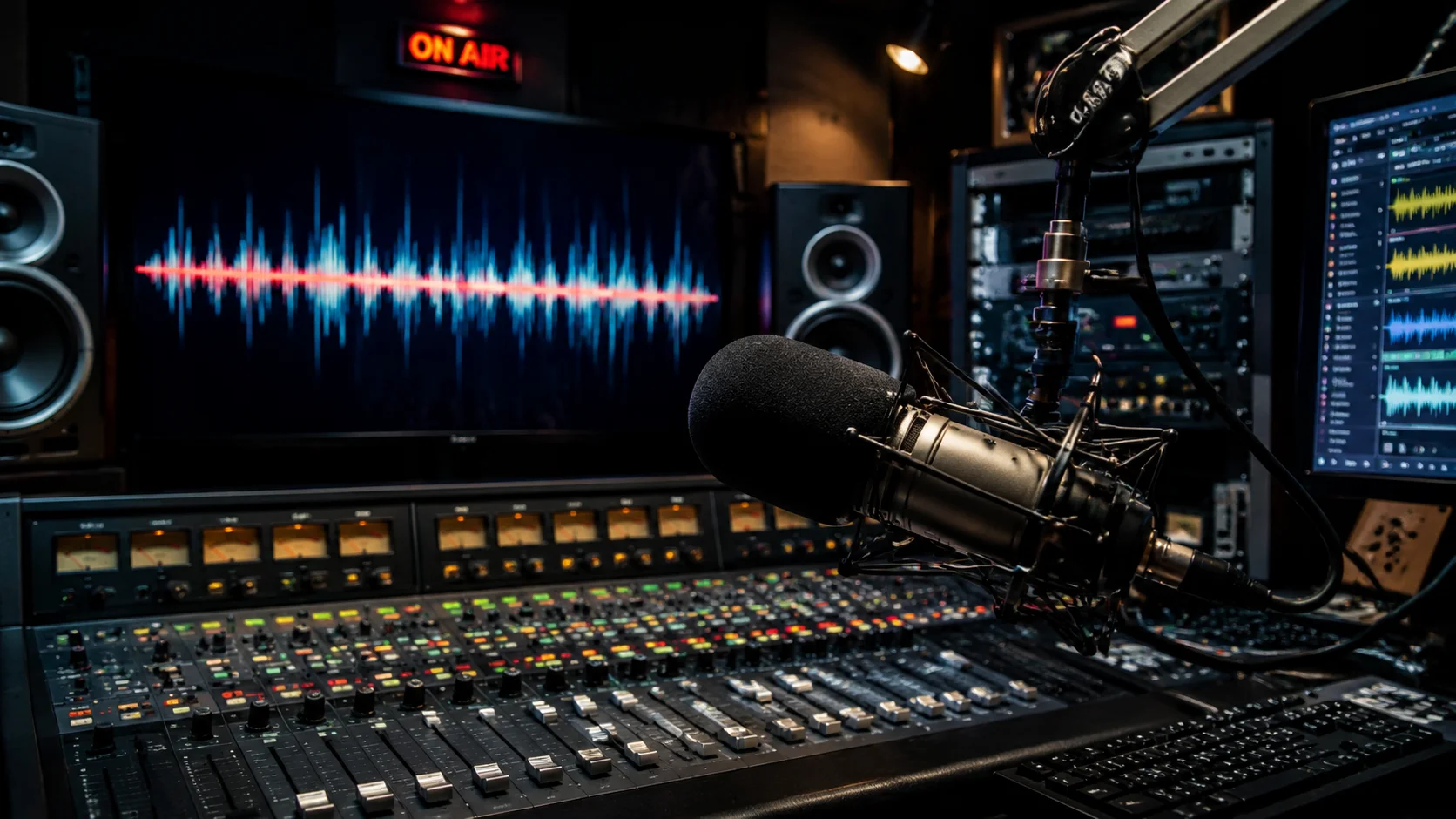
An AI radio ad script generator helps writers and marketers produce polished 15, 30, and 60-second broadcast scripts faster without sacrificing audio storytelling craft.
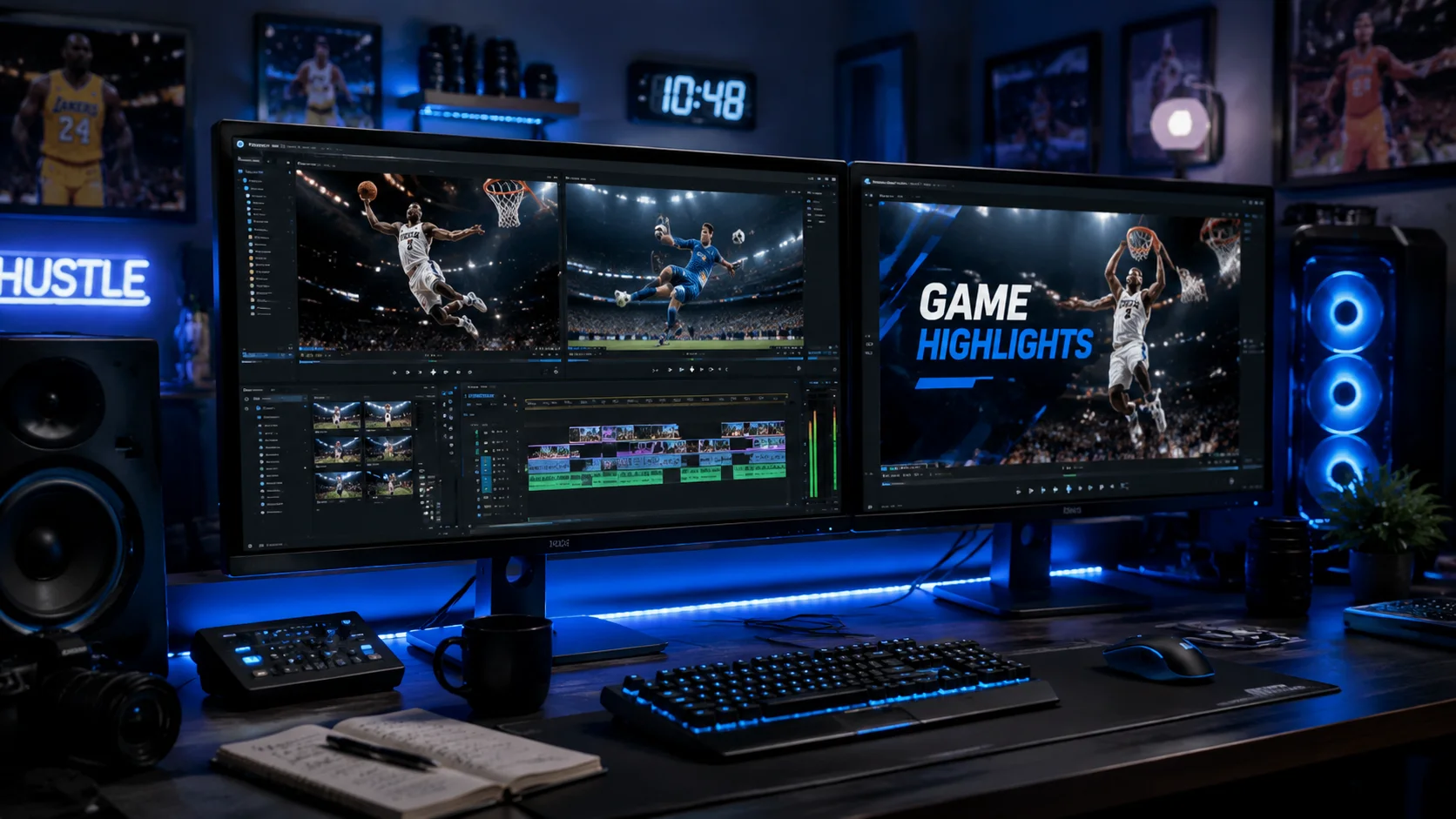
Sports video editing services are faster when AI can scan hours of game footage, identify key plays, and surface the moments worth cutting into a highlight reel.
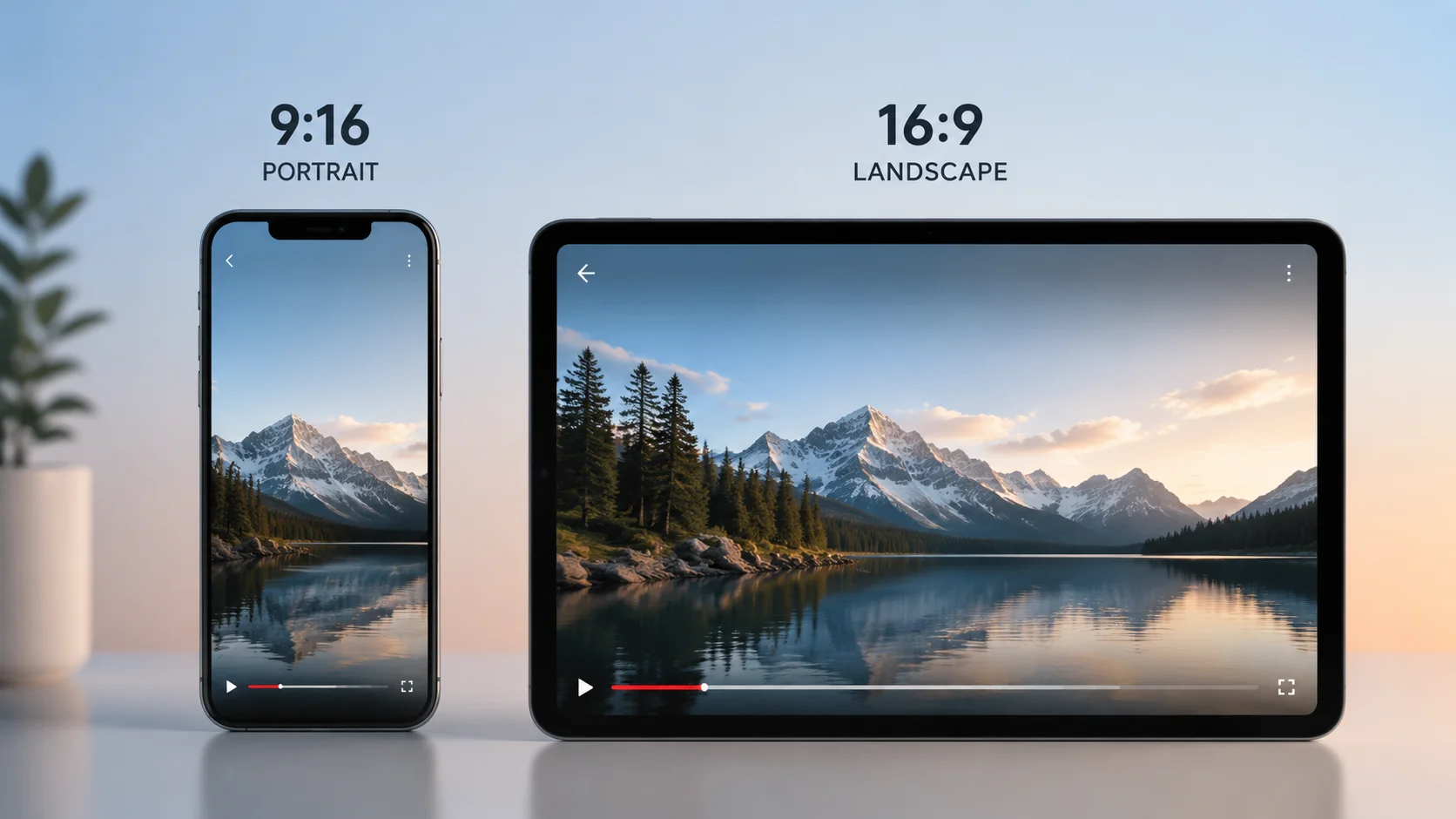
Understanding portrait size and video dimensions helps you export the right format for every platform without re-editing. Here is what every video creator needs to know about portrait and standard sizes.
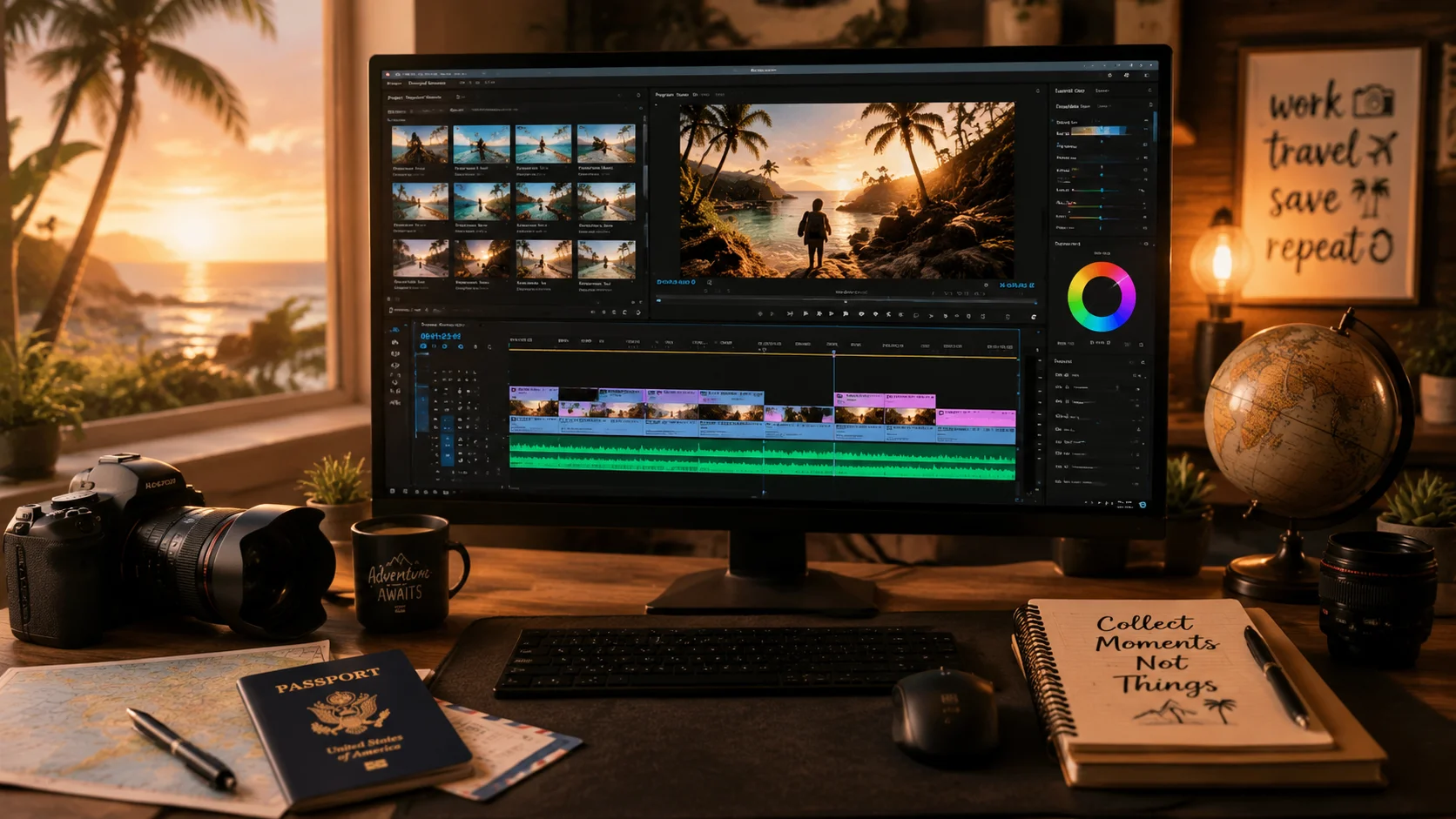
A vacation video editing service helps travelers turn hours of disorganized holiday clips into a short, emotionally compelling travel film without spending weeks in post-production.
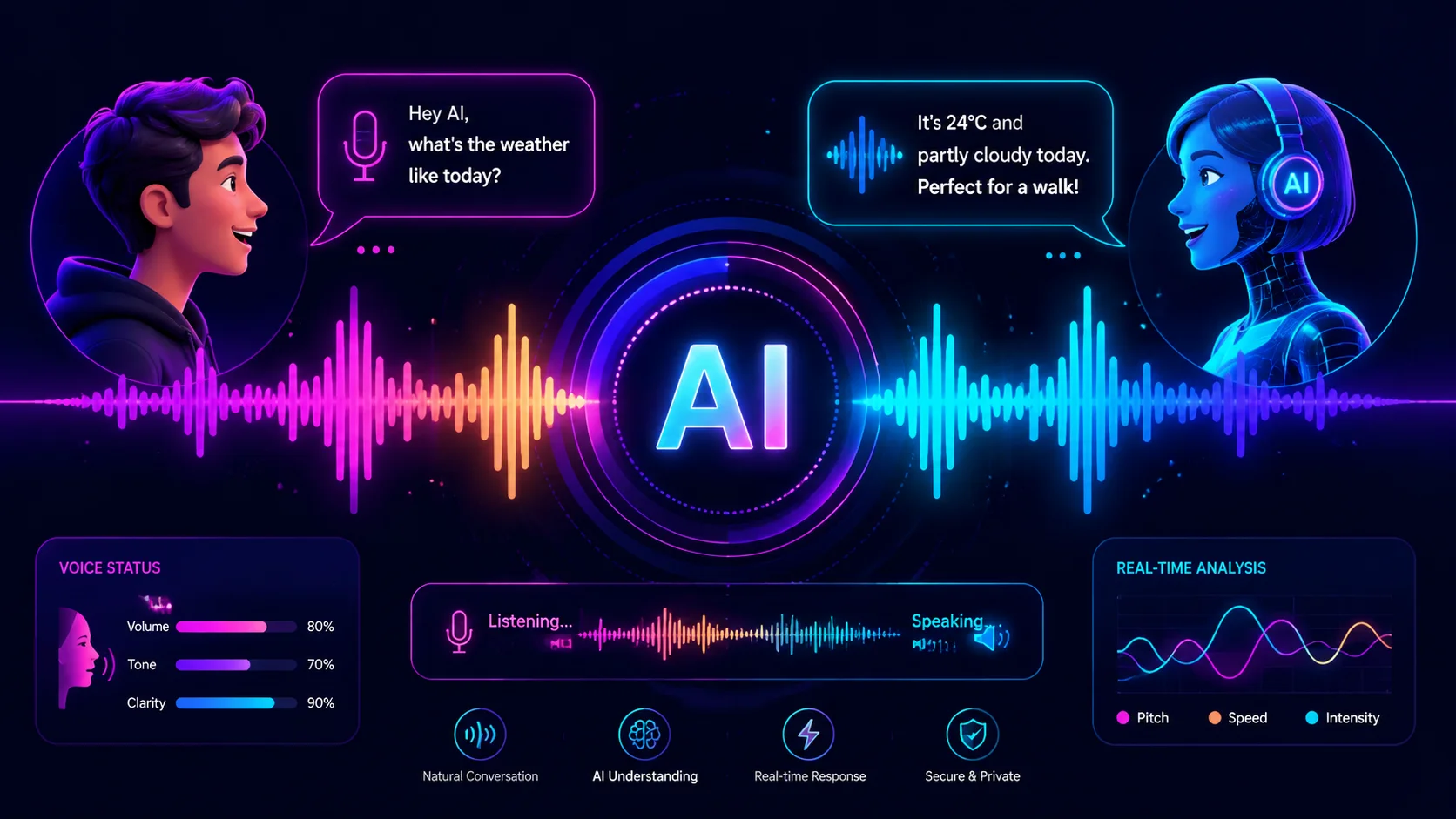
AI voice characters for video narration have moved past robotic monotone. Today's text-to-speech tools can match tone, pacing, and character persona to fit content from gaming videos to branded explainers.
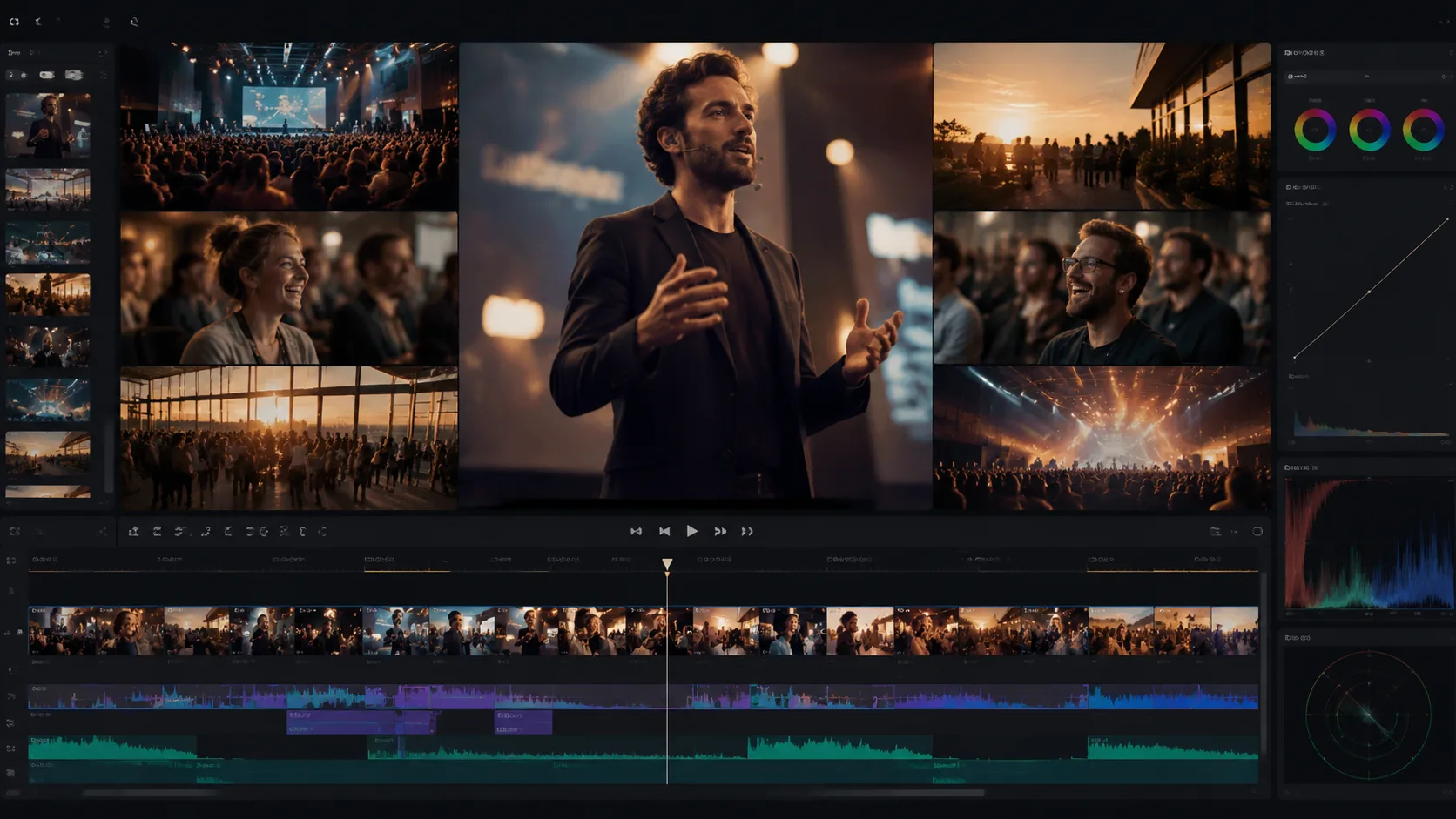
A cinematic events recap used to require a full post-production team. With AI video understanding, you can turn hours of conference, wedding, or corporate footage into a polished highlight reel in a fraction of the time.
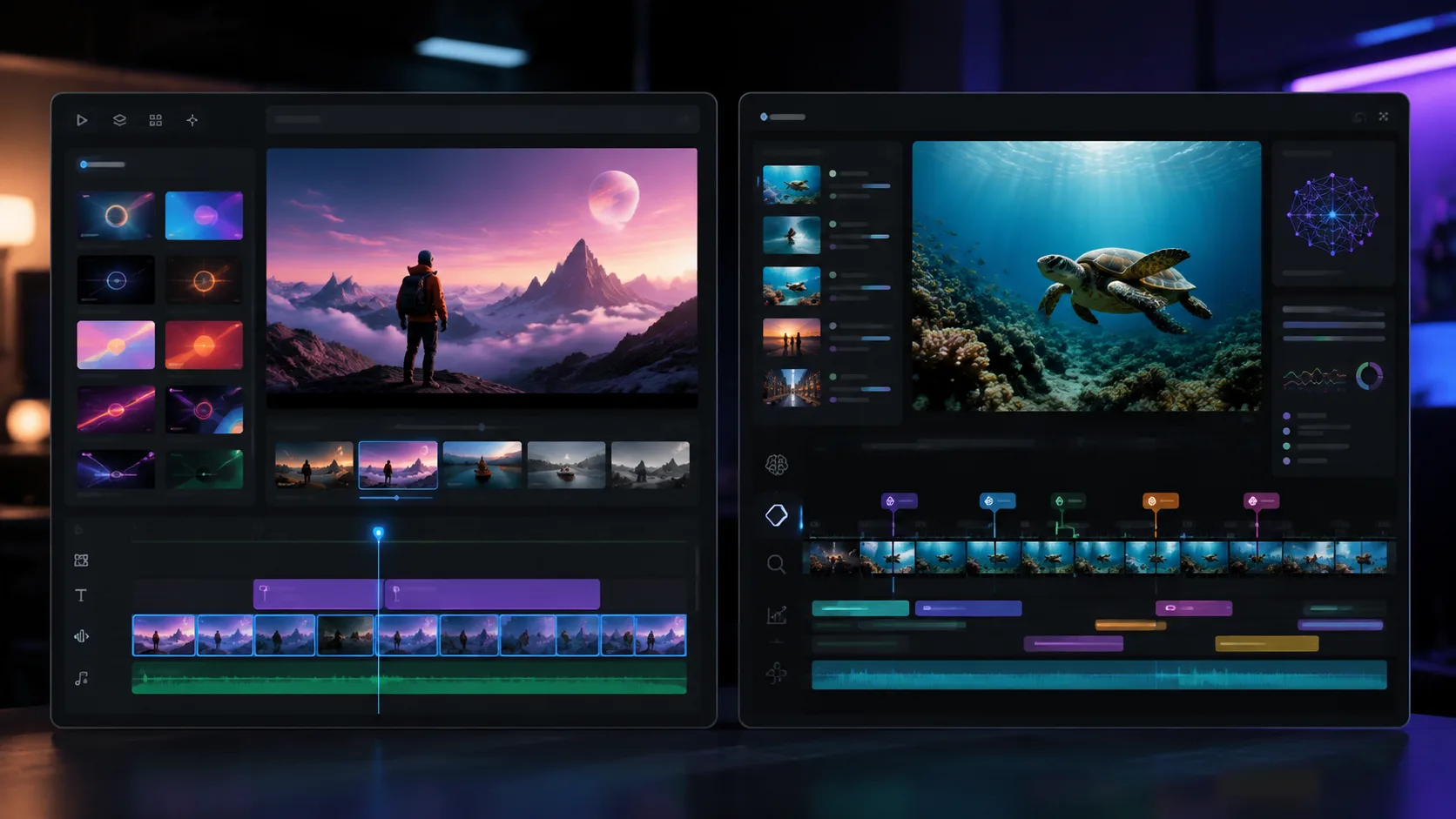
If you are searching for a Lumen5 alternative because your team works with real footage instead of stock and templates, video understanding tools like ClipMind offer a different approach to content production.
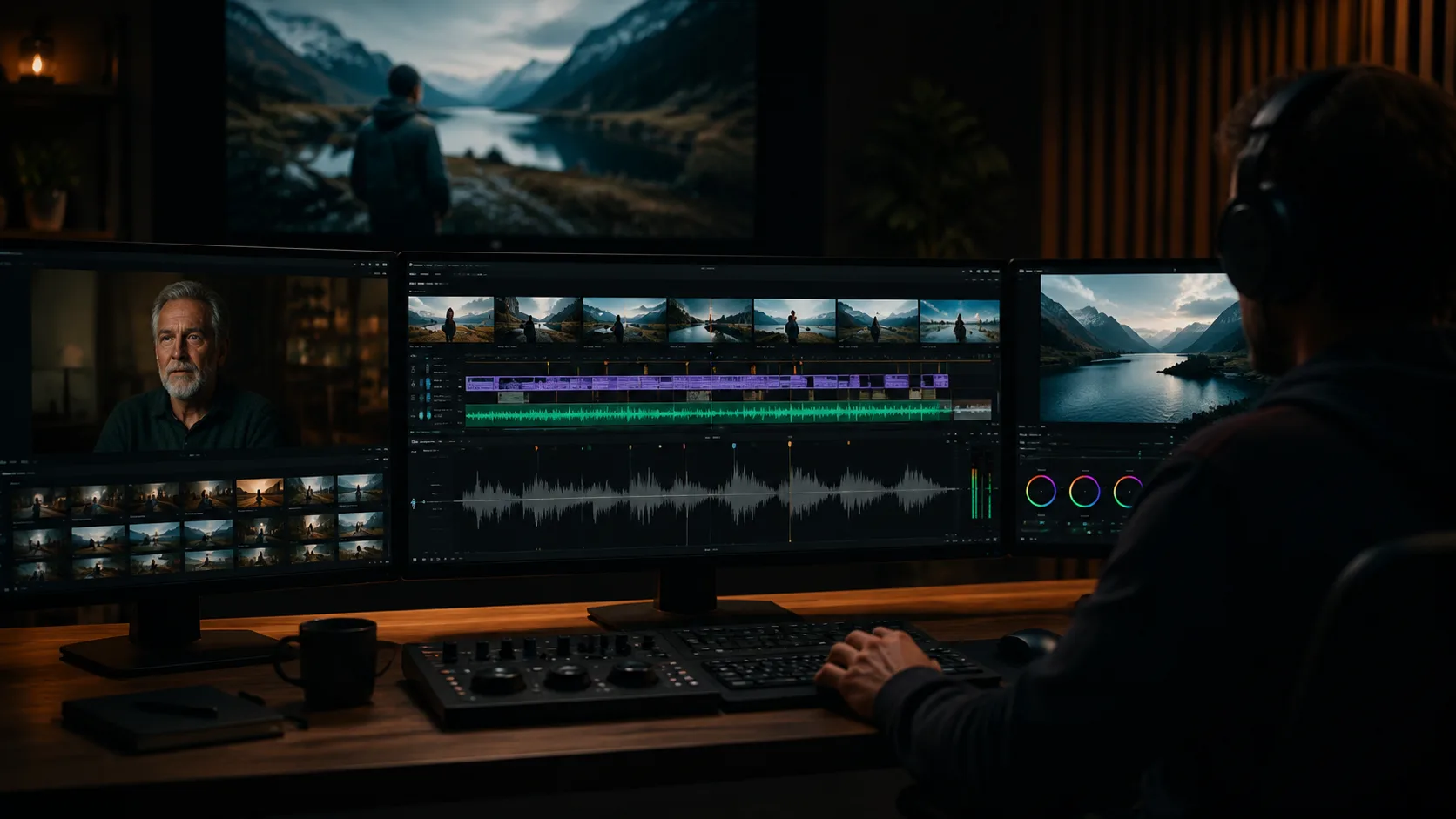
If you are looking for a Pictory alternative because your videos are longer than a few minutes and your source is real footage, video understanding tools offer a different kind of AI assistance.
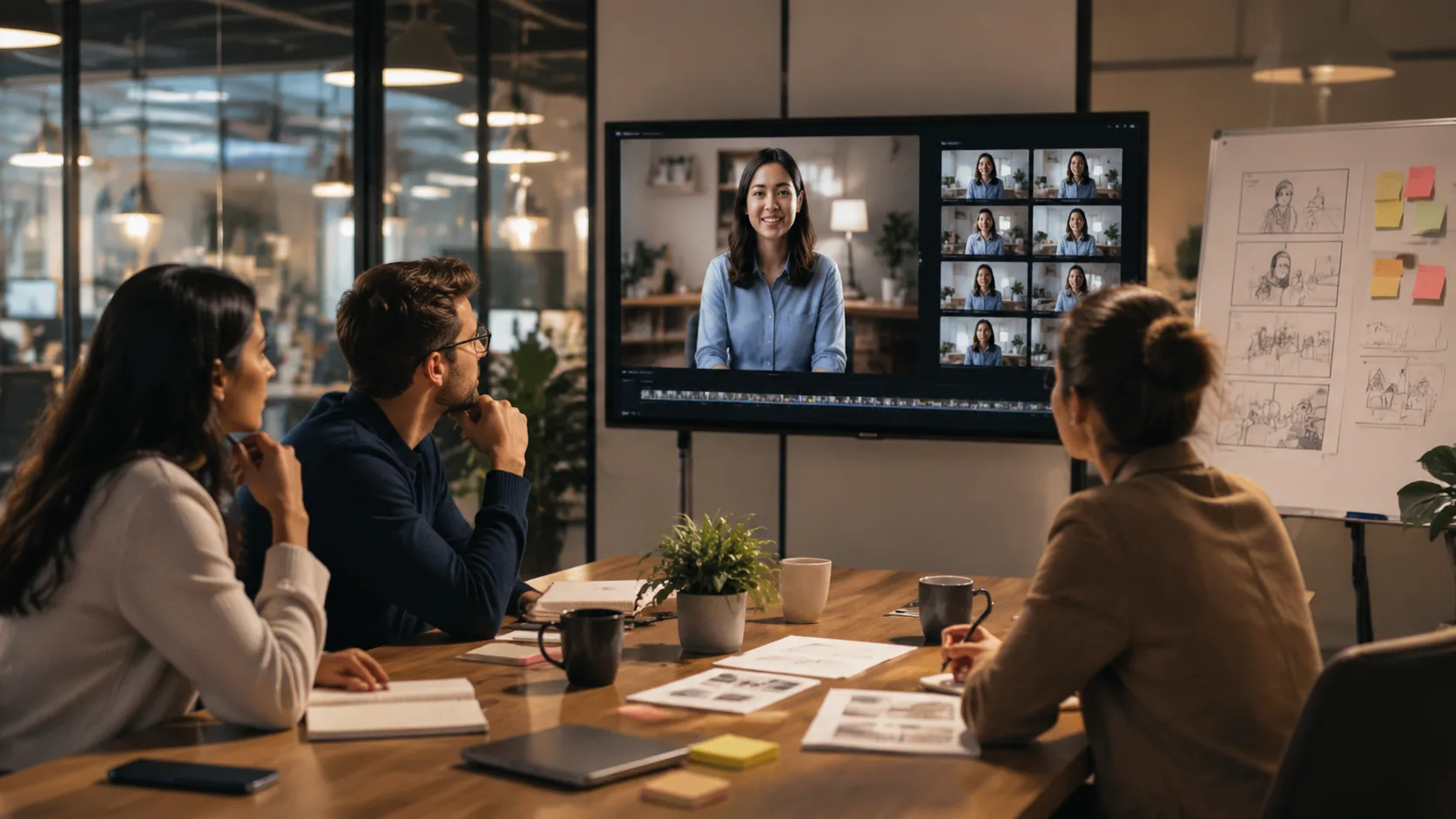
A recruitment video script has to land the employer value proposition in under two minutes. AI video understanding helps you find the right moments from employee interviews, office tours, and culture footage to build a script that feels authentic.
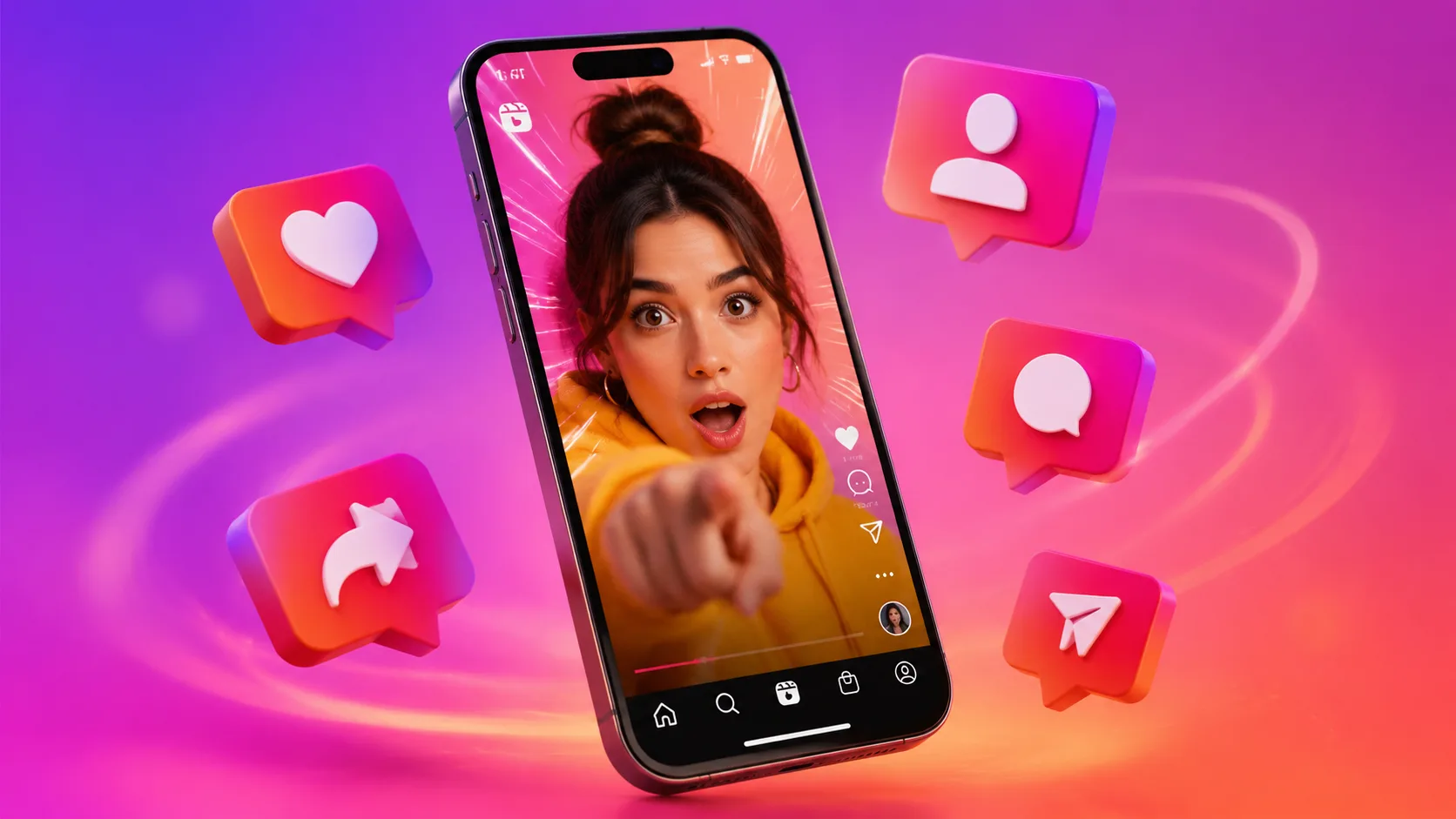
The first three seconds of an Instagram Reel determine whether viewers stay or scroll. AI video understanding helps you find the most arresting moments in your footage so every Reel opens with a hook that demands attention.
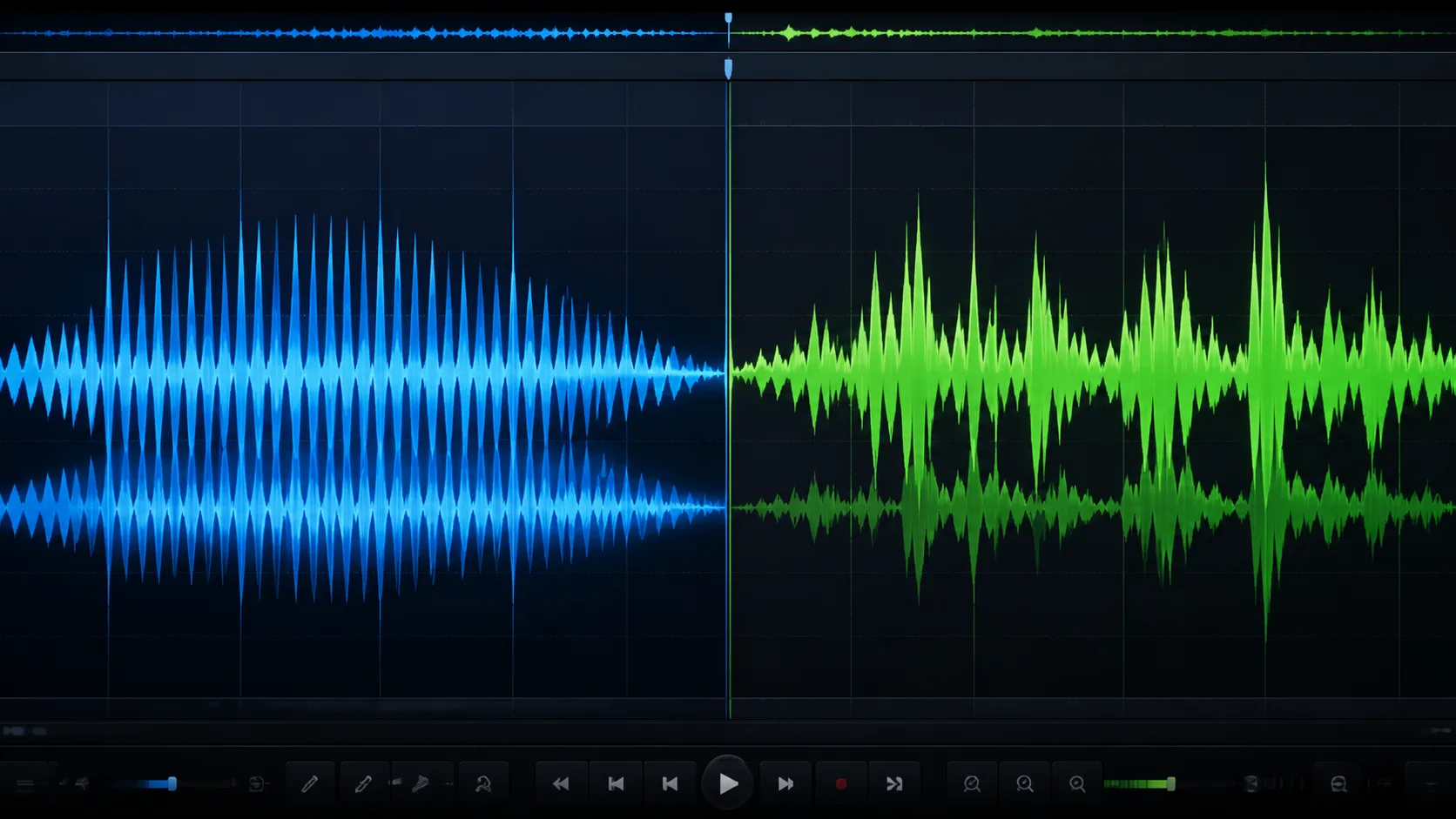
The gap between AI voiceover and human voiceover is narrowing, but realism is not just about audio quality. It is about emotional authenticity, contextual nuance, and whether the voice fits the content.
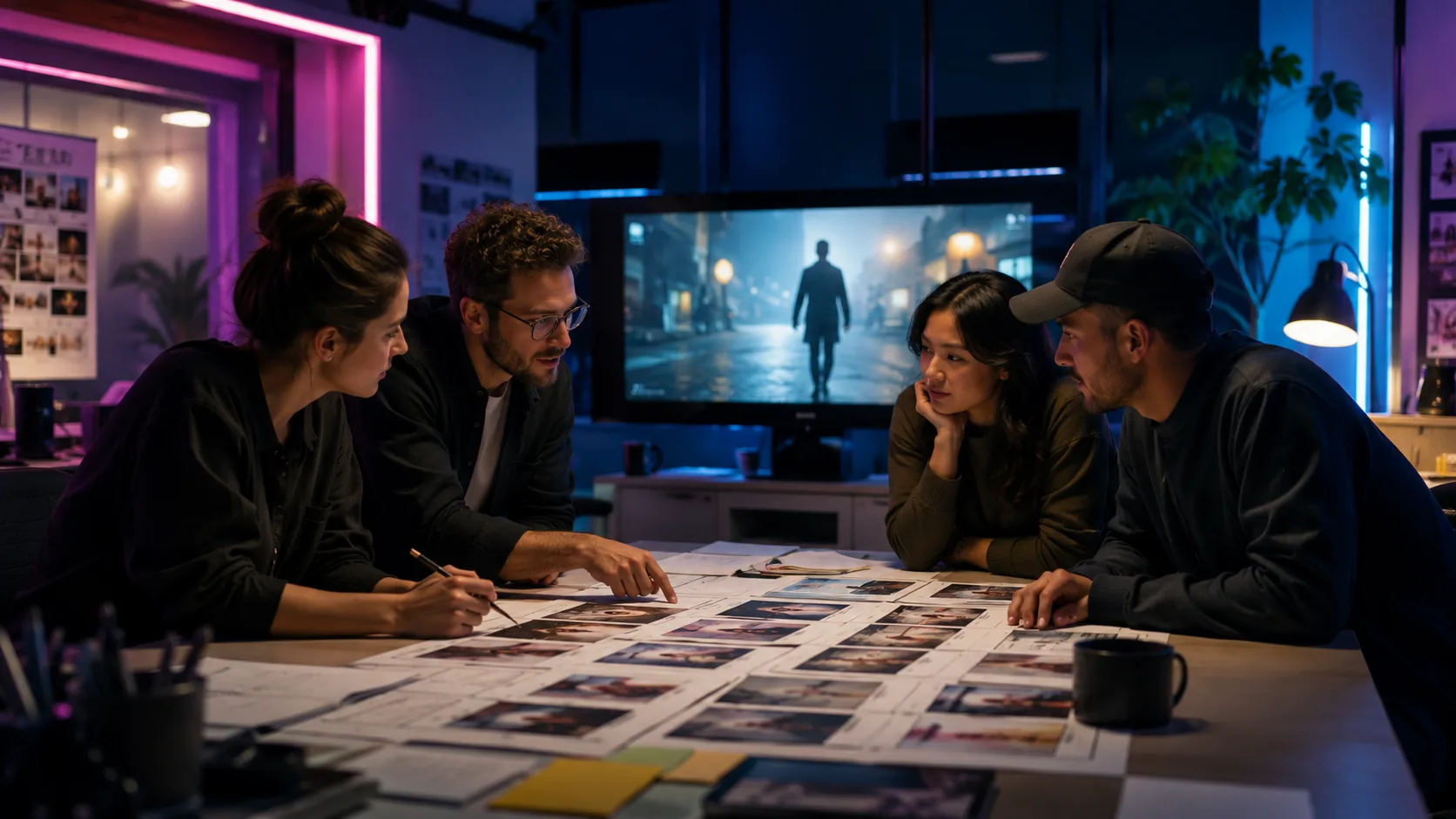
Writing a TV ad script is part creative, part technical. AI video understanding helps you test concepts against real footage, iterate faster, and build scripts that are grounded in what you can actually produce.
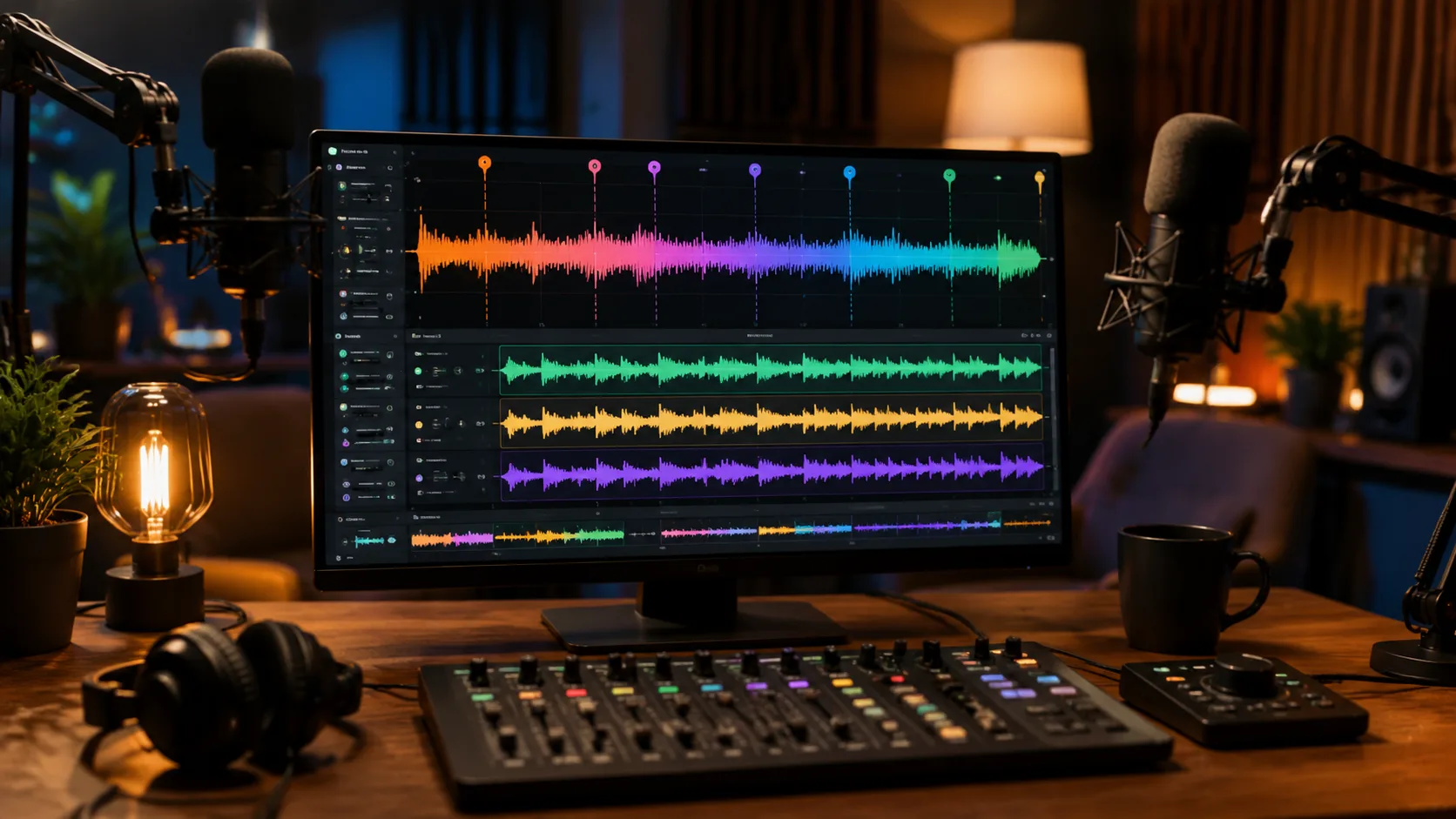
Podcast editing is repetitive: remove filler words, level audio, cut tangents, and export multiple formats. AI video understanding can automate the tedious parts so editors focus on content decisions, not mechanical tasks.
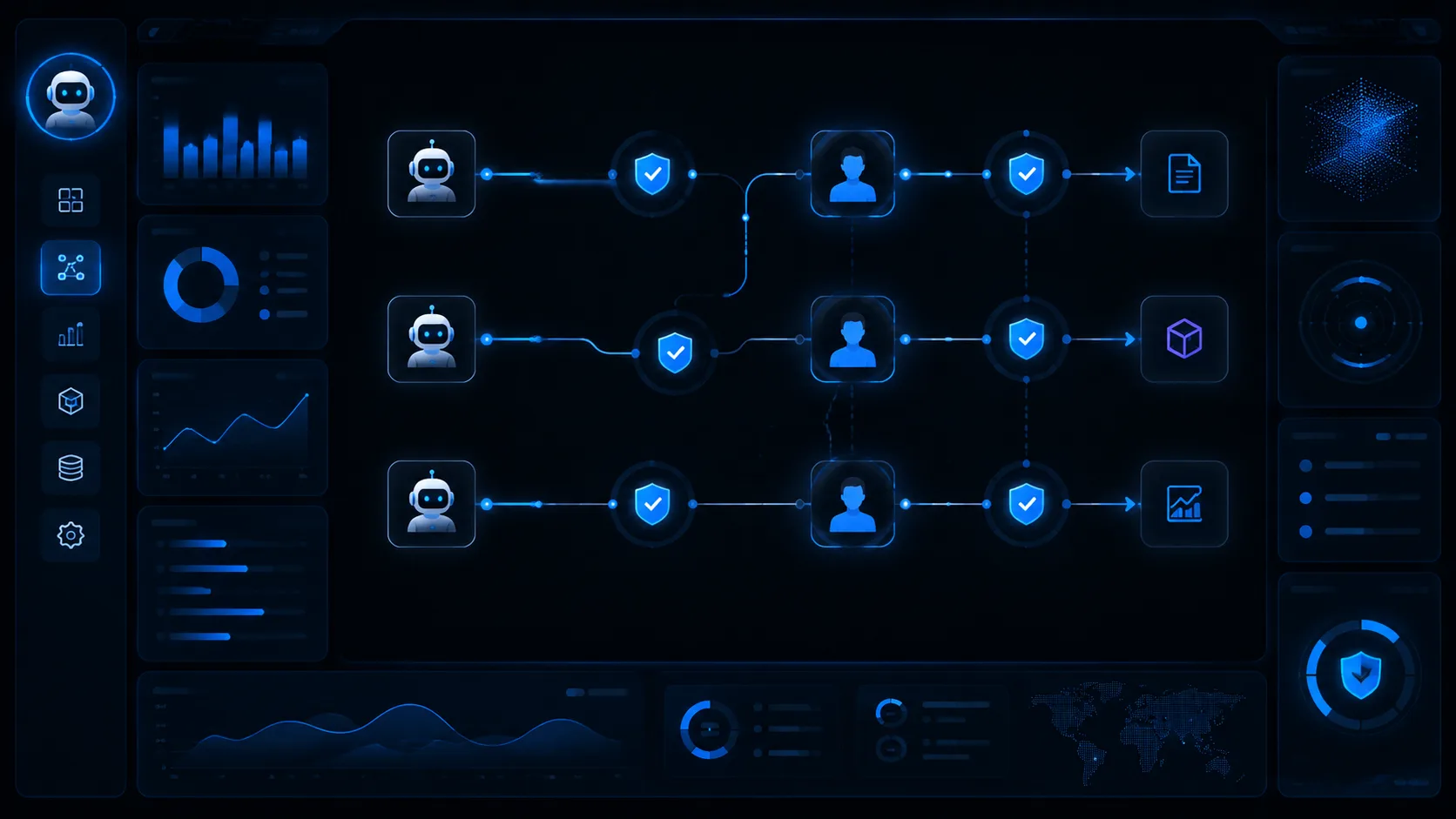
The latest research on AI agents shows they struggle with long, multi-step workflows. For video editing, this means human oversight is still essential. Here is how to use AI agents effectively without trusting them blindly.
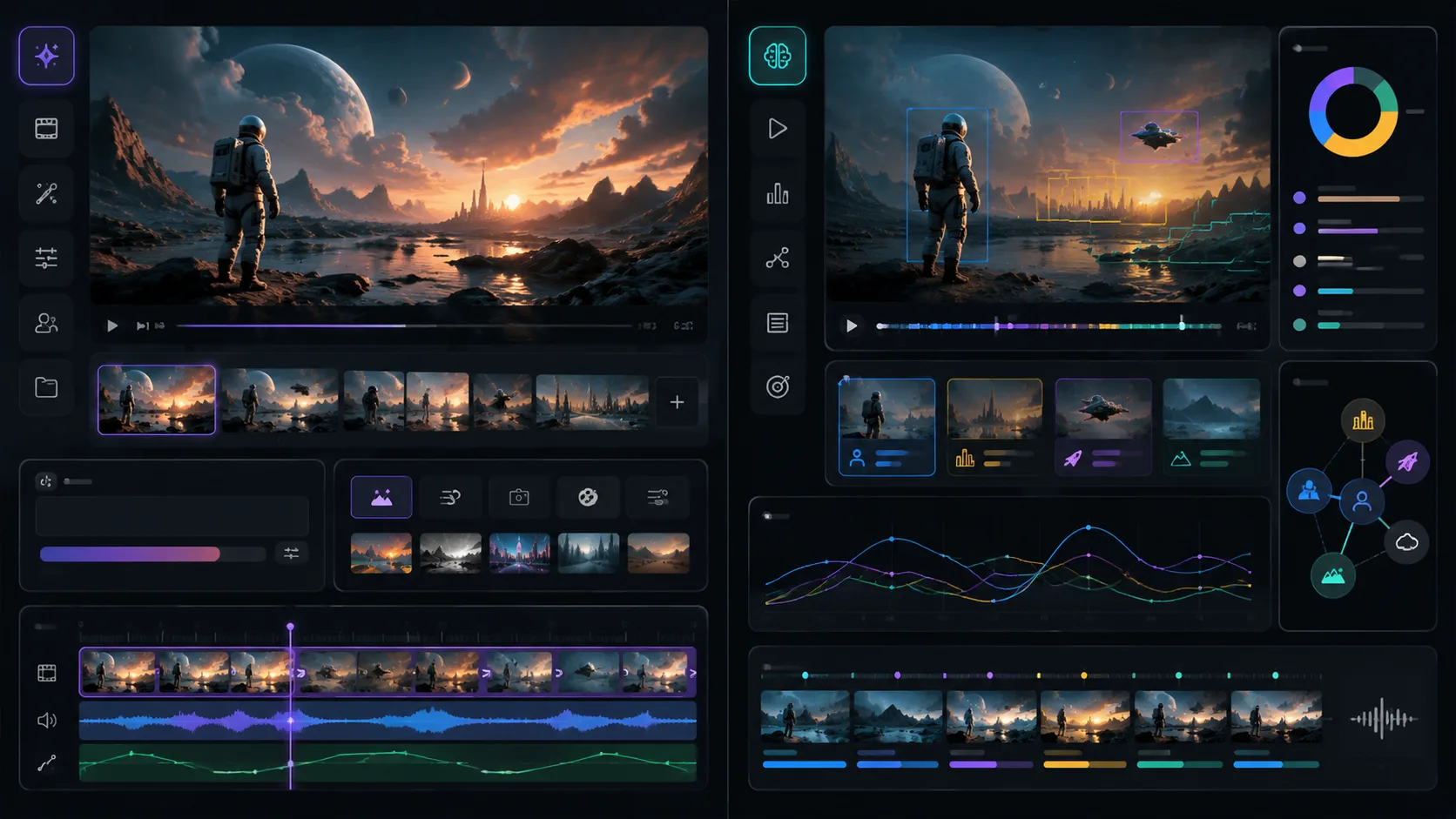
Google I/O 2026 showcased Gemini Omni for AI video generation. But generation is only half the picture. For teams with existing footage, video understanding tools like ClipMind solve a different problem: making sense of what you already have.
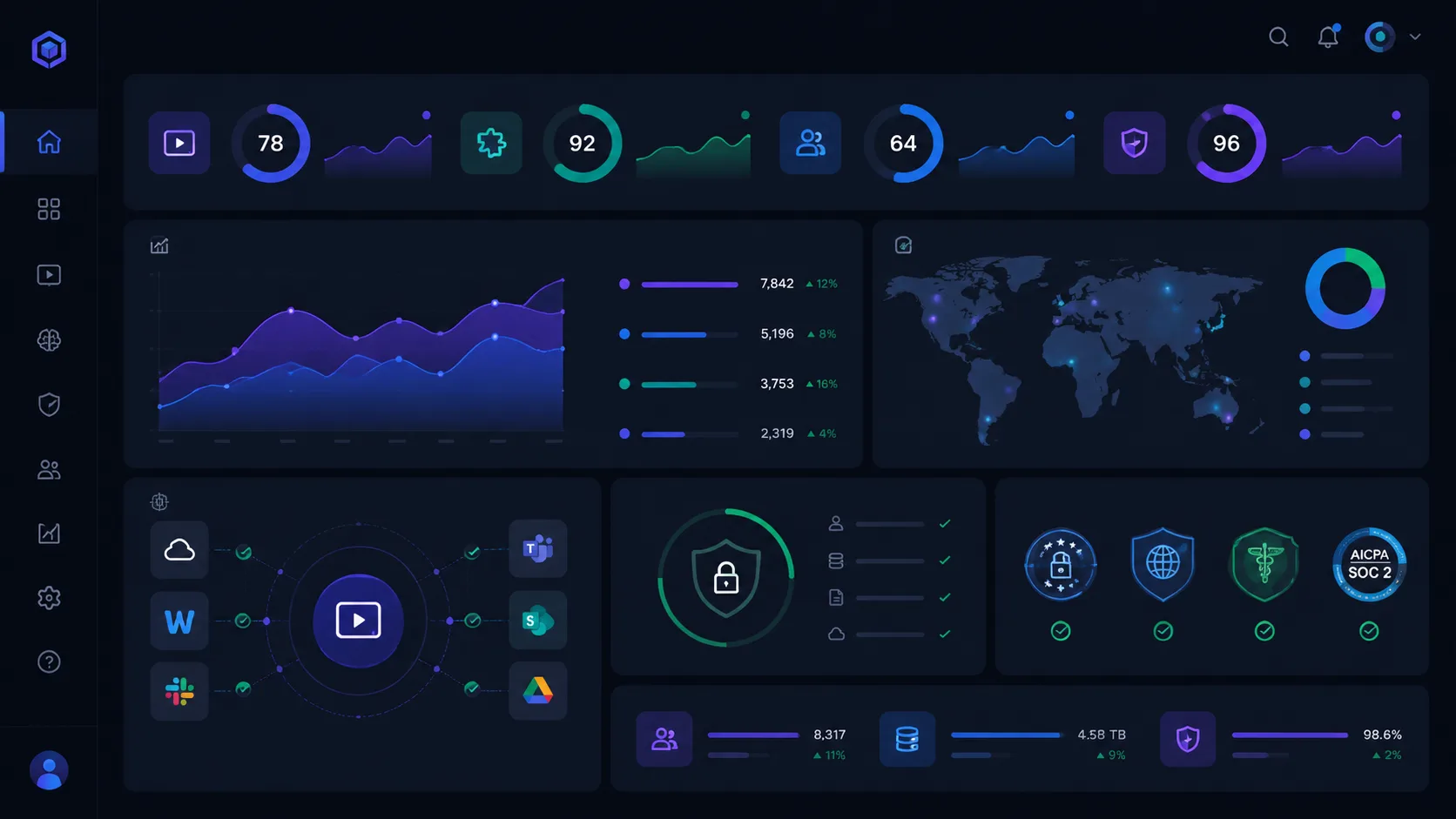
OpenAI and Anthropic are racing to help enterprises deploy AI. For video workflows, this means evaluating tools not just on features but on security, integration, and operational fit. Here is what enterprise teams should look for.

2026 is being called the year of agentic AI. But what does agentic actually mean for video editing? Here is how to apply the agent paradigm to real production workflows without falling for the hype.
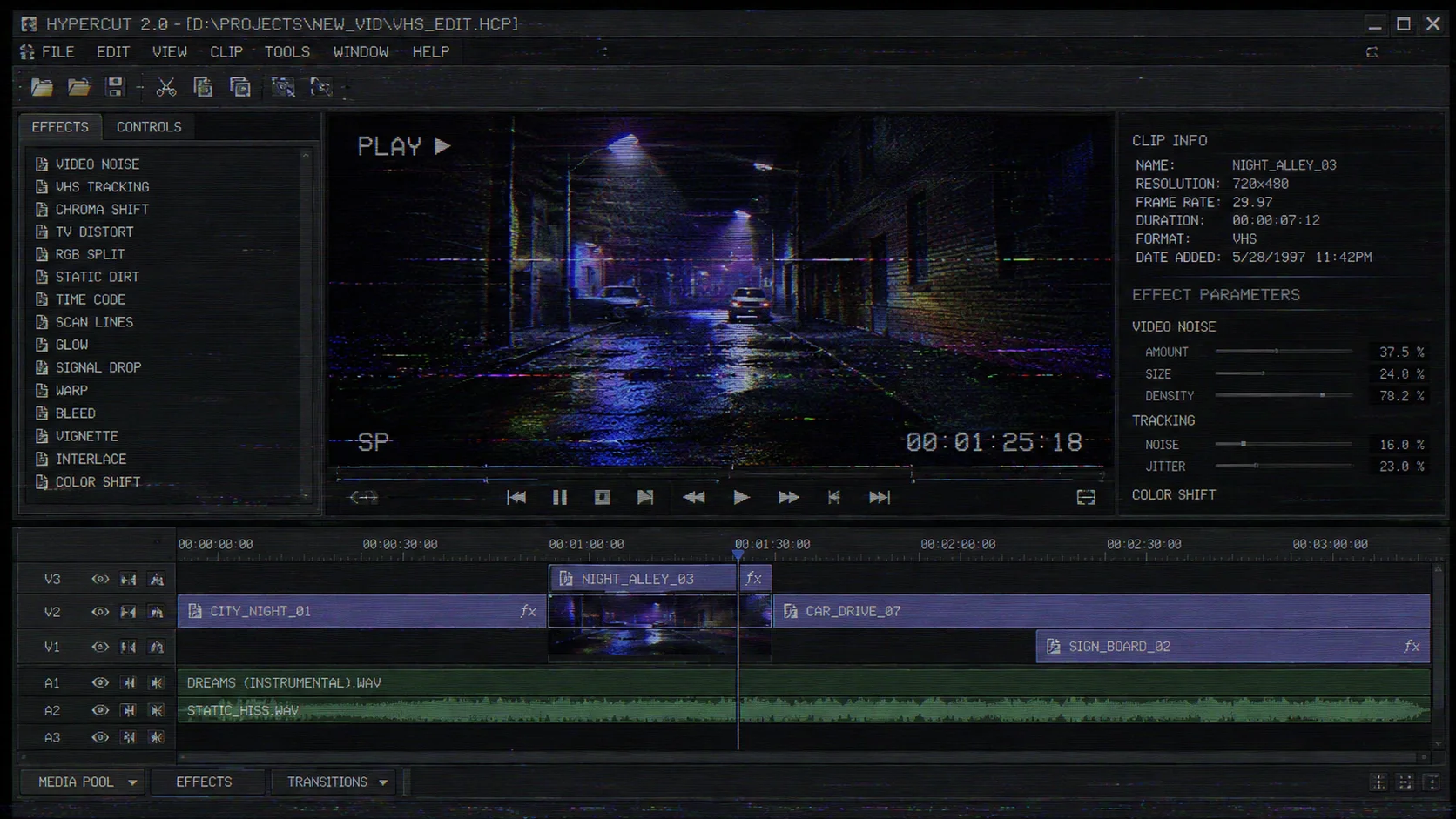
Learn how to add authentic VHS retro effects to your videos in Final Cut Pro, including scan lines, noise, color shift, and frame jitter for that nostalgic 90s aesthetic.
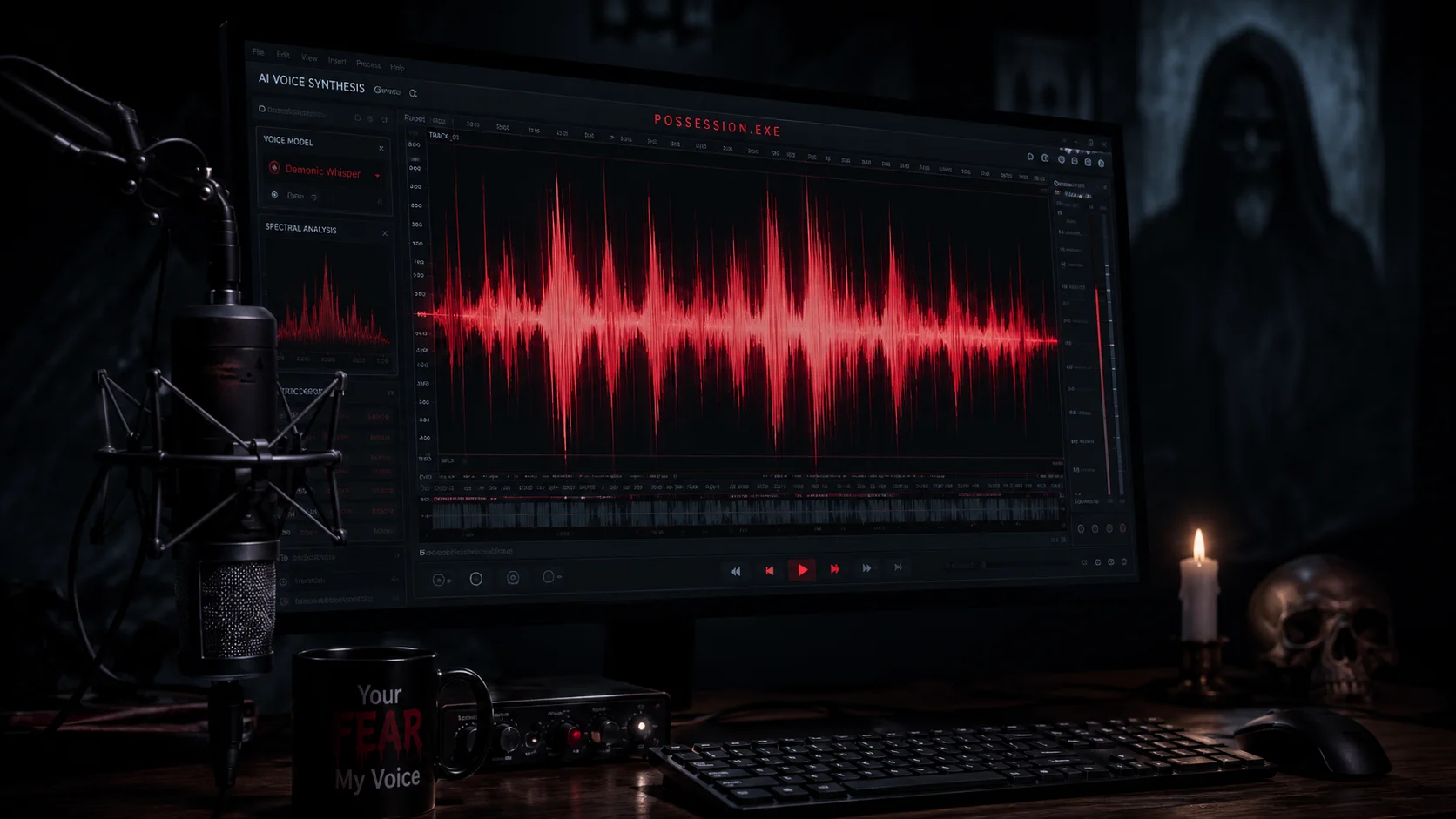
Explore how to use AI voice generators to create horror character-style voice effects, from sound characteristic analysis to practical application scenarios.
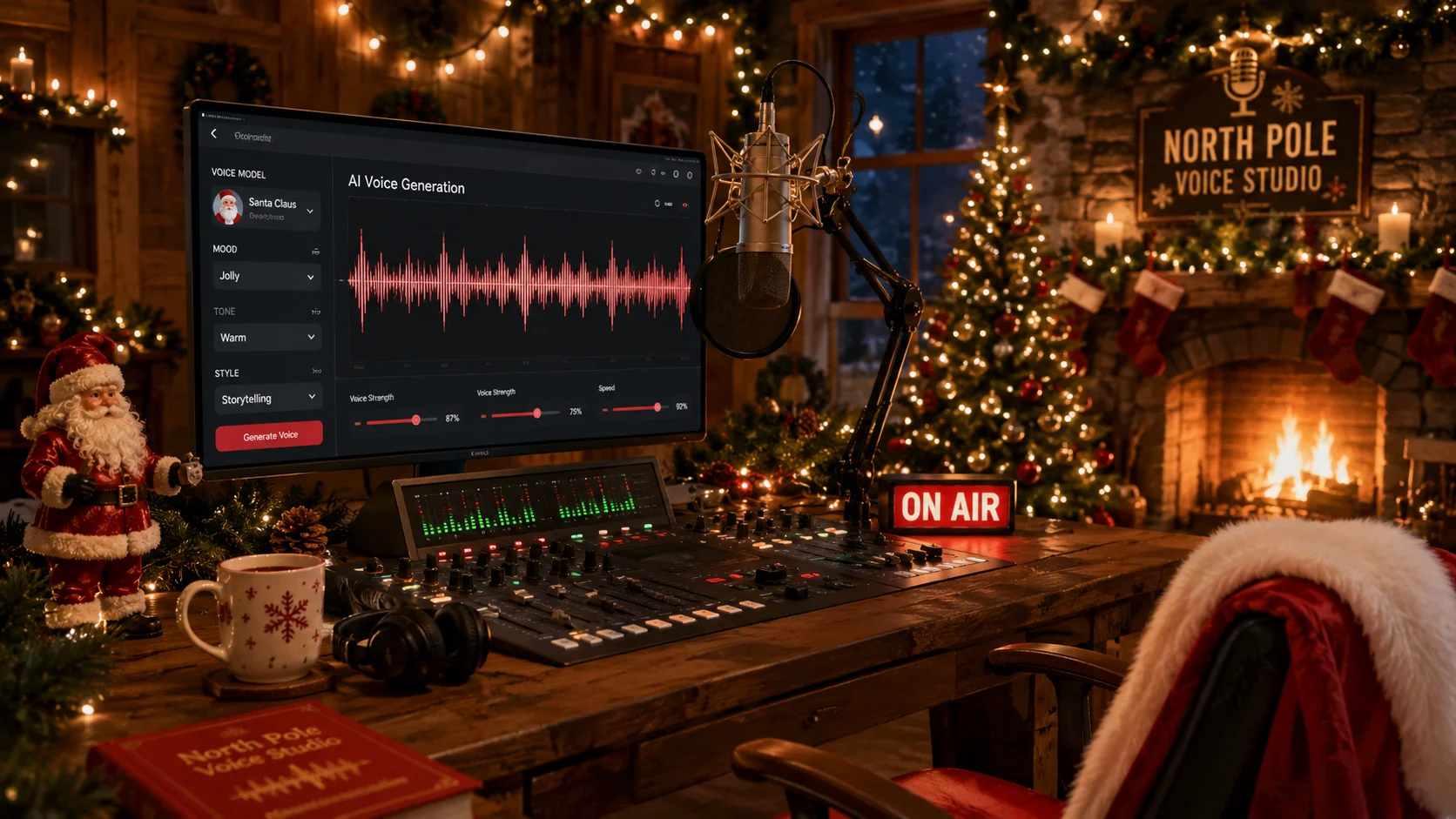
Learn how to use AI voice generation technology to create Santa Claus-style voices, adding magic to holiday videos, greetings, and marketing content.
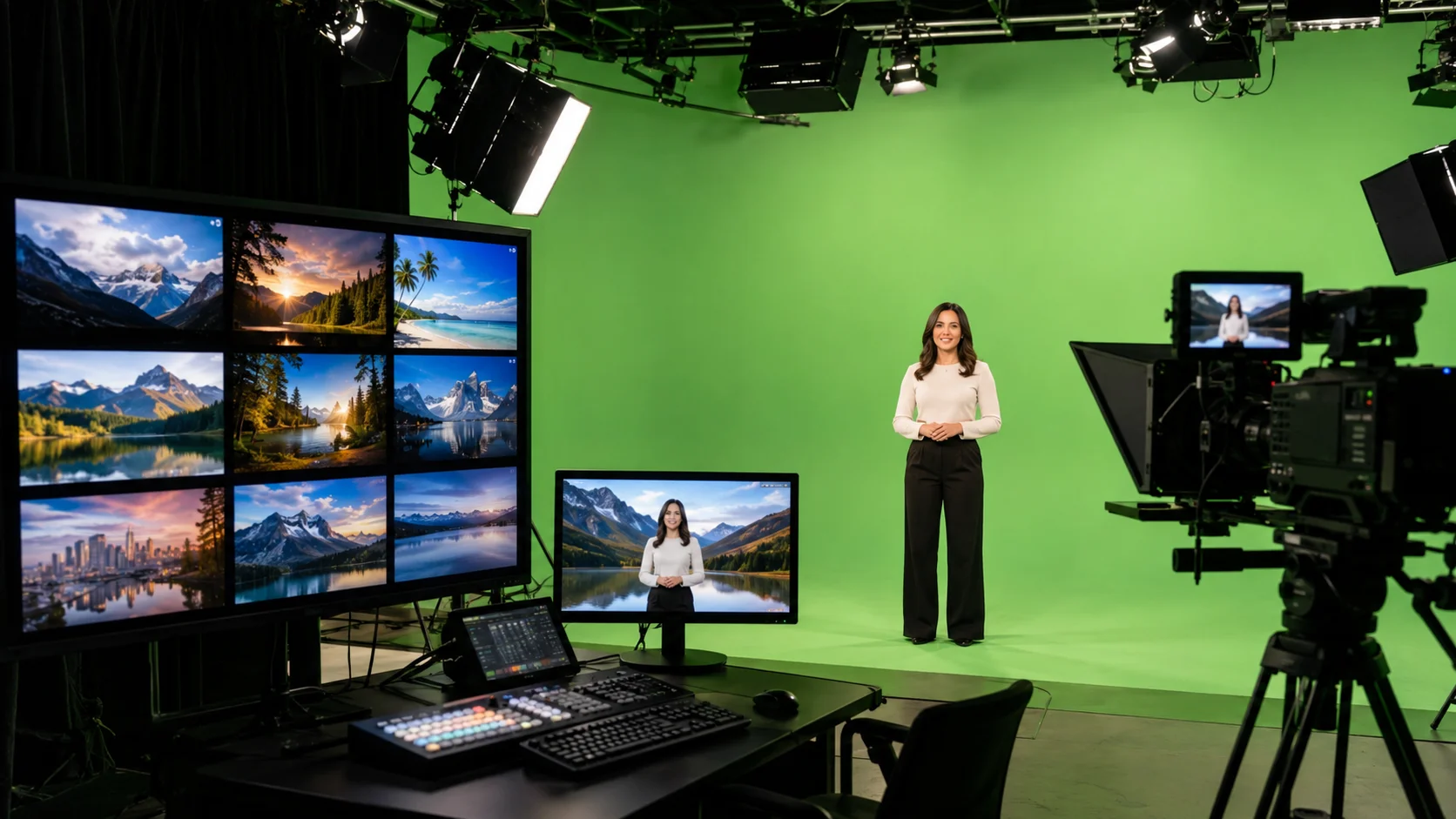
Explore the selection, creation, and application methods for scenery backdrops in video production, from physical backgrounds to digital virtual environments.
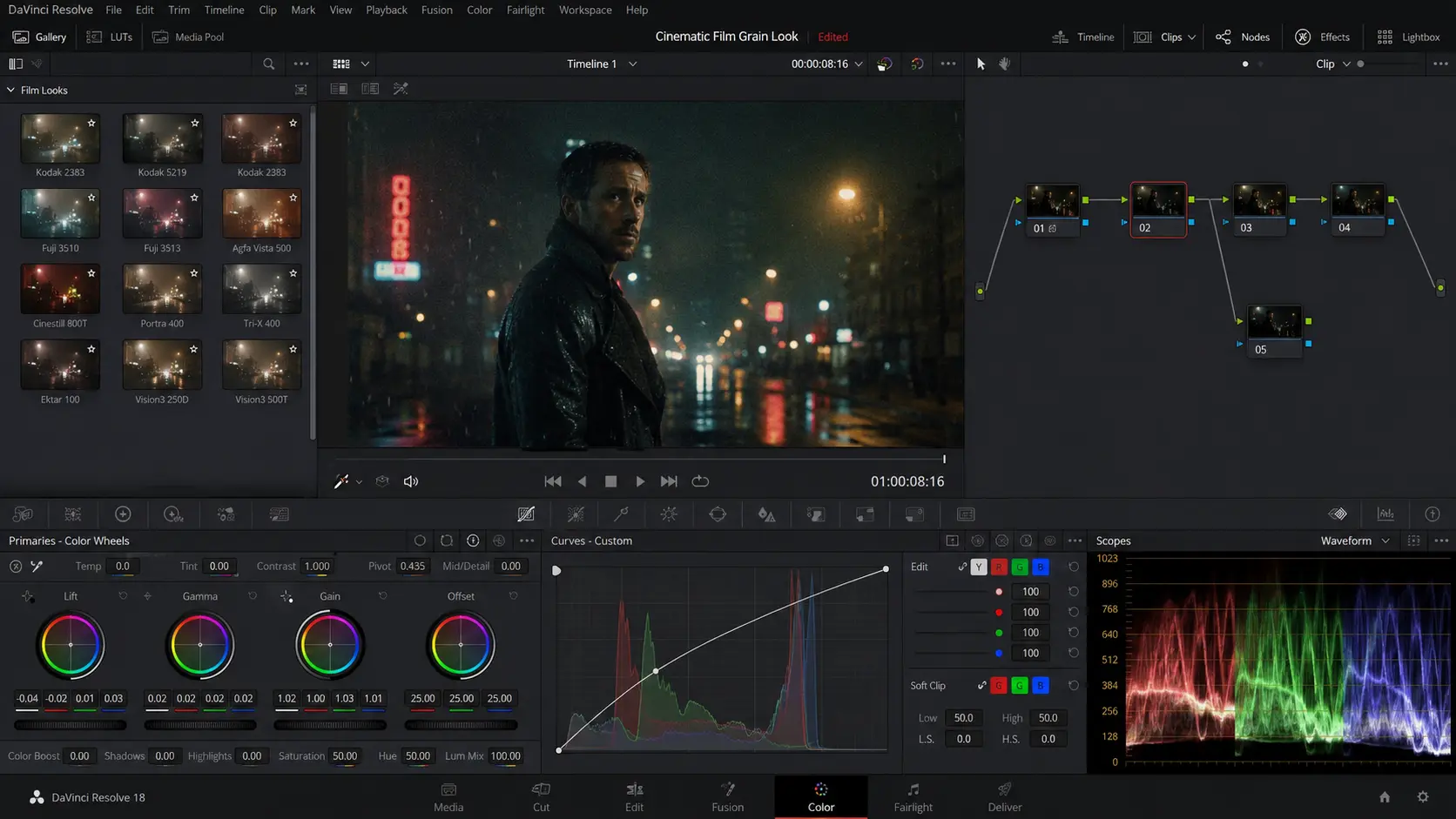
Learn how to add authentic film grain to your videos in DaVinci Resolve, from built-in methods to advanced techniques that create cinematic looks.
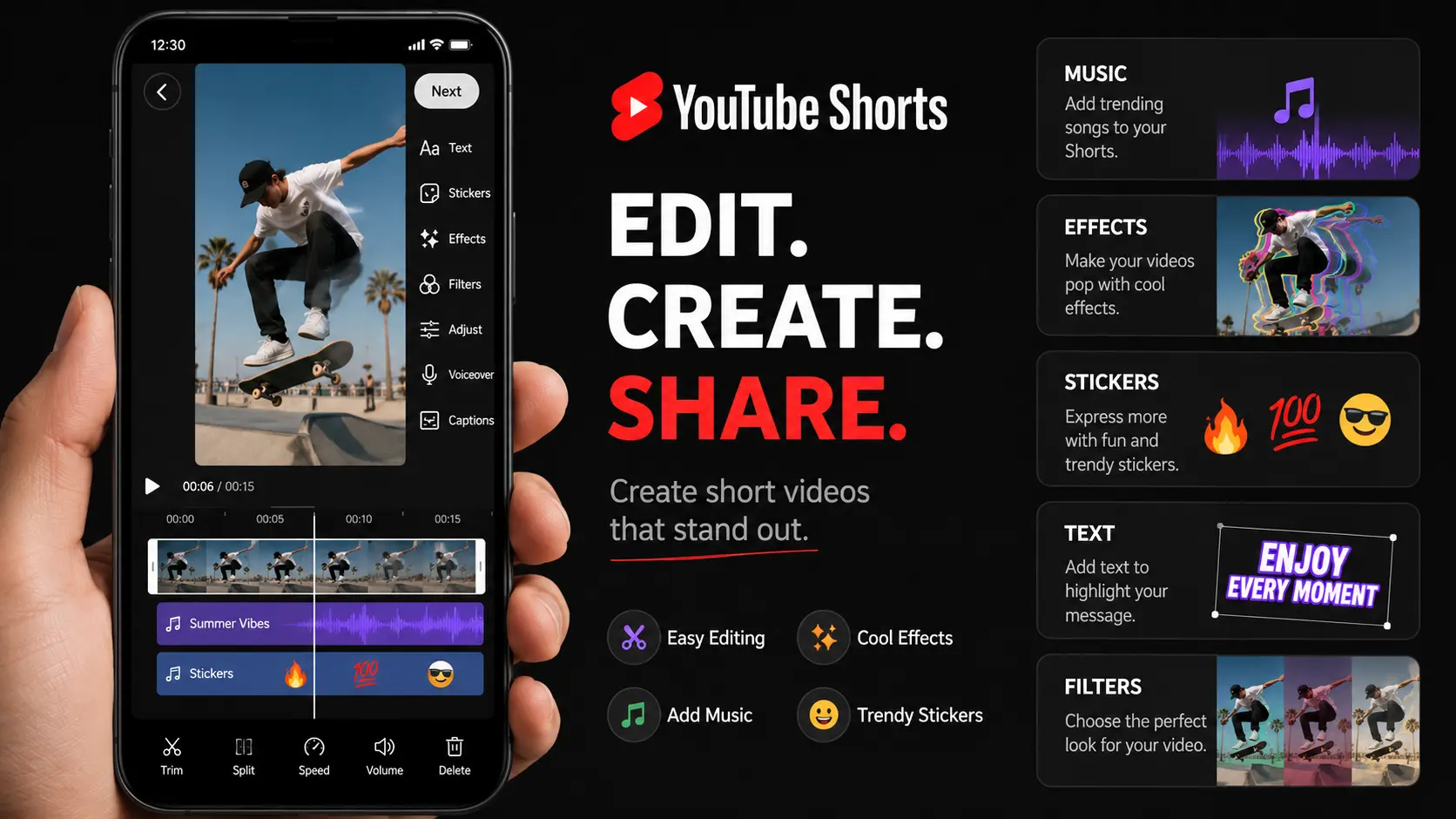
Learn how to download and edit YouTube Shorts effectively, from choosing the right tools to optimizing your short-form content workflow.
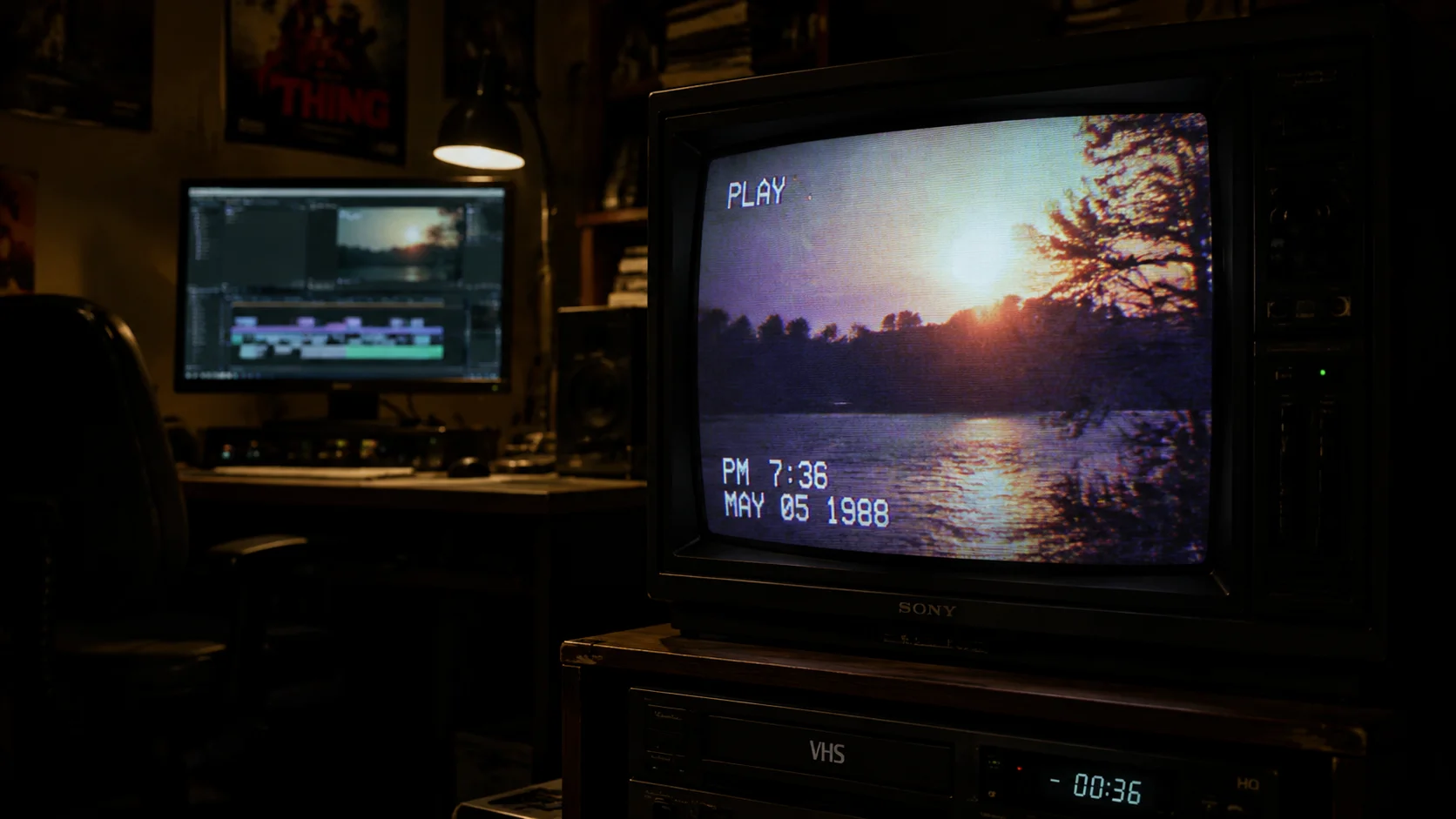
Learn how to create an authentic VHS effect in Final Cut Pro with step-by-step instructions covering color grading, noise, tracking lines, and audio distortion for a retro look.
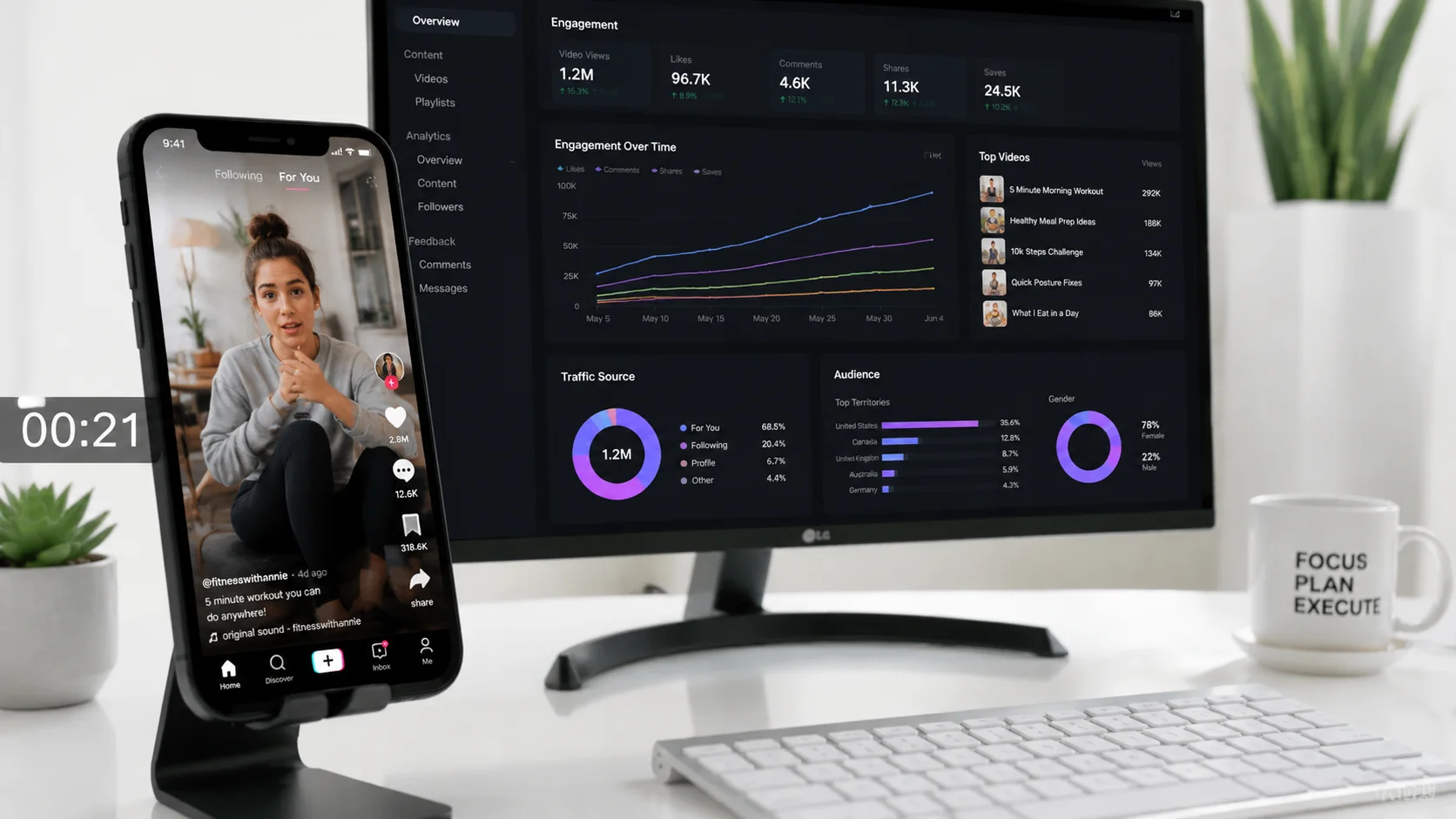
Discover the ideal TikTok video length for maximum engagement, views, and algorithm performance. Includes data-backed recommendations for every content category.
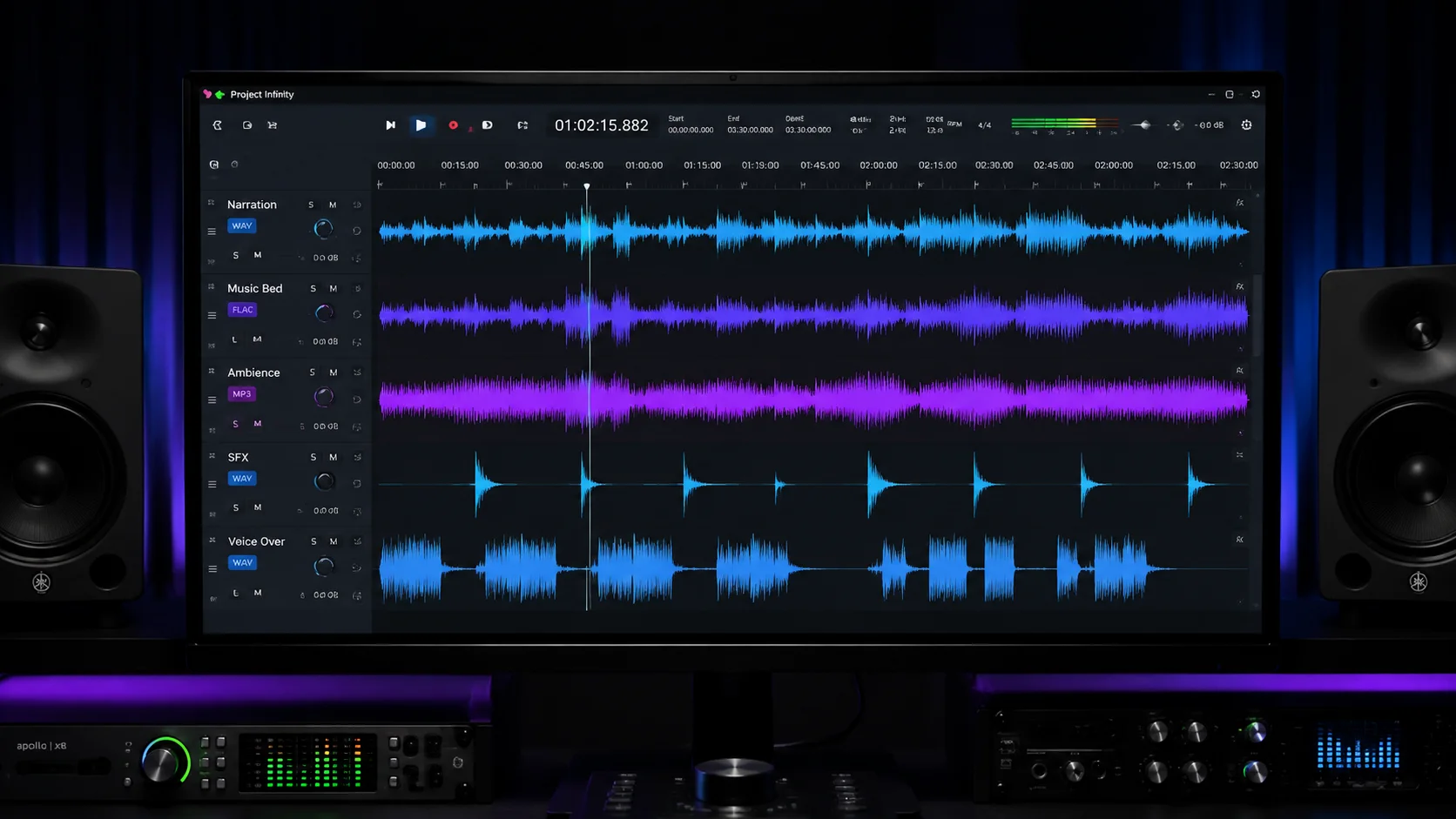
Find the best audio format for DaVinci Resolve editing and export. Covers WAV, AIFF, AAC, MP3, and sample rate recommendations for professional workflows.
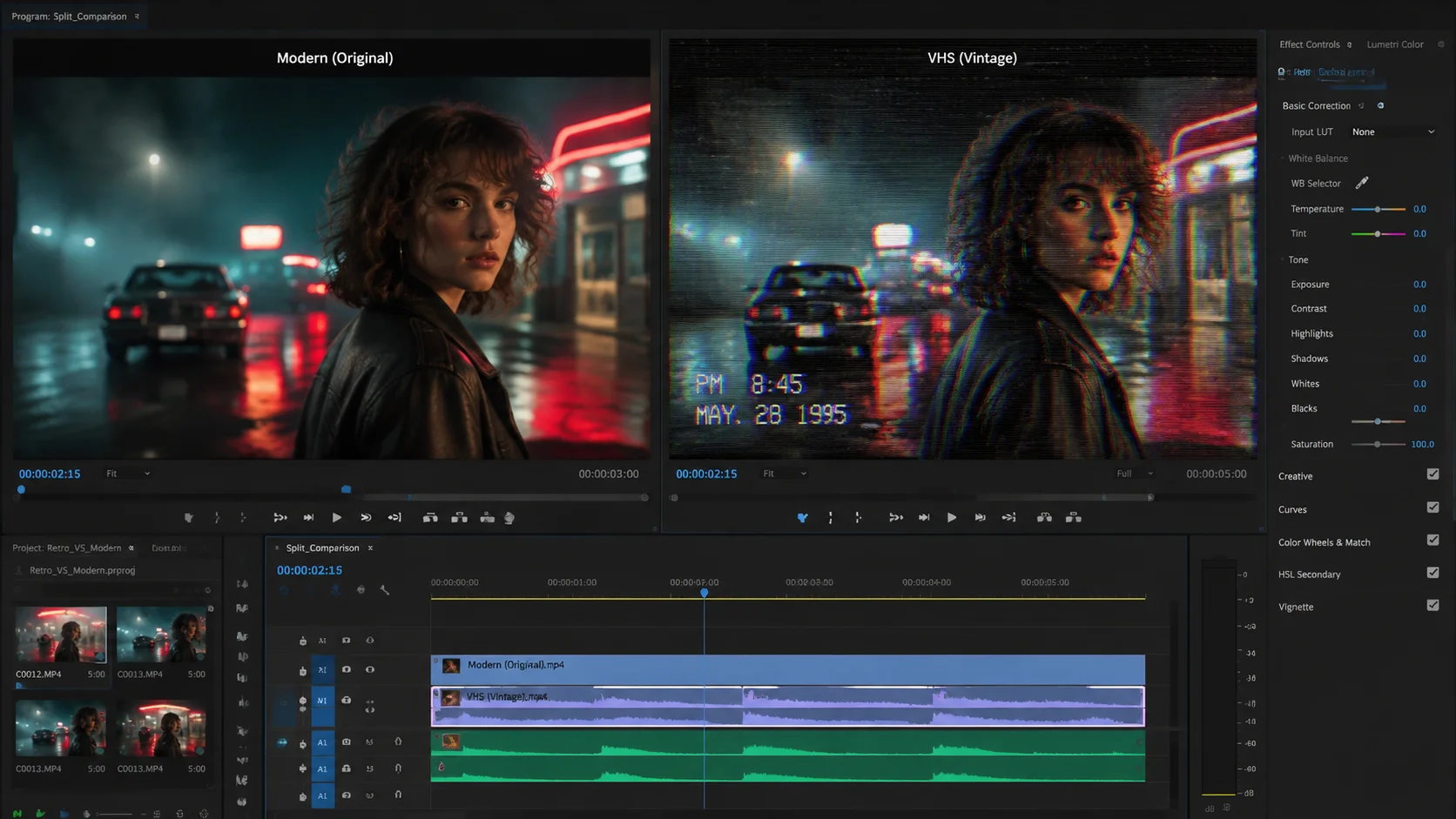
A detailed tutorial on creating an authentic VHS look in Final Cut Pro using color grading, overlays, distortion effects, and audio processing techniques.
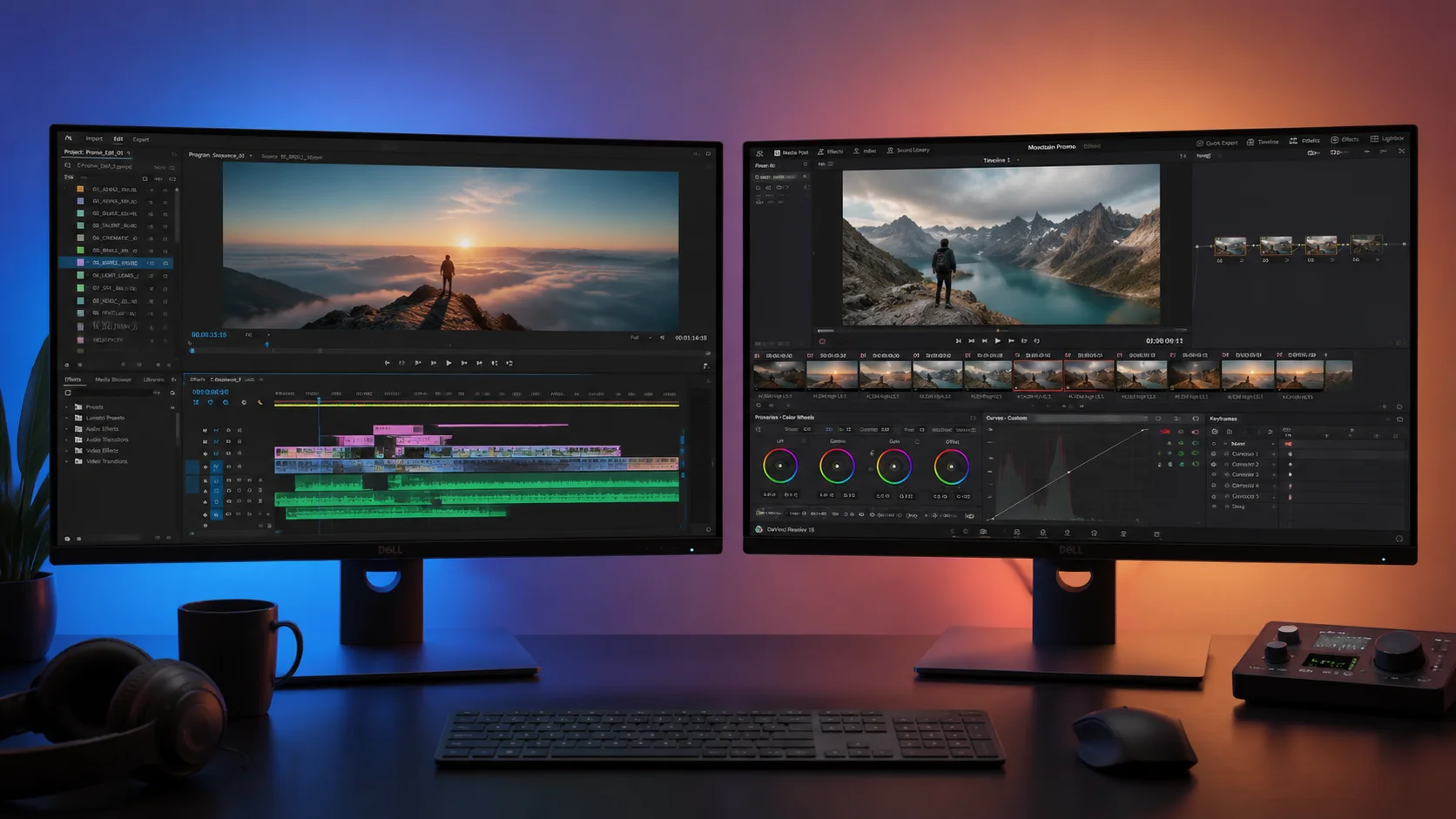
A detailed comparison of CapCut and Descript covering features, pricing, ease of use, AI capabilities, and ideal use cases for creators and teams.
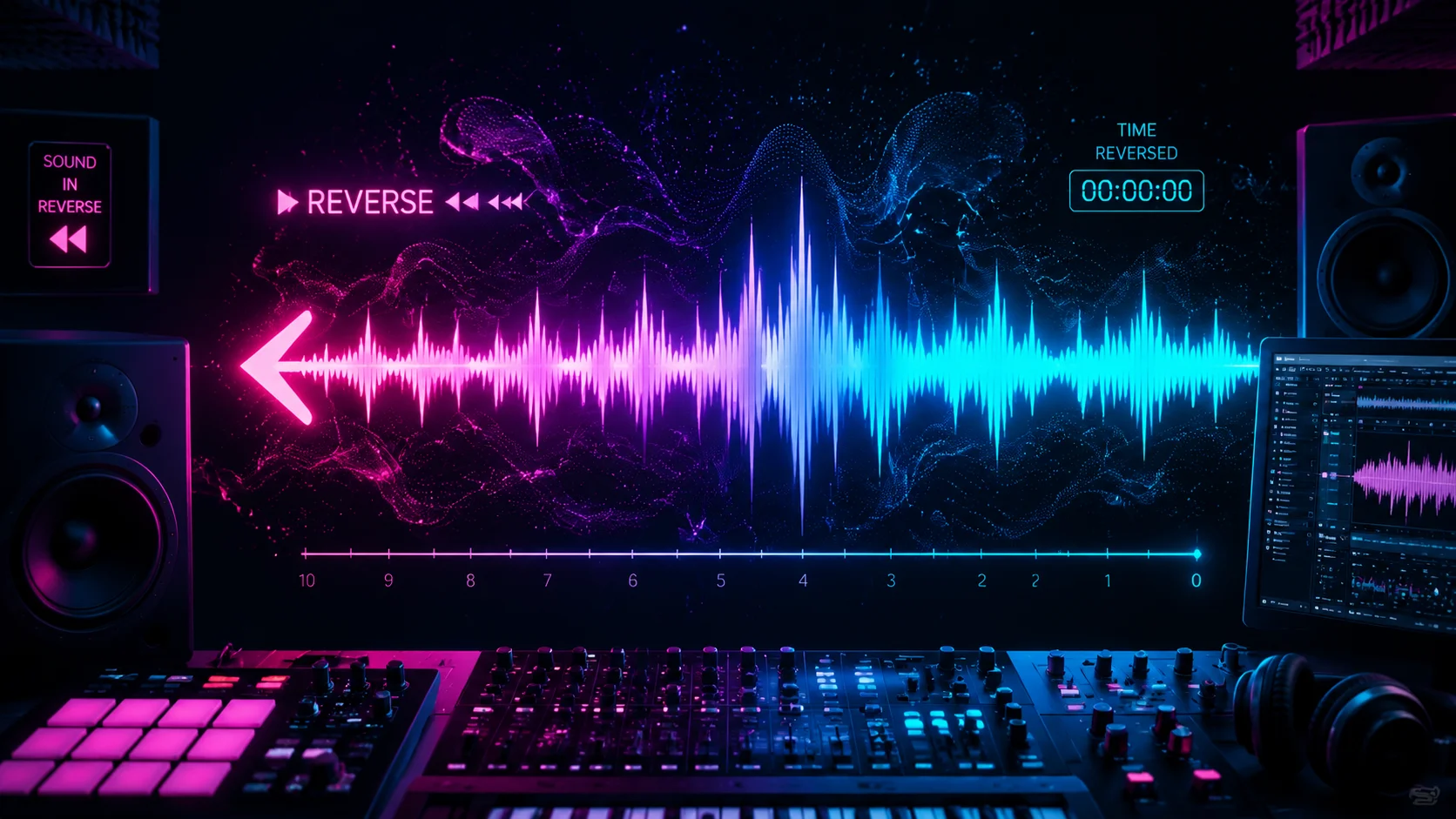
Learn how to reverse audio and create backwards audio effects for transitions, intros, and creative sound design in any video editing software.
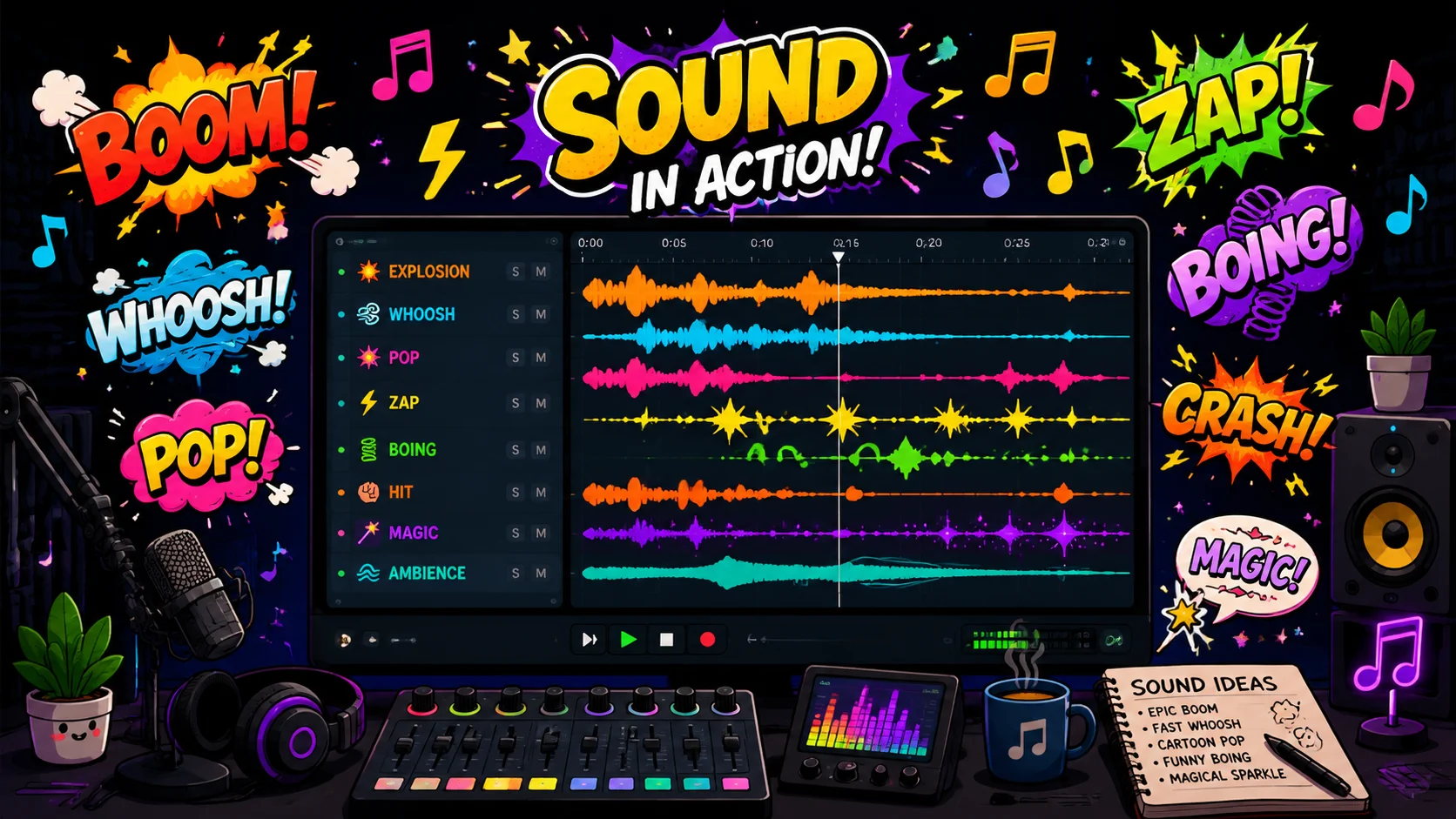
A comprehensive guide to cartoon sound effects for video production, covering where to find free and premium packs, how to use them effectively, and tips for creating your own.
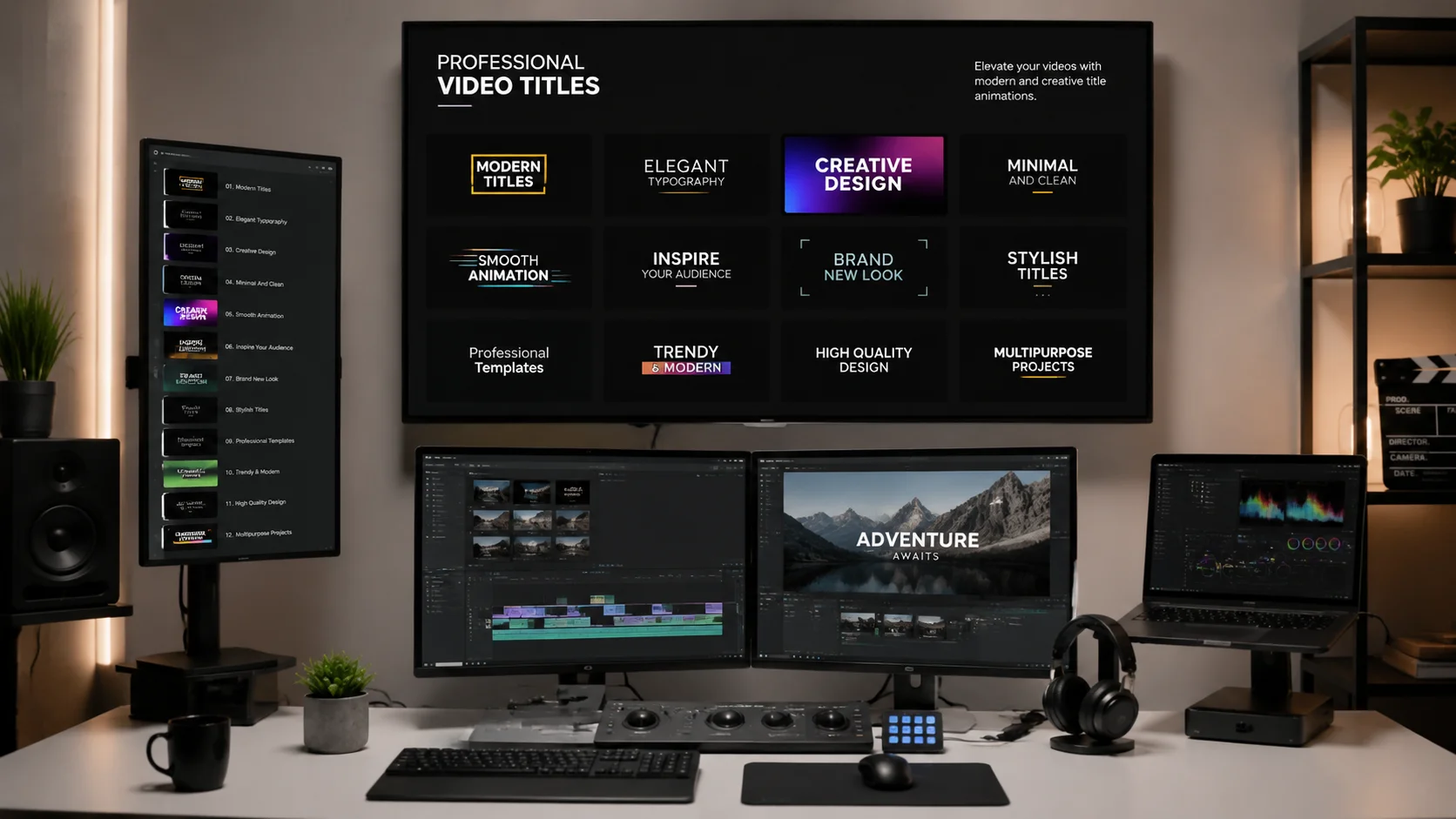
Discover the best title templates for Final Cut Pro including free built-in options, premium third-party packs, and tips for customizing titles to match your brand.

Explore the best AI-powered video generators that support Arabic language content creation, including text-to-video, subtitle generation, and voiceover tools.

Discover the best free design tools for creating stunning Instagram posts, stories, and carousels. Includes Canva, Adobe Express, Figma, and more with practical tips.
Learn multiple methods to add realistic film grain in DaVinci Resolve, from built-in effects to overlay techniques that elevate your cinematic look.
Find out the optimal number of hashtags for YouTube Shorts based on platform behavior, creator data, and discoverability strategies.
Get the exact image dimensions for Twitter/X posts, headers, stories, and ads. Learn how to resize photos without losing quality.
Learn how to design a professional artist signature for paintings, digital art, photography, and video content that reinforces your brand identity.
Discover how AI voice generators create convincing old man voices for narration, animation, games, and video content.
Learn how to use censor text generators to redact sensitive information in screenshots, documents, and video content effectively.
Compare the highest-reviewed AI picture extender tools that expand images beyond their original borders using generative AI.
Looking for a StreamLadder alternative? Compare the best tools for creating stream clips, highlights, and social media content from your live streams.
Learn how AI image generators can create beautiful Studio Ghibli-inspired artwork, from character designs to dreamy landscapes.
Discover how AI selfie maker tools transform ordinary photos into professional headshots, artistic portraits, and stylized self-portraits.
Learn how to add realistic film grain in DaVinci Resolve using the built-in Film Grain OFX plugin, custom overlays, and grain settings for 1080p and 4K footage.
Discover how to use grain in DaVinci Resolve to achieve a cinematic look, including Texture pop-out controls, noise reduction balance, blending modes, and creative workflow tips.
Learn how to use AI voice generators to create authentic FNAF character voices for Freddy, Bonnie, Chica, Foxy, and Golden Freddy for fan content, mods, and creative projects.

Discover 15+ proven hook templates and strategies for Instagram Reels that stop the scroll, boost watch time, and increase engagement in the critical first 3 seconds.
Discover the optimal TikTok video length for every niche in 2026. Learn how the algorithm rewards retention, compare short vs long form, and get editing tips for tighter pacing.
Learn how to design effective magazine ads for print and digital in 2026. Covers bleed, trim, safe zones, resolution, CMYK vs RGB, typography, layout principles, and AI-powered ad creation tools.
Learn how to create an authentic VHS retro effect in Final Cut Pro using built-in effects, third-party plugins, color grading, tracking distortion, and audio degradation. Includes AI-powered alternatives.
Learn how to create realistic animated flag effects using CSS, After Effects, 3D cloth simulation, and AI-powered tools like ClipMind for videos, presentations, and events.
Discover how to generate the iconic Ghostface voice from Scream using AI voice tools, pitch shifting, and distortion techniques for Halloween content, fan films, and creative projects.
Master the art of writing effective TV commercial scripts with proven templates, formatting conventions, storytelling structures, and AI-powered drafting tools for ads that drive results.

Discover the top AI-powered UGC video editors that help marketing agencies scale content production, reduce turnaround time, and maintain brand consistency across campaigns.

Explore the most impactful AI features that can transform amateur UGC footage into professional-quality video content, from auto color grading to intelligent noise reduction.

Find the best UGC video makers optimized for YouTube Shorts creation, with features like vertical editing, auto-captioning, hook templates, and AI-powered content suggestions.

Discover the best software for creating UGC-style videos at live events including conferences, concerts, and trade shows, with real-time editing and instant sharing capabilities.

A detailed comparison of AI-generated video and traditional NLE editing, covering speed, creative control, cost, quality, and how hybrid workflows combine the best of both.

Learn how to match voiceover style to your video genre, audience, and brand identity, from epic cinematic narration to conversational AI-generated voices.

Everything you need to know about using green cloth for chroma key video production, from material selection and lighting to camera settings and post-production keying.

A curated list of the best free design tools for creating professional Instagram posts, carousels, Reels covers, and Stories in 2025.

Learn how to use AI voice tools to create distinctive character voices for cartoon and animation projects with practical customization tips.

Master beat cut editing for music videos, Reels, and TikToks with BPM detection, waveform analysis, and AI-assisted beat synchronization.

Create compelling B2B case study videos with proven script structures, interview techniques, data visualization, and editing templates.

Detailed comparison of CapCut and other video editors covering interface, features, export quality, AI capabilities, pricing, and best use cases.
Learn how to generate K-Pop style vocals using AI voice generators, voice cloning tools, and text-to-speech platforms for music production, fan content, and creative covers.
Discover how to generate Sonic the Hedgehog character voices using AI tools, voice cloning, and text-to-speech platforms for fan animations, memes, and creative content.
Generate Overwatch hero voice lines using AI tools. Learn how to create Tracer, Reinhardt, Mercy, Genji and other character voices for fan content, memes, and creative videos.
Learn how to generate Animal Crossing villager speech sounds and voices using AI tools for fan animations, memes, and creative Nintendo-inspired content.
Generate the iconic Darth Vader voice using AI tools, voice changers, and text-to-speech platforms for Star Wars fan content, parodies, and creative projects.
Learn how to generate Fluttershy from My Little Pony text-to-speech voices using AI tools for fan animations, voiceovers, and creative MLP content.
Learn how to create Freddy Fazbear and FNAF animatronic voices using AI tools for horror content, fan games, and creative Five Nights at Freddy's projects.
Discover how to generate Team Fortress 2 character voices using AI tools. Create Scout, Heavy, Spy, and other TF2 mercenary voice lines for fan content and gaming videos.

Discover the best free scene packs for video editing, how to use them in your projects, and how AI video editors like ClipMind can help you organize and assemble scene packs into finished videos faster.

Learn how to remove text, subtitles, watermarks, and captions from videos online for free using AI-powered tools and smart editing techniques.

Learn how AI video background removers work, the best free and paid tools to remove backgrounds from video without a green screen, and how to integrate background removal into your editing workflow.

How long should a wedding video be? Learn about wedding video lengths by style, how AI video editing speeds up wedding video production, and tips for creating cinematic wedding films.

How to produce corporate videos, training content, and business marketing videos at scale using AI video production tools. Learn workflows for internal comms, product demos, and brand storytelling.

Learn how to create supercut videos from screen recordings using AI editing tools. Perfect for tutorial creators, gamers, and software reviewers who need to condense hours of screen capture into compelling highlights.

A complete guide on how to rotate video clips online and in editing software. Fix sideways videos, convert portrait to landscape, and use AI tools for smart rotation and reframing.

Explore how augmented reality is transforming video editing. Learn about AR video tools, overlays, filters, and how AI simplifies AR content creation for creators and marketers.
AI-powered transcription and auto-captioning transform raw video dialogue into accurate text. Learn how ASR with speaker diarization creates captions, transcripts, and metadata that improve accessibility, SEO, and audience engagement.
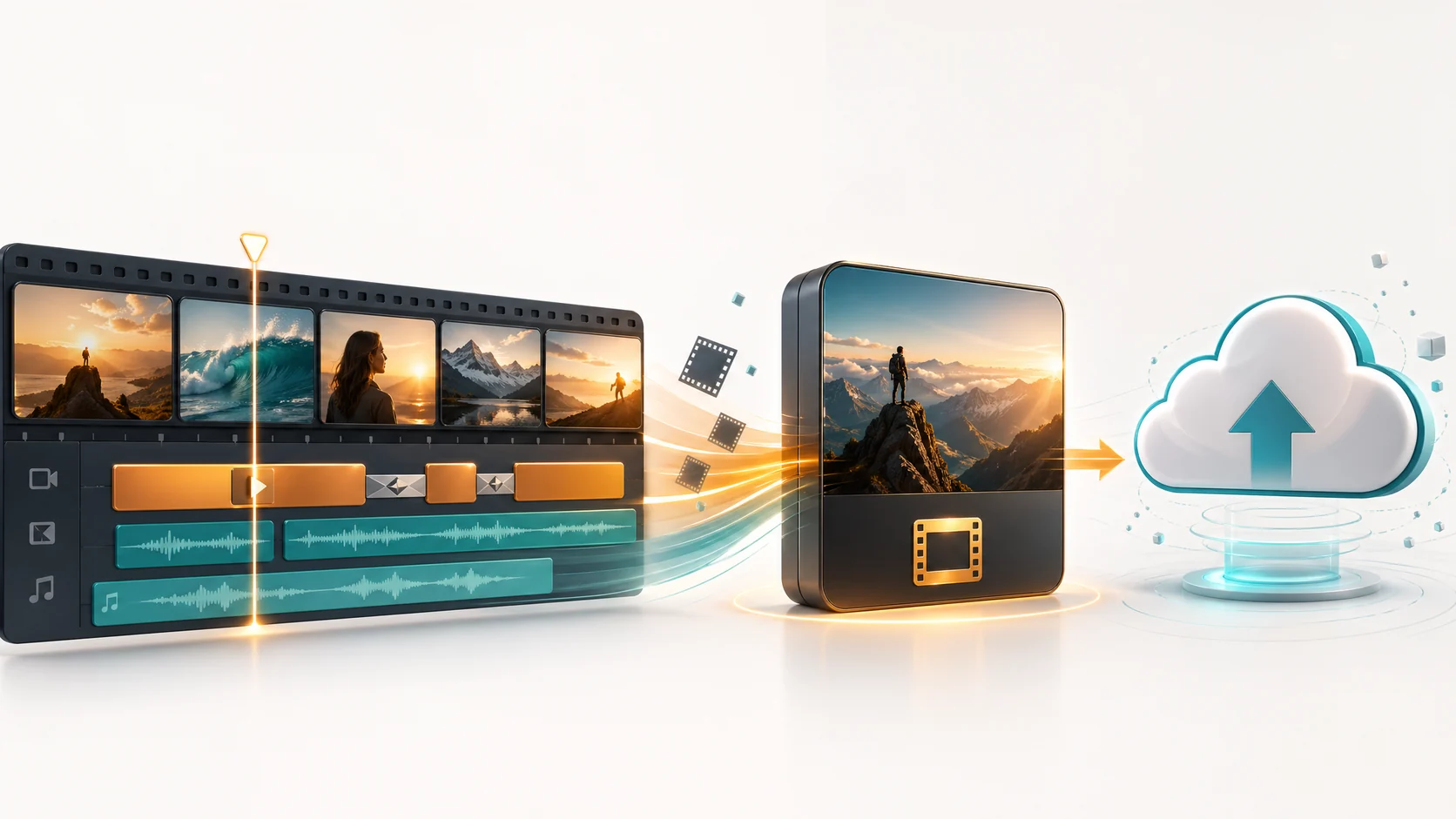
Turn long-form videos into high-performing shorts, reels, and TikToks. Learn how AI video understanding automatically identifies the best clips, adds captions, and reformats content for every social platform.
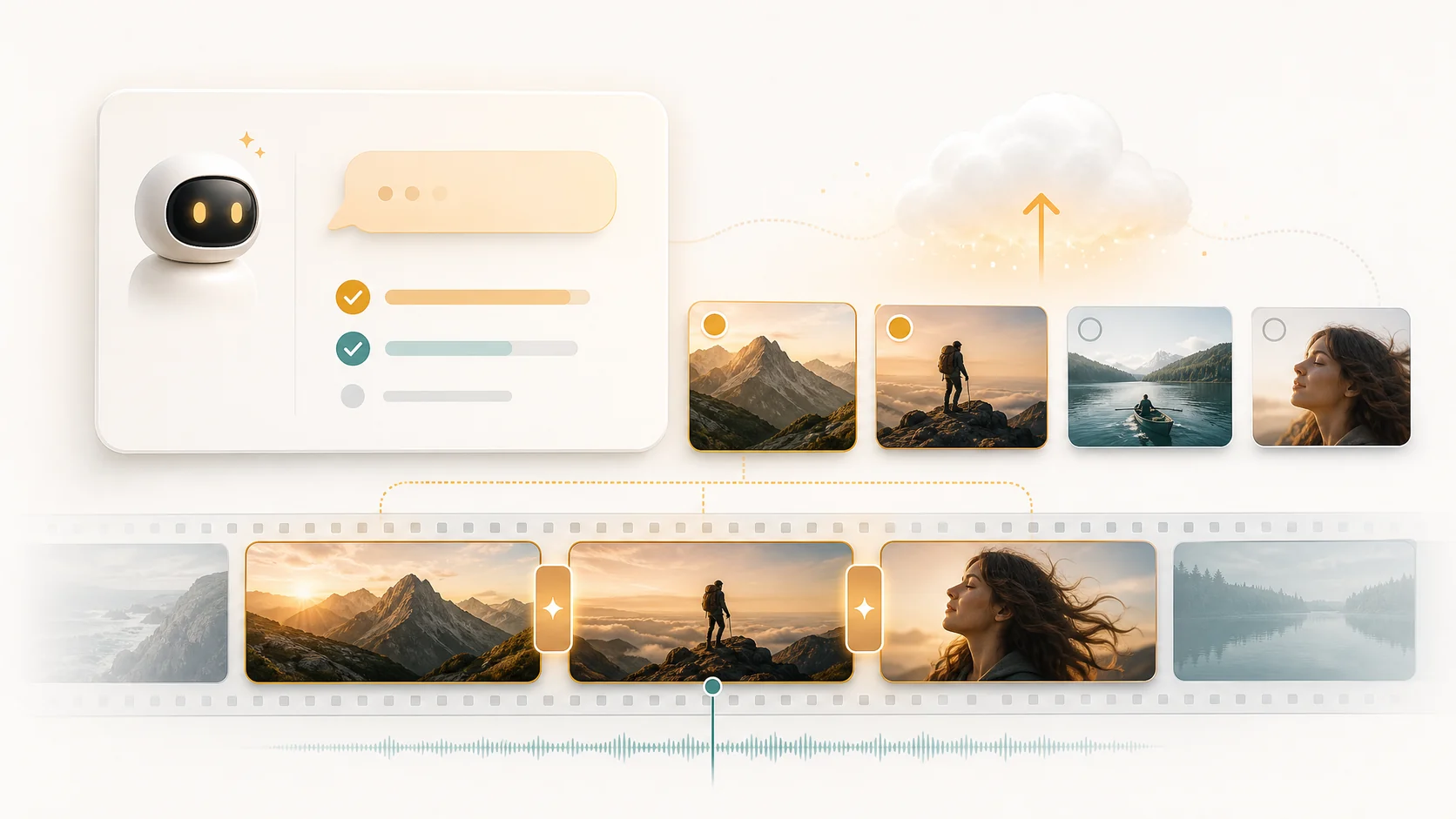
AI dubbing and translation tools let you localize video content into multiple languages automatically. Learn how ASR, translation models, and TTS combine to create multilingual video versions that sound natural.
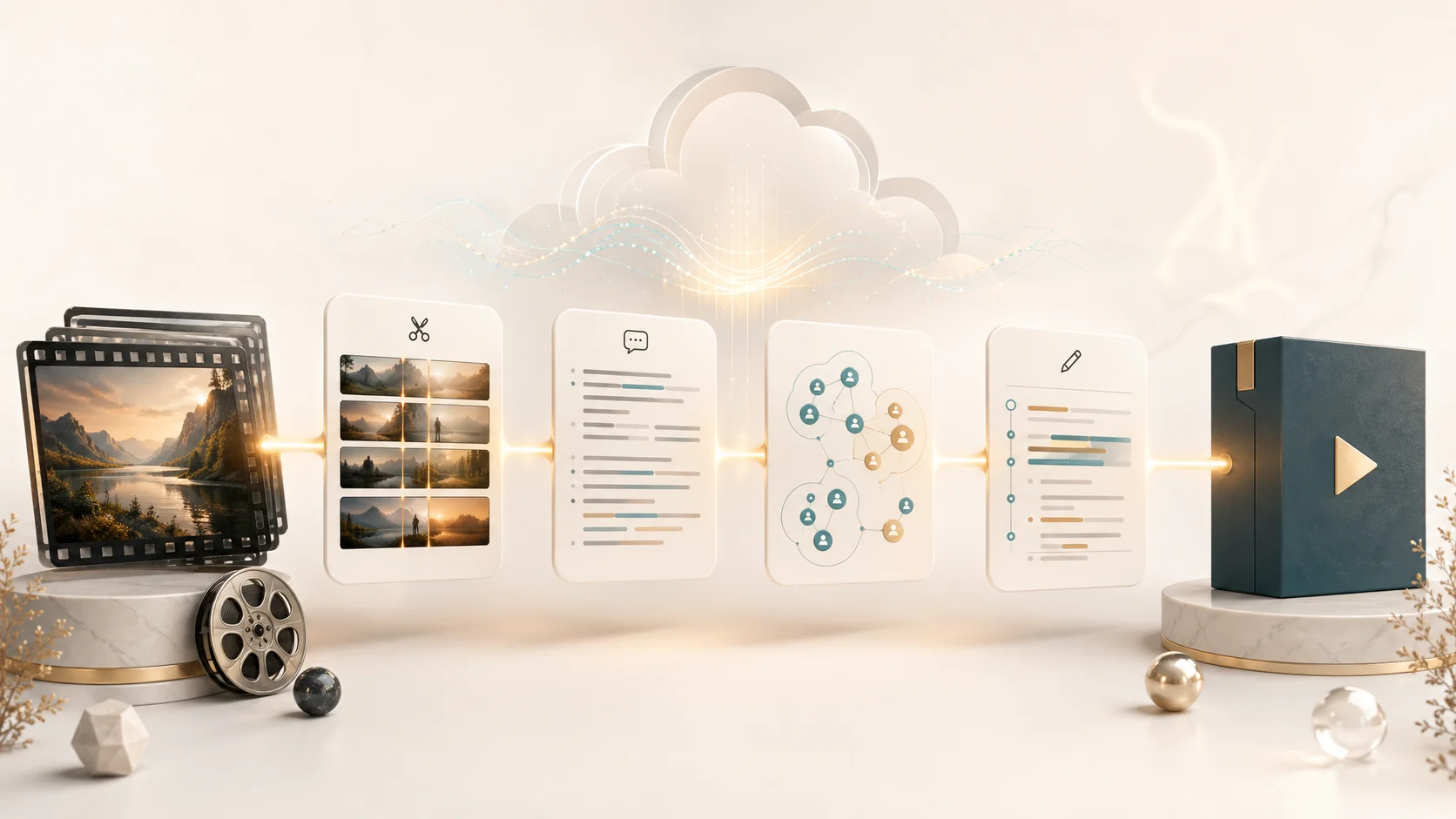
AI highlight detection uses scene analysis, audio cues, and motion tracking to automatically identify key moments in sports games, live events, and long recordings. Export ready-to-share highlight reels in minutes.
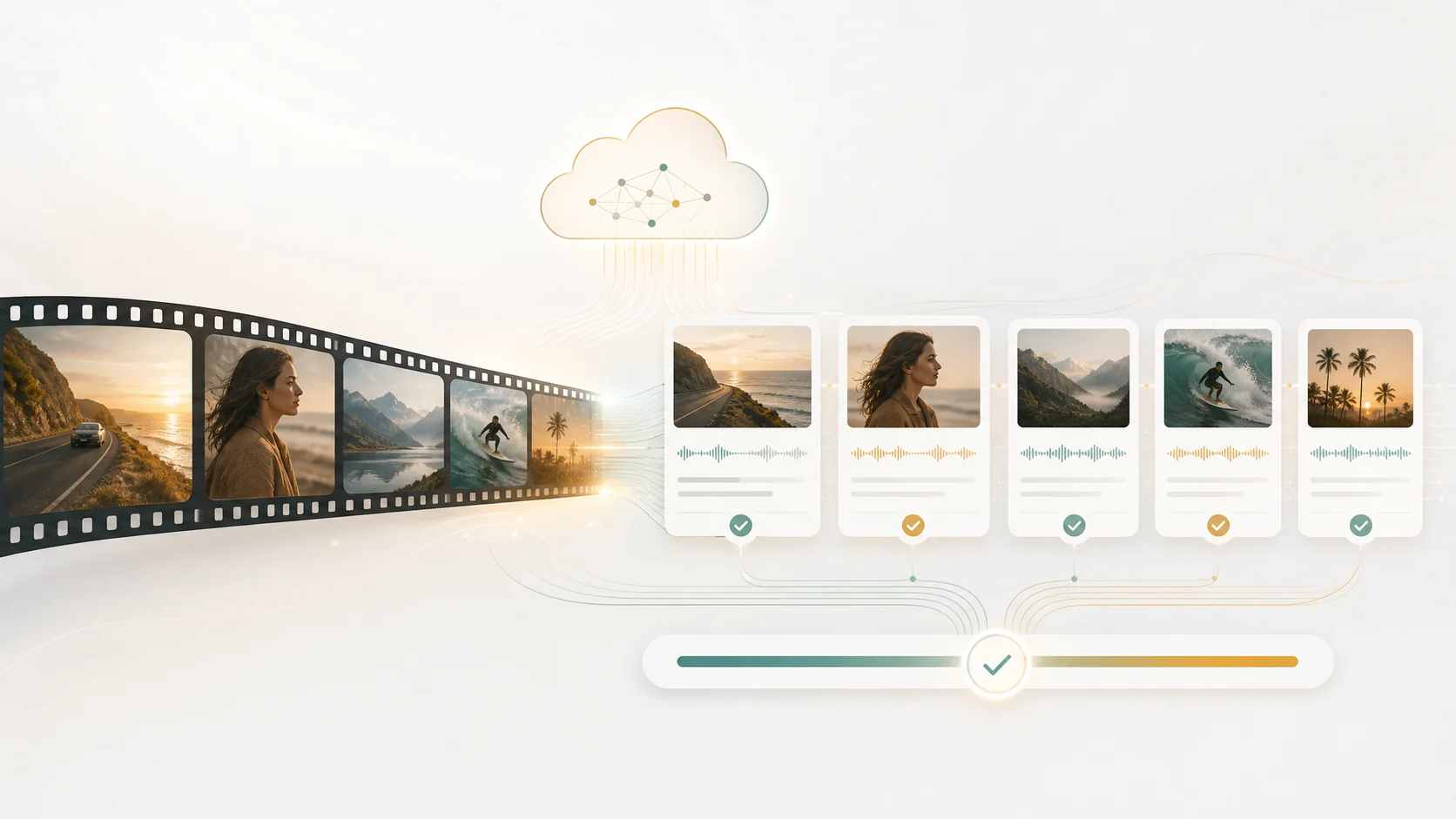
AI tools make video accessibility practical at scale. Learn how automatic captions, searchable transcripts, and AI-generated audio descriptions help you reach wider audiences while meeting accessibility standards and improving SEO.
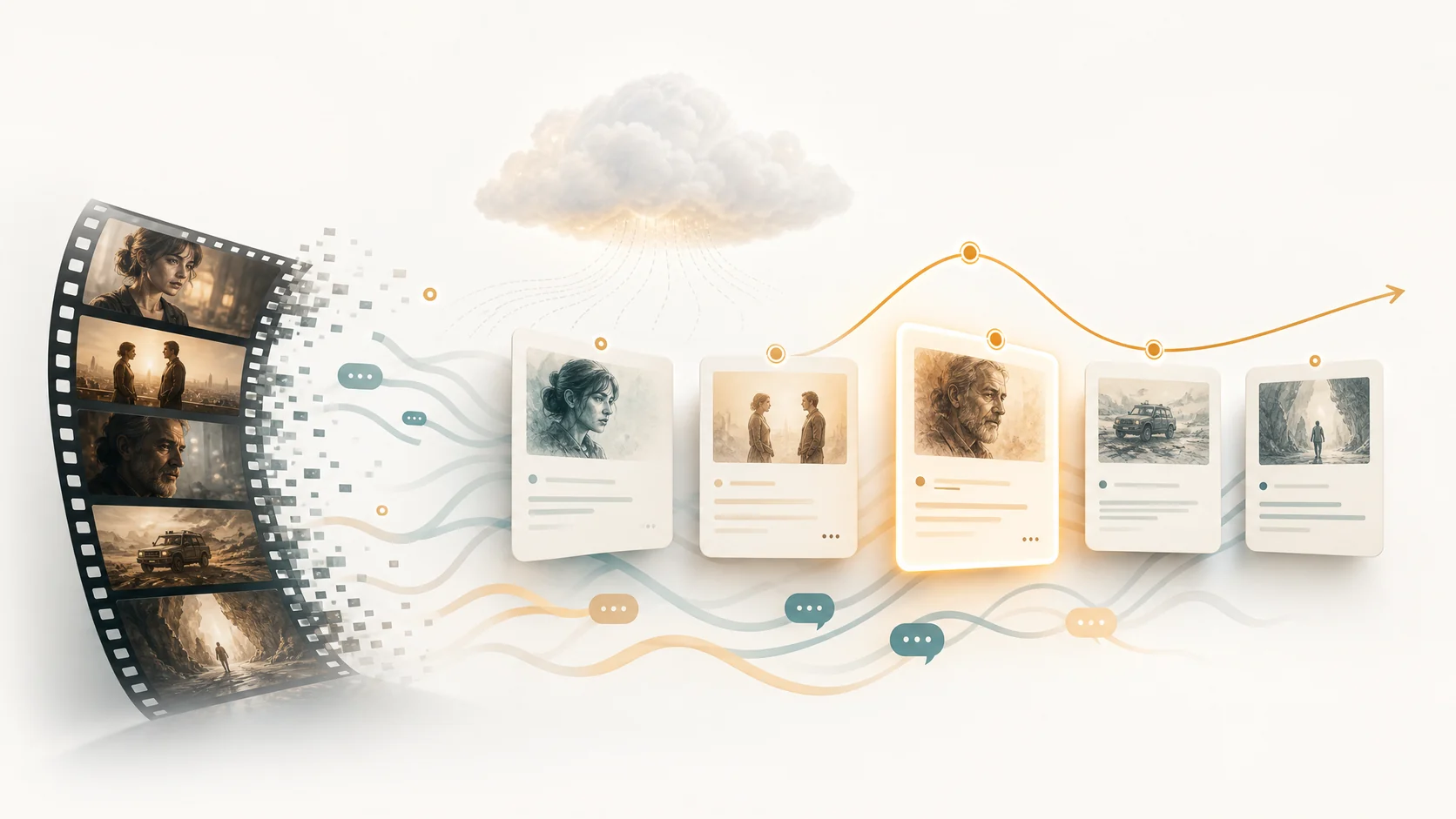
AI video editing goes beyond trimming clips. Learn how story-driven editing uses narrative understanding to organize raw footage into coherent timelines with emotional arcs, scene transitions, and character continuity.
One long video can become dozens of short-form clips, social posts, and highlight reels. Learn how AI video understanding and reverse scripts make content repurposing systematic instead of manual.
Producing educational and corporate training videos traditionally requires weeks of scripting, filming, and editing. AI video understanding and automated timeline assembly compress this workflow into days.
Most AI video editors only read transcripts. True video understanding adds scene detection, character recognition, story beats, and visual context. Here is why the difference matters for anything beyond simple talking-head edits.
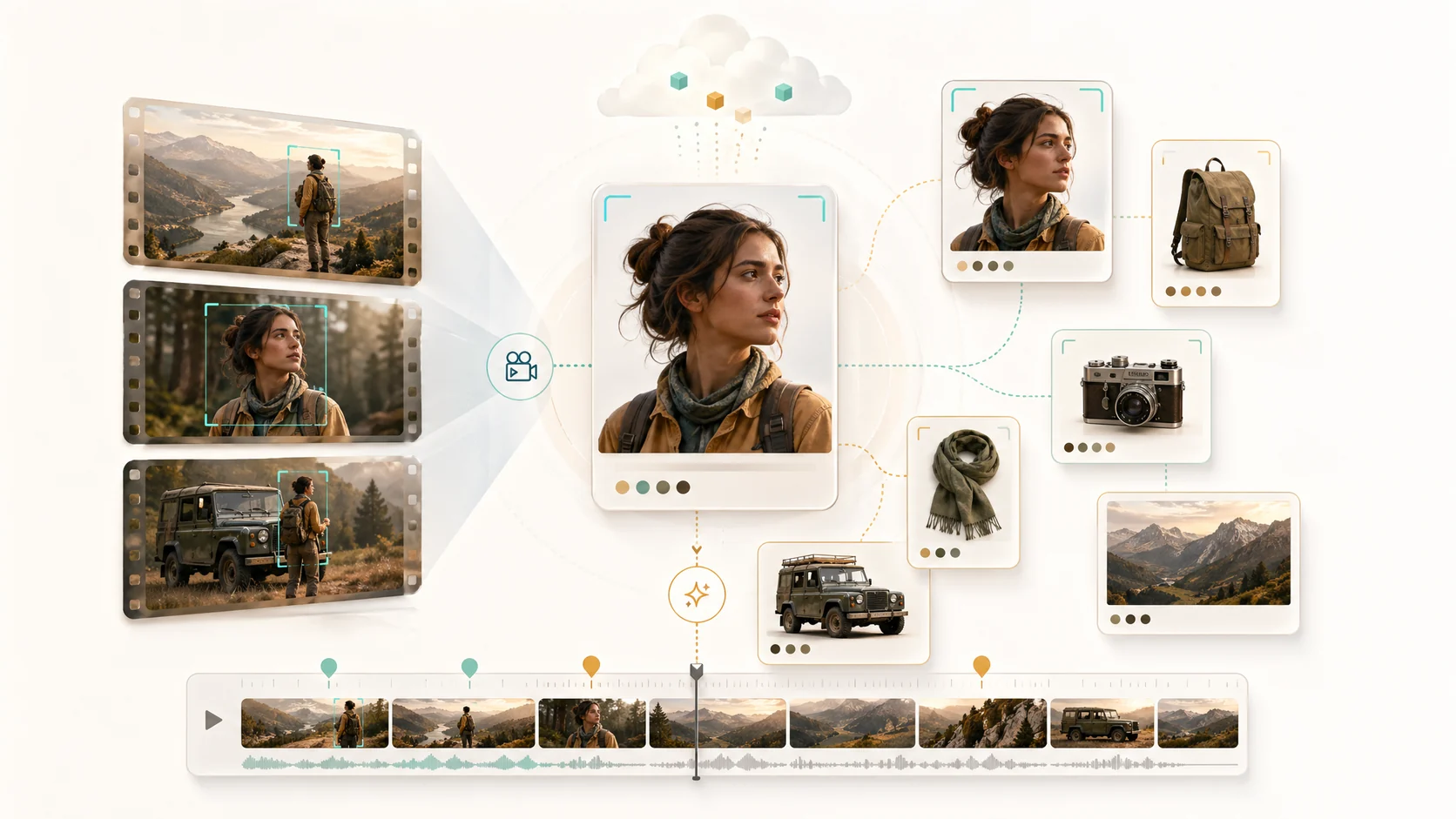
Manually tagging video libraries is slow and inconsistent. AI-powered metadata extraction automatically generates scene tags, speaker labels, topic summaries, and content indexes that make every clip instantly findable.

Unorganized raw footage is the norm in video production. AI video understanding automatically finds structure in chaos — detecting scenes, grouping related clips, identifying key moments, and building an editable timeline from scattered source files.
YouTube retention is the metric that matters most. AI video understanding analyzes your raw footage to identify high-engagement moments, suggest retention-boosting edits, and optimize pacing patterns that keep viewers watching longer.

There is no single right length for a wedding video. The best runtime depends on the format, the couple, and the story you want to keep.
A good podcast table setup shapes your sound, your comfort over long sessions, and how your show looks on camera. Here is how to get the layout right.

Italian subtitling is more than translation. It has its own reading-speed rules, line-length limits, and localization choices that decide whether viewers finish each line.

Green screen flooring is what makes a virtual set feel real. The right material, lighting, and subject separation make floor chroma keying reliable.
A property tour video only sells when the edit is tight. Here is how to structure, pace, and finish real estate videos that hold buyer attention.
Scene detection is the foundation of fast video editing. Here is how AI auto-chaptering splits raw footage into navigable scenes so you can edit from an outline instead of scrubbing a timeline.
Accurate transcripts turn spoken video into searchable text you can edit. Here is how automatic transcription and burned-in subtitles fit into a modern editing workflow.
Naive AI editing breaks on five-hour recordings. Here is how frame budgeting, context windowing, and smart downsampling keep multi-hour footage accurate and manageable.
Challenge videos are one of the most reliable growth formats on YouTube. Here are 25 proven ideas, plus tips on shooting, editing, and packaging them for maximum reach.
Everything you need to know about YouTube thumbnail and banner dimensions in 2026, including exact pixel sizes, file formats, safe areas, and design rules for higher click-through.
Learn the best ways to extract audio from video for free, including online tools, desktop editors, and command-line methods, plus tips for keeping quality high.
Learn how to fade audio in and out in After Effects using audio level keyframes, plus tips for syncing fades to visuals and avoiding common audio mistakes.
Music carries the emotion of a graduation video. Here are the best song genres, timing tips, and copyright-safe sources for graduation montages and recaps.

A wedding teaser is the short, cinematic highlight reel couples share before the full film. Learn how to plan, shoot, and edit a teaser people love.
A realistic review of Canva's AI video generator, including its text-to-video features, template workflow, and the limits to know before you rely on it.
The best free video editing software in 2026, compared by skill level, platform, and use case, including AI-assisted tools for creators on a budget.

Interactive avatars are changing sales support. Learn what they are, where they add the most value, and how to deploy one that improves conversions without hurting your brand.

Every way to add music in CapCut, including the built-in library, your own audio files, and music from Spotify, plus copyright rules and syncing tips.
Learn how Tagalog text-to-speech works, the best AI TTS tools for Filipino content, and how to create natural-sounding Tagalog voiceovers for videos, podcasts, and social media.
Complete guide to adding Thai captions and subtitles to your videos. Learn how AI-powered ASR tools transcribe Thai audio and generate accurate Thai subtitles automatically.

Learn how to create high-converting video sales letters with AI tools. From script writing to voiceover generation and video assembly, discover how AI VSL creators streamline the process.
Discover how to generate Grinch AI voice for holiday content, greeting cards, and festive videos. Learn the best tools, settings, and tips for creating the perfect Grinch voice with AI.
Looking for a SyncVid alternative? Compare the best AI-powered video editing and collaboration platforms, and discover how ClipMind streamlines video workflows with AI understanding.
Struggling to sift through hours of raw footage? Learn how ClipMind uses AI to auto-select the best clips from long video, turning your editing workflow into a streamlined creative process.
Looking to scale your faceless YouTube channel with AI in 2026? Discover how ClipMind acts as your intelligent editing agent to automate everything from raw footage to final export.
Stop spending hours editing long-form content. Learn how to turn a podcast into TikTok clips automatically using ClipMind, the AI agent that understands your video.
Learn how an AI cinematic trailer generator analyzes long videos, finds story beats and highlight moments, and assembles polished trailers with music-synced cuts, voiceover, and subtitles.
Learn how educators and trainers can use AI to convert slides and lecture recordings into structured course videos with automatic chaptering, subtitles, and narration.
Learn how ecommerce sellers use AI product video generators to batch-create product showcase videos, shoppable shorts, and product page videos — with practical workflow tips and tools like ClipMind.
Learn how an AI video summarizer helps you extract key points, chapters, and timelines from long YouTube videos, podcasts, and courses, and how ClipMind automates the entire workflow.
Learn how to use AI to automatically edit customer interviews into polished testimonial videos, with auto-selected highlights, subtitles, and voiceover, to boost conversions.
A practical guide for marketing agencies and MCNs on automating video editing workflows with AI, from unified footage understanding to auto clip selection, subtitles, voiceover, and batch export.