
How AI Video Understanding Improves YouTube Retention: Edit for Watch Time, Not Just Flow
YouTube retention is the metric that matters most. AI video understanding analyzes your raw footage to identify high-engagement moments, suggest retention-boosting edits, and optimize pacing patterns that keep viewers watching longer.
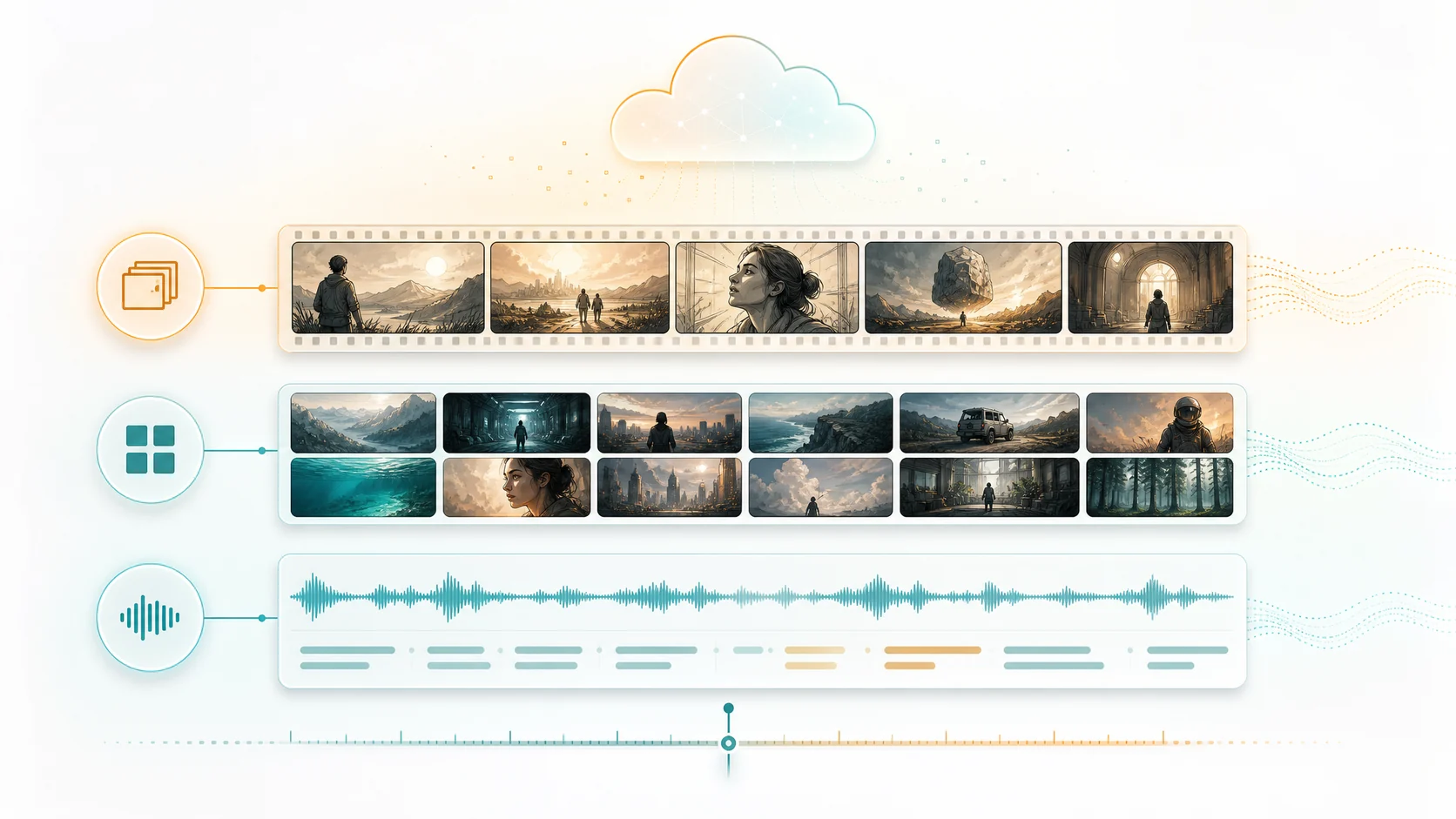
YouTube's algorithm cares about one signal above all others: retention. How long do viewers stay? Where do they drop off? What makes them click away? Traditional video editing focuses on narrative flow and visual pacing, but optimizing for retention requires a different lens. You need to know which moments hold attention, which cause scrolling, and how to structure content so viewers stay until the end. AI video understanding brings this data into the editing room, turning audience psychology into actionable cuts.
1. Why retention beats views in 2026
Views measure clicks. Retention measures value. YouTube's recommendation engine increasingly weights watch time and session duration over raw click-through. A video with 1,000 views and 80% retention outperforms one with 10,000 views and 15% retention in the algorithm. This shift changes the editing brief. The goal is no longer just to attract clicks with thumbnails and titles; it is to construct videos where each second earns the next. AI analysis of your raw footage reveals where those seconds are hiding.
- Watch time is the strongest signal in YouTube's recommendation algorithm.
- High-CTR, low-retention videos create a negative feedback loop in recommendations.
- Retention-optimized editing is a structural challenge, not just a hook problem.
2. AI engagement analysis: finding the moments that hold attention
Not every moment in raw footage has equal retention potential. AI video understanding evaluates each scene across multiple engagement dimensions. Emotional intensity: does the scene carry surprise, humor, tension, or emotional weight? Information density: is something new revealed or explained? Visual dynamism: does the frame change frequently or stay static? Pacing profile: does the scene accelerate toward a payoff or plateau? These signals create an engagement map of your entire source timeline, showing exactly where attention peaks and dips — before you place a single cut.
- Emotional intensity scores identify the moments with highest audience connection.
- Information density reveals where viewers gain the most value per second.
- Visual dynamism predicts attention fatigue and identifies flat sections.
- An engagement heatmap shows attention distribution across the entire timeline.
3. The retention curve: designing an edit that climbs, not drops
Most YouTube retention graphs follow a predictable pattern: a sharp drop in the first 15 seconds, a steady decline through the middle, and a cliff at the end. Retention-optimized editing inverts this curve. AI analysis helps you place the highest-engagement moments at natural retention drop-off points. Build your edit around three anchor moments — a strong opener that delivers on the thumbnail promise within 8 seconds, a mid-video spike that resets attention, and a payoff sequence that rewards viewers who stayed. The editing structure becomes a retention management system rather than just a narrative.
- Map your retention curve before editing: where will attention dip?
- Place your strongest content at the 30%, 60%, and 90% timeline markers.
- Use AI engagement scores to select the right moments for each anchor point.
4. Pacing patterns that maintain watch time
Retention drops when pacing becomes predictable. Viewers subconsciously detect patterns: same shot length, same energy level, same information density. Their attention drifts. AI pacing analysis reads your footage's natural rhythm and suggests intentional pattern breaks. Alternate between high-density explanation and low-density demonstration. Insert a humor beat after three minutes of instruction. Shift from talking-head to B-roll at the exact moment visual fatigue sets in. These micro-editing decisions compound across a video, turning a flat retention graph into one that holds.
- Pattern breaks at 90-120 second intervals prevent attention plateau.
- Alternating high-density and low-density segments maintains cognitive engagement.
- AI pacing analysis draws from analysis of high-performing videos in your niche.
5. The AI retention editing workflow
The practical workflow combines AI understanding with retention-first editing principles. Upload your raw footage to ClipMind. Review the AI-generated reverse script, noting which scenes score highest on engagement. Build your timeline around the retention anchor points: opener at 0:00, spike at the midpoint, payoff at the end. Use the engagement heatmap to identify dead zones and either cut them or inject high-scoring B-roll. Export with chapter markers aligned to retention spikes for YouTube's chapter system. The result is an edit engineered for watch time, not just watched through once.
- Process raw footage through AI understanding to generate engagement scores.
- Structure your timeline around three retention anchor points.
- Use engagement heatmaps to identify and fix attention dip zones.
- Align chapter markers with retention spikes for YouTube's discovery features.
FAQ
Can AI really predict what will retain viewers?
AI does not predict retention; it analyzes content characteristics that correlate with retention. Emotional intensity, information density, visual dynamism, and pacing variation are all measurable properties of video content that research shows correlate with watch time. The AI gives you a map of these properties across your footage. It is still the editor's creative decision how to use that map.
Does retention-optimized editing work for all content types?
The principles apply across formats, but the execution varies. Tutorials benefit from information density mapping. Vlogs respond to emotional intensity distribution. Product reviews need a balance of demonstration depth and pacing. The AI analysis adapts to your content type, and your editing decisions adapt to the analysis.
How does this differ from just looking at YouTube analytics?
YouTube analytics shows retention on published videos. AI video understanding analyzes retention potential before you publish, allowing you to optimize the edit itself. Instead of learning from an underperforming video, you create a retention-optimized edit the first time.