
Scenery Backdrops for Video: A Complete Guide from Green Screen to Virtual Sets
Explore the selection, creation, and application methods for scenery backdrops in video production, from physical backgrounds to digital virtual environments.
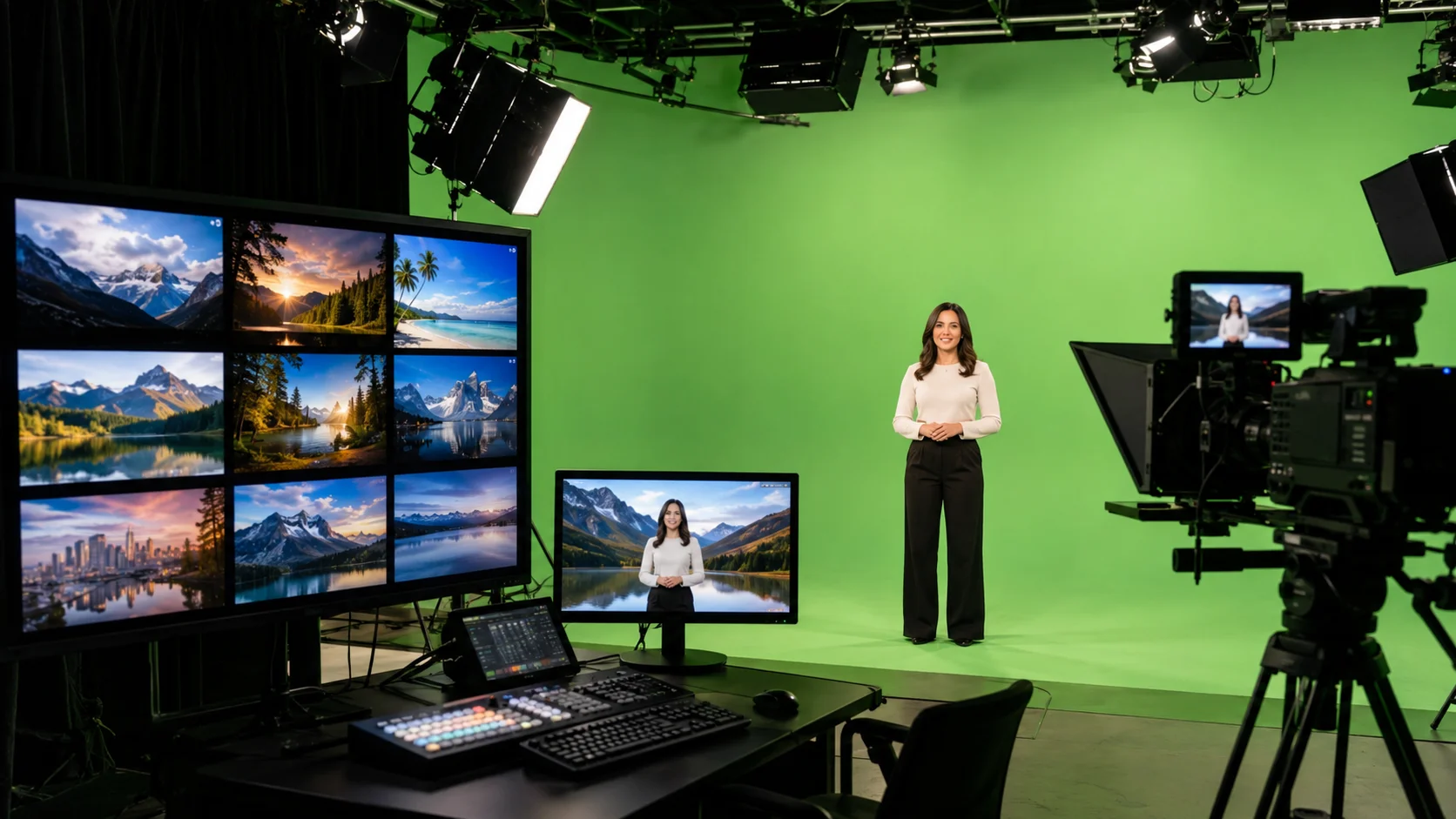
Video backgrounds define the atmosphere, professionalism, and narrative possibilities of your content. From simple physical backdrop cloths to complex virtual environments, choosing the right scenery backdrop requires considering production budget, technical capability, content type, and distribution platform. This article outlines the main types, selection criteria, and implementation methods for video backgrounds.
1. Main types of video backgrounds
Video backgrounds fall into three main categories: Physical backgrounds include printed backdrop cloths, LED walls, and real locations; Virtual backgrounds use green screen keying to replace in post-production; Real-time compositing uses AR technology to replace backgrounds instantly during shooting without post-processing. Each type has different costs, flexibility, and technical requirements.
- Physical backgrounds: printed cloths, LED walls, real locations
- Virtual backgrounds: green screen keying plus post compositing
- Real-time compositing: AR technology for instant background replacement
2. Decision factors for choosing backgrounds
When choosing video backgrounds, consider content type and brand tone, shooting space and budget constraints, post-production capability and time, and target platform and audience expectations. For example, corporate training videos suit simple office or solid color backgrounds, while creative content can use more complex scenery scenes.
3. Best practices for green screen shooting
Green screen is the most common virtual background solution. Key success factors include: uniform green screen lighting to avoid shadows, keeping sufficient distance between subject and green screen to prevent green spill, avoiding wearing green or reflective materials. Previewing composite effect during shooting catches problems in time rather than discovering unusable subject edges in post.
- Light green screen evenly, avoid shadows and wrinkles
- Keep subject 1.5 meters or more from green screen
- Avoid green clothing and reflective materials
- Preview composite effect during shooting
4. Selection criteria for virtual background assets
When choosing scenery background assets, consider whether resolution matches final output, whether motion is natural and non-distracting, whether style aligns with content and brand, and whether there's legal commercial use authorization. High-quality background assets should provide sufficient depth so audiences can perceive spatial relationships.
5. AI-assisted background processing
AI technology is changing the efficiency of background processing. Auto-keying tools can accelerate green screen processing, AI video understanding can analyze subject movement and automatically adjust background perspective, some tools can even separate subject from background without green screen. For batch content production, these tools can significantly reduce post-production time.
6. Coordination between background and narrative
Background is not just a visual element but a narrative tool. Scenery backgrounds can suggest geographic location and time, reflect character emotional states, and guide audience attention direction. Consider the narrative function of backgrounds in production decisions, not just aesthetic factors.
FAQ
What's the difference between green screen and blue screen?
Green screen is more common because sensors are more sensitive to green, producing better keying results. Blue screen works when the frame contains green elements (like plants or green clothing) but requires higher lighting precision.
Can I change video background without green screen?
Yes, but results depend on shooting conditions. AI background removal tools can handle simple backgrounds, but complex environments or rapidly moving frames have limited results. Best practice is still using green screen or solid color backgrounds.
Where can I get high-quality video background assets?
Multiple platforms offer video background assets including free and paid options. Ensure content with commercial licensing is selected. Common sources include Pexels, Pixabay, Envato Elements, and professional stock libraries.