
How To Create Cinematic Events Recap Videos With AI
A cinematic events recap used to require a full post-production team. With AI video understanding, you can turn hours of conference, wedding, or corporate footage into a polished highlight reel in a fraction of the time.
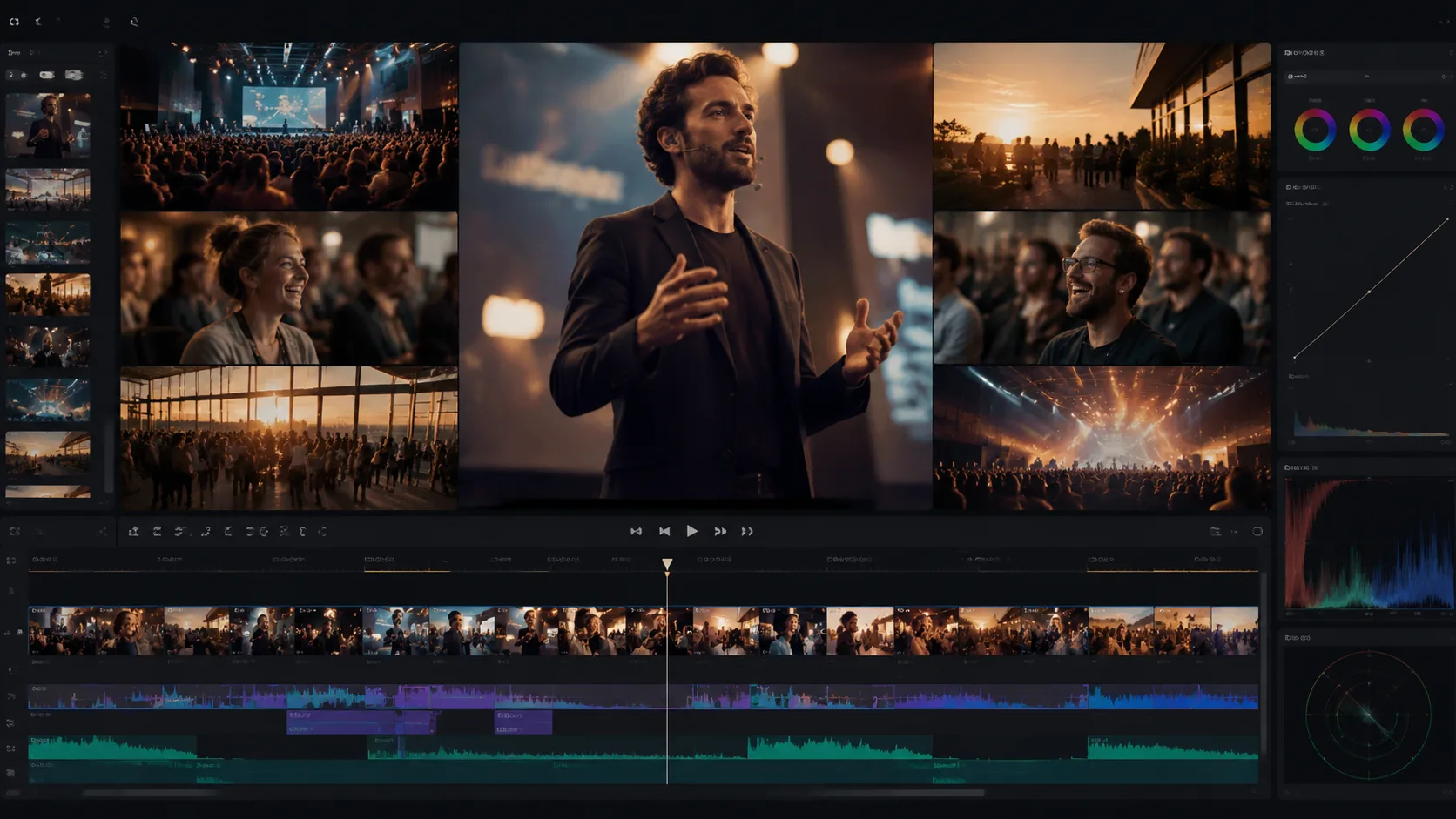
An events recap is more than a montage of clips. It is a compressed narrative that has to capture the energy, the speakers, the crowd reactions, and the key moments that defined an experience. Whether it is a corporate conference, a music festival, a wedding weekend, or a product launch, the editing challenge is the same: too much footage, not enough time, and a client who wants the recap delivered yesterday. AI video understanding changes the workflow from manual scrubbing to structured selection.
1. What makes an events recap feel cinematic
Cinematic does not mean expensive cameras. It means intentionality: shots that hold long enough to breathe, transitions that match the music, color grading that sets mood, and a narrative arc that builds toward a climax instead of listing moments in order. The fastest way to kill a recap is to treat it as a highlight dump.
- Open with an establishing shot that sets the venue and mood.
- Build energy through speaker moments, crowd reactions, and movement.
- End on an emotional beat: applause, a key quote, or a closing visual.
2. Use video understanding to find the narrative
Upload all event footage into a ClipMind project and let video understanding scan for scenes, speakers, and crowd moments. The reverse script becomes a map of what happened, when it happened, and which shots carry the most visual energy. Instead of scrubbing through hours of footage, you browse a structured outline and select moments.
3. Build around sound, not just visuals
A cinematic recap lives or dies by its audio. The music tempo should match the visual rhythm. Key quotes from speakers should land at emotional peaks. Crowd reactions should punctuate transitions. When you edit with the reverse script visible, you can see where dialogue and atmosphere align with specific visual moments.
- Choose music with a clear build and release structure.
- Let speaker quotes drive the emotional arc.
- Use crowd audio to bridge quieter visual sections.
4. Color and pacing separate professional from amateur
Most event footage arrives flat and inconsistent: mixed lighting, different cameras, variable white balance. A consistent grade applied across all clips makes the edit feel intentional. Pacing matters just as much: hold shots long enough to register, cut before they overstay, and vary rhythm to match the music structure.
5. Deliver multiple versions from one edit
Corporate clients rarely want just one recap. They need a three-minute main film, a one-minute social cut, a 30-second teaser, and sometimes a 15-second paid-ad version. Build the master edit once with full context, then derive shorter versions by trimming the arc without rebuilding the structure.
6. Keep the project for next year
Events recur. A conference that happens annually, a festival with the same venue, a brand with recurring activations: all of these benefit from a project that carries context forward. Keep your ClipMind project so next year's edit starts from a library instead of a blank timeline.
FAQ
How long should an events recap video be?
A full recap for corporate or conference events works best at two to four minutes. Social cuts should land under 90 seconds. Anything longer risks losing viewer attention unless the narrative is exceptionally strong.
Can AI edit an events recap automatically?
AI video understanding can find the moments, group scenes, and propose a first cut. Human judgment is still essential for pacing, music sync, emotional beats, and brand alignment. The fastest workflow is AI-assisted selection with human-directed assembly.
What footage works best for cinematic recaps?
Multi-camera shoots, b-roll of the venue and crowd, speaker close-ups, and behind-the-scenes moments. The more varied the source, the more options the editor has to build narrative texture.