
YouTube Shorts Downloader and Editor: Complete Workflow Guide
Learn how to download and edit YouTube Shorts effectively, from choosing the right tools to optimizing your short-form content workflow.
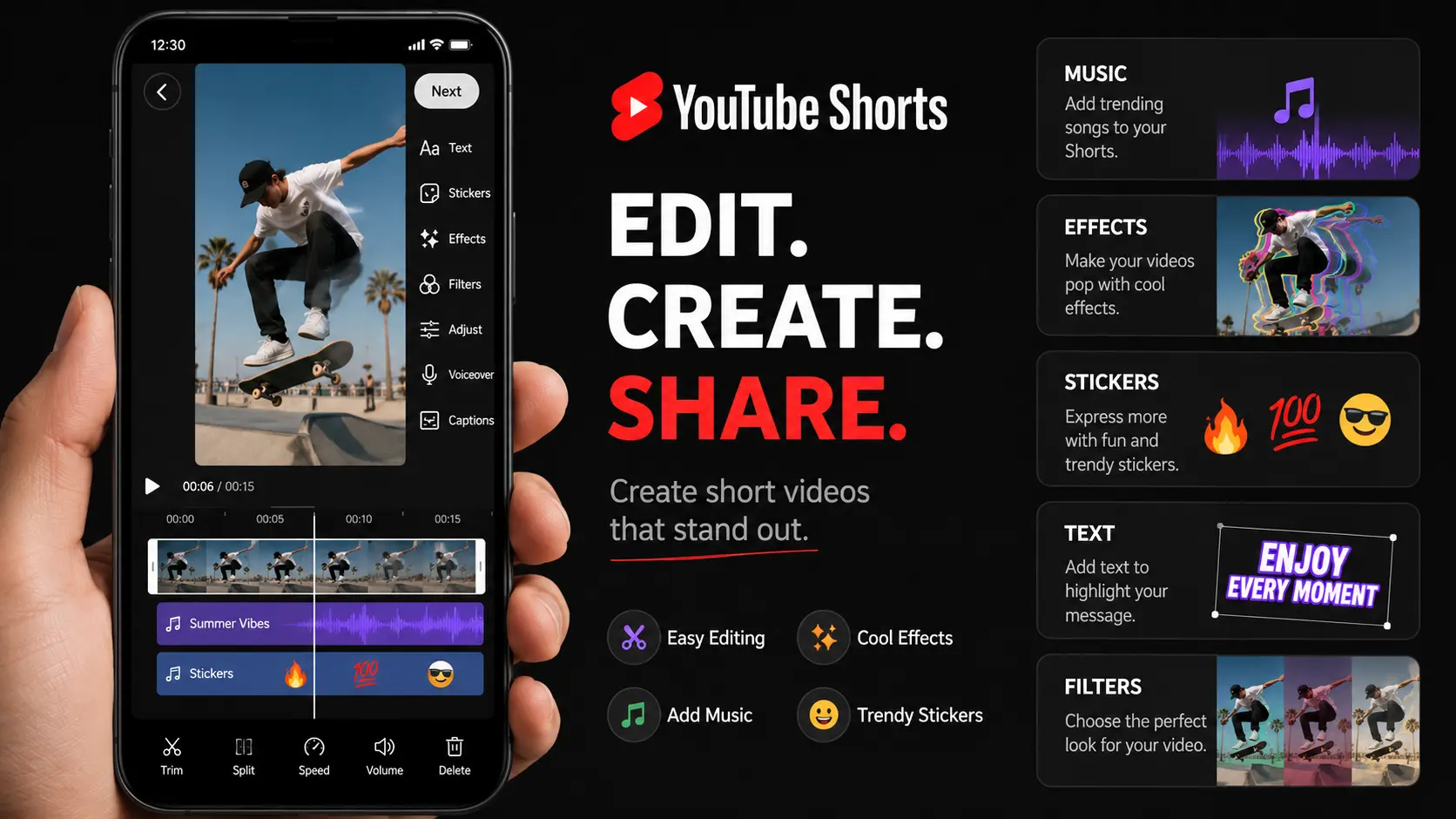
Short-form vertical video has become one of the most powerful content formats on social media. YouTube Shorts, launched as a competitor to TikTok, now generates billions of daily views. For content creators and marketers, understanding how to work with Shorts content - from downloading reference material to creating original edits - is essential. This guide covers the complete workflow for downloading and editing YouTube Shorts effectively.
1. Understanding YouTube Shorts format
YouTube Shorts are vertical videos up to 60 seconds long, typically in 9:16 aspect ratio. They're designed for mobile viewing and quick consumption. Understanding these constraints helps you create content that fits the platform's expectations and viewer behavior patterns.
- Vertical 9:16 aspect ratio
- Maximum 60 seconds duration
- Mobile-first viewing experience
- Quick, engaging content style
2. Downloading YouTube Shorts legally
Before downloading any content, understand the legal considerations. Downloading your own content is straightforward through YouTube Studio. For other creators' content, you need permission or must ensure your use qualifies as fair use. Many third-party tools exist, but use them responsibly and respect copyright.
3. Tools for downloading Shorts
Several reliable tools exist for downloading YouTube Shorts. Online services like y2mate and savefrom work directly in your browser. Desktop applications like 4K Video Downloader offer more features and batch capabilities. Mobile apps provide convenience for on-the-go downloads. Always verify downloaded files for quality and completeness.
- Online services: y2mate, savefrom, ssyoutube
- Desktop apps: 4K Video Downloader, JDownloader
- Mobile apps: various options for iOS and Android
- Browser extensions for quick downloads
4. Editing Shorts: best practices
When editing Shorts, prioritize the first 3 seconds - they determine whether viewers scroll past. Use text overlays that are readable on small screens. Keep cuts fast but not jarring. Music should enhance rather than overpower. Consider how your content will look with sound off, as many users browse muted.
5. Reusing and repurposing Shorts content
One of the most effective strategies is creating a long-form video first, then extracting multiple Shorts from it. AI video understanding tools like ClipMind can analyze your longer content and identify moments suitable for Shorts. This approach maximizes your content ROI and ensures consistency across formats.
6. Export settings for optimal quality
Export your edited Shorts at 1080x1920 resolution for maximum quality. Use H.264 or H.265 codec with a bitrate of 8-12 Mbps for high motion content. Keep file sizes under 256MB for smooth uploads. Test your export on mobile before finalizing to ensure text readability and visual clarity.
- Resolution: 1080x1920 (vertical)
- Codec: H.264 or H.265
- Bitrate: 8-12 Mbps for high quality
- File size: Under 256MB recommended
FAQ
Is it legal to download YouTube Shorts?
Downloading your own content is always legal. For others' content, you need permission or must have a valid fair use case. Many creators allow downloads for personal use, but commercial use requires explicit permission.
What's the best video editor for Shorts?
For beginners, mobile apps like CapCut and InShot offer simplicity and speed. For more control, desktop editors like DaVinci Resolve or Adobe Premiere Pro provide professional features. The best choice depends on your workflow and quality requirements.
How do I make my Shorts go viral?
While there's no guaranteed formula, successful Shorts typically have: a strong hook in the first 3 seconds, trending audio or topics, high engagement rate (watch time vs. scroll away), and consistent posting schedule. Quality matters more than quantity.