
Sports Video Editing Services: Build Game Highlights With AI Understanding
Sports video editing services are faster when AI can scan hours of game footage, identify key plays, and surface the moments worth cutting into a highlight reel.
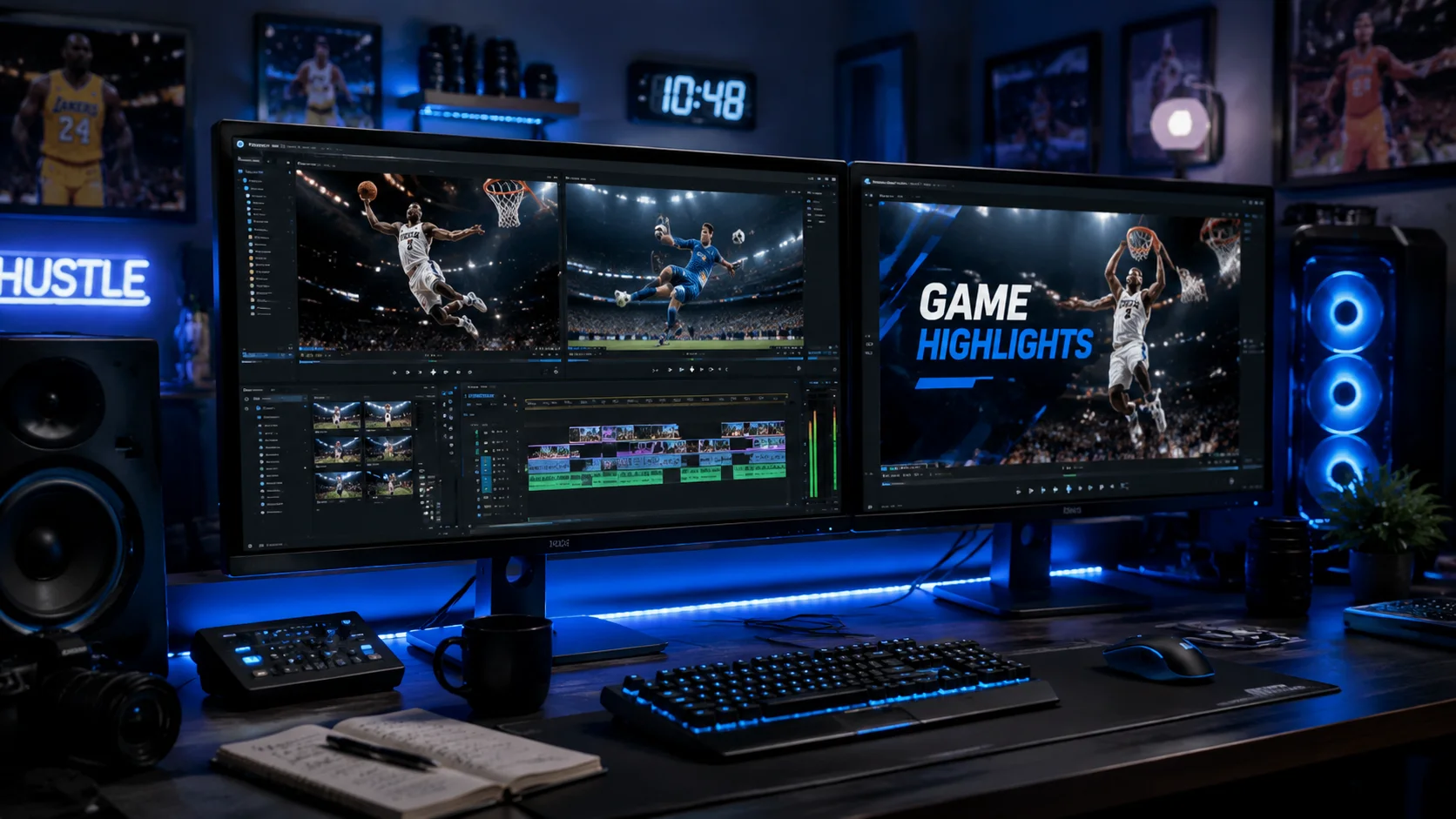
Sports teams, coaches, and content teams share the same problem: hours of game and practice footage, limited editing time, and a deadline that never moves. Whether you are producing a weekly highlight reel, a recruiting tape, or a mid-season analytics cut, the hardest part is the same: finding the plays that matter inside a mountain of raw footage. AI video understanding changes that ratio without replacing the editor's taste.
1. The bottleneck is not editing, it is footage discovery
Experienced sports editors know how to cut to music, match rhythm to action, and build tension across a reel. What slows them down is scrubbing four hours of game footage to find the twelve plays worth including. Without a way to search the footage at scale, discovery is the slowest part of the entire production.
- A 90-minute game at two camera angles produces three hours of raw footage.
- Key plays can be spread across multiple clips with dead time in between.
- Training clips, warmup footage, and bench coverage need to be filtered out.
2. Upload game footage as a single project
Drop all related game clips, broadcast recordings, and sideline footage into the same ClipMind project. Video understanding will tag scenes and key frames across every file, so you can navigate the entire game without scrubbing each clip individually. Multi-camera cuts become a planning problem, not a file management problem.
3. Use the reverse script as a play log
The reverse script built from sports footage becomes an event log: scoring plays, turnovers, defensive stops, crowd reactions, and bench moments arrive with frame references and timestamps. You can review the structure of the game before you touch a timeline.
- Jump directly to the frame where a key sequence begins.
- Group plays by type such as offense, defense, and special teams.
- Pull coach communication clips separately for analysis cuts.
4. Build one master cut, derive multiple deliverables
Most sports teams need the same footage in several formats: a 90-second social highlight, a three-minute weekly recap, a coach-facing full-play analysis, and a recruiting profile for specific players. Build the master edit once with full game context, then derive each version by adjusting selection and length without rediscovering footage.
5. Narration and captions improve coaching cuts
Highlight reels for fans are one use case. Coaching cuts need context: formation labels, player identification, and tactical callouts. Use ClipMind's narration tools to add voice or on-screen text that explains what the play is showing, so the clip communicates to coaching staff without a separate explanation document.
6. Season archive as a reusable library
The biggest compounding benefit of AI-assisted sports editing is the library that builds over a season. When all game footage lives in a project with scene and object tagging, end-of-season reels, playoff preview cuts, and player profile videos become assembly problems rather than discovery problems. You spend time on storytelling, not searching.
FAQ
What sports footage formats work best with AI video understanding?
Broadcast recordings, sideline camera footage, and GoPro or action camera clips all work well. The more consistent the framing, the easier it is for scene detection to find clean play breaks.
Can AI identify specific players automatically?
ClipMind identifies recurring people across footage using visual clustering, which is useful for building player-specific cuts. Labeling specific athletes by name requires a review step from the editor.
How long does it take to produce a highlight reel with AI assistance?
For a 90-minute game, AI understanding typically takes 15 to 30 minutes to process. Editing decisions against the resulting reverse script can produce a first-cut highlight in under an hour, compared to several hours of traditional scrub-and-cut workflow.