
CapCut vs Descript: Which Video Editor Is Right for You in 2025?
A detailed comparison of CapCut and Descript covering features, pricing, ease of use, AI capabilities, and ideal use cases for creators and teams.
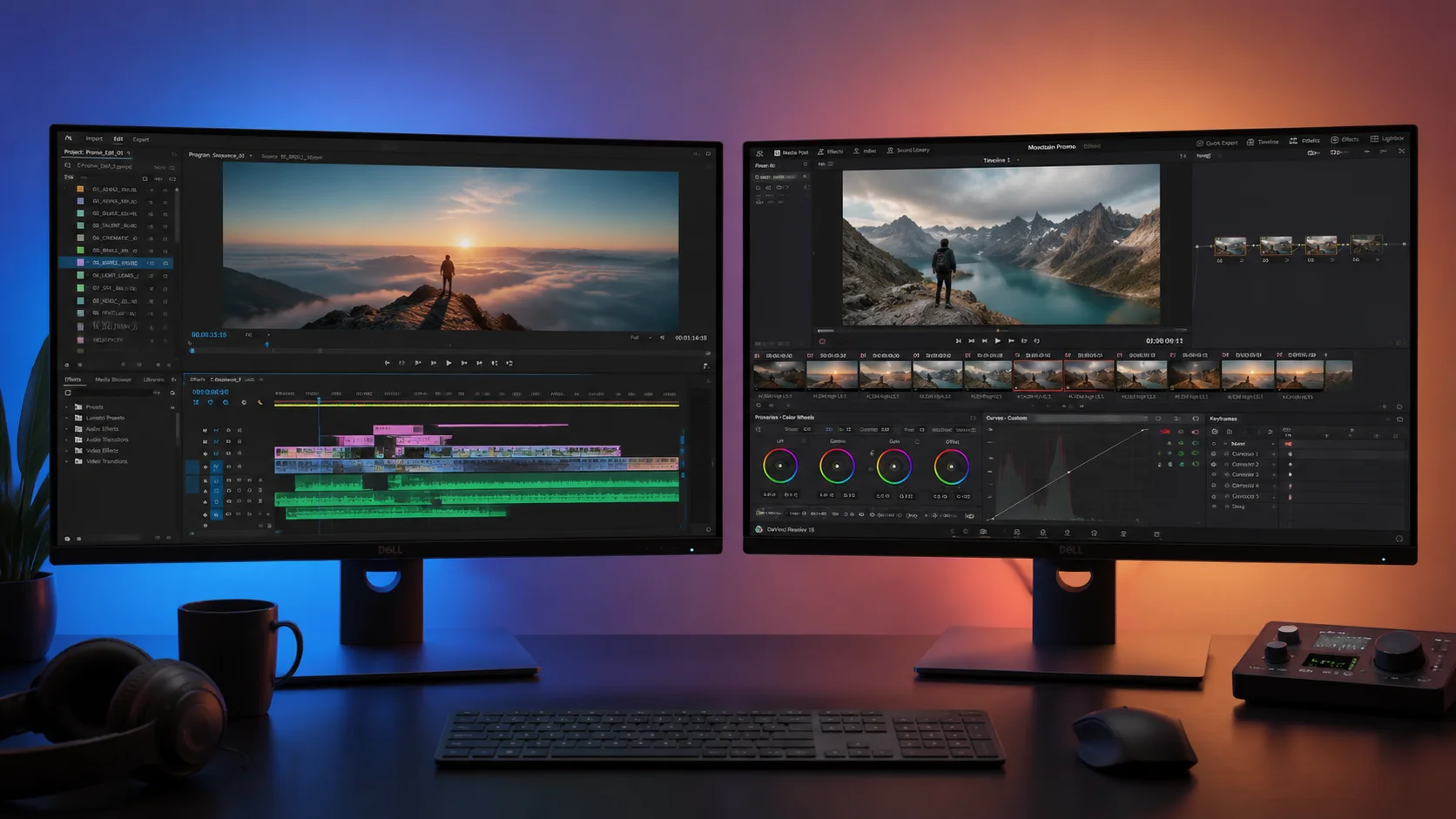
Choosing the right video editor can make or break your content workflow. CapCut and Descript are two of the most popular editing tools in 2025, but they serve fundamentally different purposes and audiences. CapCut is a visual-first editor designed for social media creators who want fast, template-driven editing with trendy effects. Descript is a text-based editor built around transcription, making it ideal for podcasters, educators, and teams who edit spoken-word content. This comparison breaks down every major dimension so you can decide which tool fits your specific needs, or whether a third option like ClipMind might fill gaps that neither tool addresses.
1. Core Editing Philosophy
CapCut follows a traditional timeline-based editing model enhanced with drag-and-drop effects, transitions, stickers, and text animations. It is designed for visual storytelling where the look and pacing of the edit matter most. Descript takes a radically different approach by treating video editing like document editing. You edit the transcript and the video follows, which is incredibly powerful for dialogue-heavy content like podcasts, interviews, and educational videos. If you delete a sentence in the transcript, the corresponding video segment is removed automatically. This text-first workflow is revolutionary for spoken content but less intuitive for visual montages or music-driven edits where timing to beats and visual rhythm is important.
- CapCut: timeline-based with drag-and-drop effects and transitions
- Descript: transcript-based editing where text drives the video cut
- CapCut excels at visual storytelling and trend-driven content
- Descript excels at dialogue-heavy, spoken-word content
- Neither tool is universally better; they serve different editing paradigms
2. Features and Capabilities
CapCut offers a broad set of creative features including keyframe animation, speed ramping, chroma key, picture-in-picture, an extensive effects library, trending templates, and a built-in music library with licensed tracks. It also includes AI features like auto captions, background removal, and body retouching. Descript focuses on productivity features for spoken content: AI transcription, filler word removal, studio sound enhancement, AI eye contact correction, and the ability to clone your voice for narration patches. Descript also includes screen recording and multi-track editing capabilities that make it suitable for course creation and corporate communications. Both tools offer auto captions, but Descript transcription is more deeply integrated into the editing workflow since captions and content edits share the same text layer.
- CapCut: keyframe animation, speed ramping, chroma key, effects library
- Descript: AI transcription, filler word removal, voice cloning, eye contact AI
- CapCut has a built-in licensed music library and trending templates
- Descript includes screen recording and multi-track editing for courses
- Both offer auto captions but Descript integrates them into the editing flow
3. Platform Availability and Performance
CapCut is available on iOS, Android, Windows, macOS, and as a web app. Its mobile version is arguably the strongest in the market, offering nearly all desktop features in a touch-optimized interface. The desktop app is lightweight and runs well even on modest hardware. Descript is available on macOS, Windows, and as a web app, but it does not have a mobile editing app. Descript performance can be resource-intensive, especially with long transcripts or high-resolution video, because the AI processing for transcription and audio enhancement runs locally. If you need to edit on the go from a phone or tablet, CapCut has a clear advantage. If you primarily work from a desktop and deal with long-form spoken content, Descript performance trade-offs are worth the AI capabilities.
- CapCut: iOS, Android, Windows, macOS, and web app
- Descript: macOS, Windows, and web app only, no mobile editor
- CapCut runs well on modest hardware with a lightweight footprint
- Descript can be resource-intensive due to local AI processing
4. Pricing and Plans
CapCut is free to use with a generous feature set. Its Pro plan costs approximately $9.99 per month or $74.99 per year and unlocks premium effects, templates, cloud storage, and advanced AI features. Descript offers a free tier with limited transcription hours and basic editing. Its Creator plan starts at $24 per month and includes unlimited transcription, screen recording, and advanced AI features. The Business plan at $33 per month per user adds team collaboration, brand kits, and admin controls. For solo creators on a tight budget, CapCut offers significantly more value for free. For teams and businesses that need collaborative transcript-based editing, Descript pricing reflects the specialized productivity it delivers. For creators who find neither pricing model ideal, AI-powered platforms like ClipMind offer pay-as-you-go models that scale with project volume.
- CapCut: free tier plus Pro at $9.99/month or $74.99/year
- Descript: free tier plus Creator at $24/month and Business at $33/month/user
- CapCut offers more features for free and is budget-friendly
- Descript pricing reflects specialized transcript-based productivity
- ClipMind offers flexible pay-as-you-go scaling for varying project volumes
5. AI and Automation Features
Both tools invest heavily in AI, but in different areas. CapCut AI focuses on visual enhancement: auto captions, background removal, body retouching, auto reframe for different aspect ratios, and template-based auto-editing that assembles clips to music. Descript AI focuses on audio and text: high-accuracy transcription, filler word detection and removal, studio sound enhancement that makes any microphone sound professional, voice cloning for narration patches, and AI-generated summaries. Where both tools fall short is in deep video understanding. Neither tool analyzes scene composition, character relationships, or story structure before making edit suggestions. This is where a tool like ClipMind differentiates itself by building a comprehensive understanding of footage content, including scenes, dialogue context, entities, and narrative beats, before proposing any edits.
- CapCut AI: auto captions, background removal, auto reframe, template assembly
- Descript AI: transcription, filler word removal, sound enhancement, voice cloning
- Neither tool deeply analyzes scene composition or story structure
- ClipMind fills this gap with deep video understanding before editing
6. Which Tool Should You Choose?
If you create short-form social media content, music videos, trend-driven edits, or visual montages, CapCut is the better choice. Its template library, effects catalog, and mobile-first design make it ideal for fast, visually rich content. If you produce podcasts, interviews, online courses, corporate videos, or any content driven by spoken words, Descript will save you enormous amounts of time through its transcript-based workflow. Many professional creators use both tools in the same workflow, editing dialogue-heavy content in Descript and then moving to CapCut for visual polish and effects. For creators who want AI to understand the full context of their footage before editing, ClipMind offers a complementary layer that works alongside either tool, providing intelligent scene analysis and edit suggestions that neither CapCut nor Descript can produce on their own.
- Choose CapCut for short-form, visual, trend-driven content
- Choose Descript for podcasts, interviews, courses, and spoken-word content
- Many creators use both tools in a combined workflow
- ClipMind complements either tool with deep video understanding and smart edit suggestions
FAQ
Is CapCut better than Descript for YouTube editing?
It depends on your content type. For visual-heavy YouTube videos like vlogs, tutorials with screen recordings, and trend-based content, CapCut is excellent. For talking-head videos, podcast clips, and interview compilations, Descript transcript-based workflow is more efficient.
Can I use CapCut and Descript together?
Yes. Many creators edit dialogue and structure in Descript, export the rough cut, then bring it into CapCut for visual effects, transitions, captions, and final polish. The two tools complement each other well.
What is the best free alternative to both CapCut and Descript?
DaVinci Resolve offers professional-grade editing for free with powerful color grading and audio tools. For AI-powered editing with deep video understanding, ClipMind provides intelligent scene analysis and automated edit suggestions that go beyond what traditional editors offer.