
AI Horror Character Voice Generator: Creating Terrifying Voice Effects
Explore how to use AI voice generators to create horror character-style voice effects, from sound characteristic analysis to practical application scenarios.
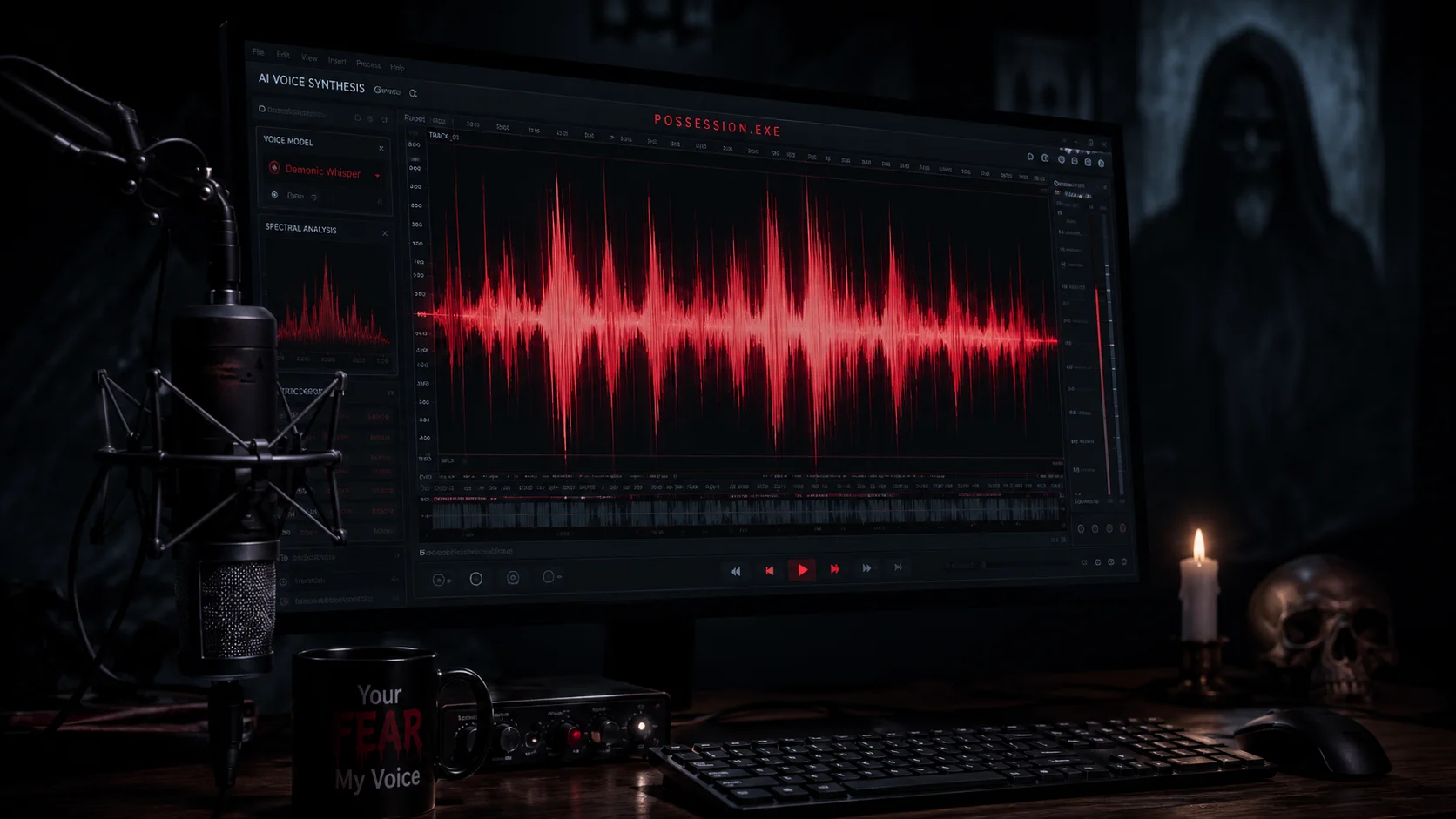
Horror movie character voices are often more memorable than the visuals. Sharp, distorted, metallic voices leave lasting impressions on audiences. Advances in AI voice generation technology allow creators to produce character-styled voices without professional voice actors. This article explores how to use these tools to create horror character-style voices.
1. Core characteristics of horror character voices
Horror character voices typically share several characteristics: unusually low or high pitch, electronic distortion, irregular rhythm, and unexpected pauses and tremors. These features break normal human speech patterns, creating an 'uncanny' feeling that triggers fear responses.
- Abnormal pitch range: extremely low or high
- Electronic distortion and metallic quality
- Irregular rhythm and pauses
- Sudden volume changes
2. How AI voice generators work
Modern AI text-to-speech systems are based on deep learning models that can learn voice pitch, rhythm, emotion, and speaking style. Some advanced systems allow users to select or customize 'voice characters' including dramatic or horror-style voices. After generation, you can further add distortion, reverb, and delay effects through audio processing.
3. Workflow for creating horror voices
First, write a script using short sentences and unnatural phrasing to enhance eeriness. Second, choose an appropriate AI voice character, looking for lower pitch and slower rhythm options. Third, post-process by adding distortion, lowering pitch, increasing reverb, and potentially adding sudden changes at key moments.
- Write short, unnatural scripts
- Select low-pitch, slow-rhythm voice characters
- Add distortion and lower pitch
- Add reverb and delay effects
- Create sudden changes at key moments
4. Audio post-processing techniques
After generating AI voice, use audio editing software for post-processing. Lowering pitch by 2-4 semitones creates a deeper sound. Adding slight distortion or saturation produces electronic texture. Set reverb with long decay time to create spatial depth. Occasionally insert brief silence or glitch sounds between words to simulate unstable transmission.
5. Application scenarios and boundaries
Horror-style AI voices work for Halloween content, horror-themed videos, game voiceovers, and creative audio projects. However, such voices should not be used for deception, harassment, or creating real threats. Respect audience boundaries by providing audio warnings before content starts, especially for sounds that might trigger sensitive listeners.
6. Integration with ClipMind video production workflow
When creating videos with AI character voices in ClipMind, the reverse script provides correspondence between voice text and visual moments. You can write scripts that directly reference specific scenes, then align generated voice files on the timeline. This approach keeps voice and visuals synchronized while preserving adjustment flexibility.
FAQ
Which AI tools support horror-style voices?
Multiple AI text-to-speech platforms offer dramatic or deep-style voice characters. Choose platforms that support pitch and rhythm adjustment and ensure you can download audio files for post-processing.
How can I make AI voices sound more naturally scary?
Avoid over-processing. Truly scary voices often come from subtle unnaturalness rather than obvious distortion. Use short sentences, irregular pauses, and let some words end abruptly or drag on.
Do I need professional skills to generate horror voices?
Basic text-to-speech use requires no professional skills, but audio post-processing requires some audio editing knowledge. Basic audio effects in most video editing software are sufficient to achieve satisfying results.