
AI Video Understanding Before Editing
Automatic editing works better when the system understands scenes, dialogue, people, objects, and story beats before it builds a timeline.
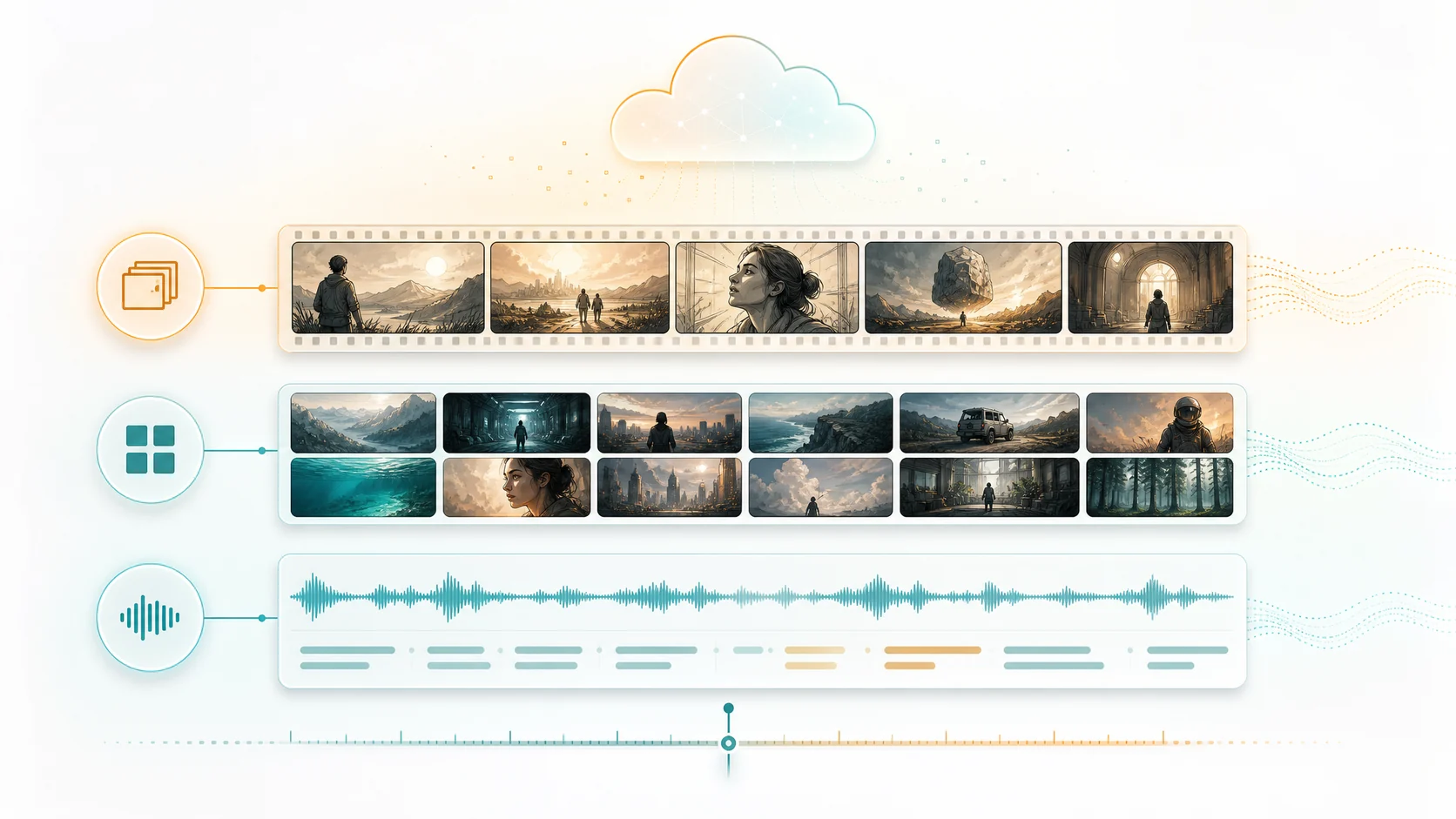
Most AI editing tools start with a transcript or a prompt. That is useful, but it is not enough for reliable automatic editing. A good cut needs context: what is visible, who is speaking, where the story changes, which shots support each beat, and which moments should stay together.
1. Transcripts are not the whole video
Speech is only one signal inside source footage. Important visual moments can happen without dialogue, and repeated dialogue can mean different things depending on the shot, character, or scene around it.
- A reaction shot can be more important than the sentence before it.
- A silent product detail may carry the main proof point.
- A scene change can reset context even when the transcript continues smoothly.
2. Video understanding creates editing context
Before ClipMind suggests a cut, it organizes source material into scenes, key frames, dialogue ranges, characters, objects, and story beats. This gives the agent a map of the footage instead of a flat text file.
3. The reverse script becomes the planning layer
A reverse script turns the understanding results into an editable outline. It shows what happened in the source, where each beat came from, and which frames or dialogue ranges support the suggestion.
- Use it to check whether the agent grouped moments correctly.
- Treat the outline as a working edit plan, not a locked script.
- Keep source references visible while making timeline decisions.
4. Automatic editing still needs review points
The fastest workflow is not fully blind automation. It is a workflow where the system does the heavy sorting and assembly, then asks for human review at the moments where taste, brand voice, or story priority matters.
5. Better inputs produce cleaner cuts
Source footage does not need to be perfect, but it should be grouped by project intent. Put related clips into the same project, choose the footage type carefully, and avoid mixing unrelated topics that should not share context.
6. Exports should stay traceable
When a generated edit can be traced back to its source scenes, dialogue, and frames, teams can review faster. This is especially useful for long videos, multi-episode projects, and recurring production workflows.
FAQ
Why is video understanding important for automatic editing?
It gives the editing agent visual, dialogue, entity, and story context before it chooses clips or builds a timeline.
Does this replace manual editing judgment?
No. It reduces sorting and assembly work, while leaving review decisions such as pacing, tone, and final story emphasis to the creator or team.
What kind of footage benefits most?
Long-form source videos, episode batches, dialogue-heavy clips, story recaps, visual montages, and any project where source context matters across multiple files.