
Vacation Video Editing Service: Turn Travel Footage Into a Story Worth Watching
A vacation video editing service helps travelers turn hours of disorganized holiday clips into a short, emotionally compelling travel film without spending weeks in post-production.
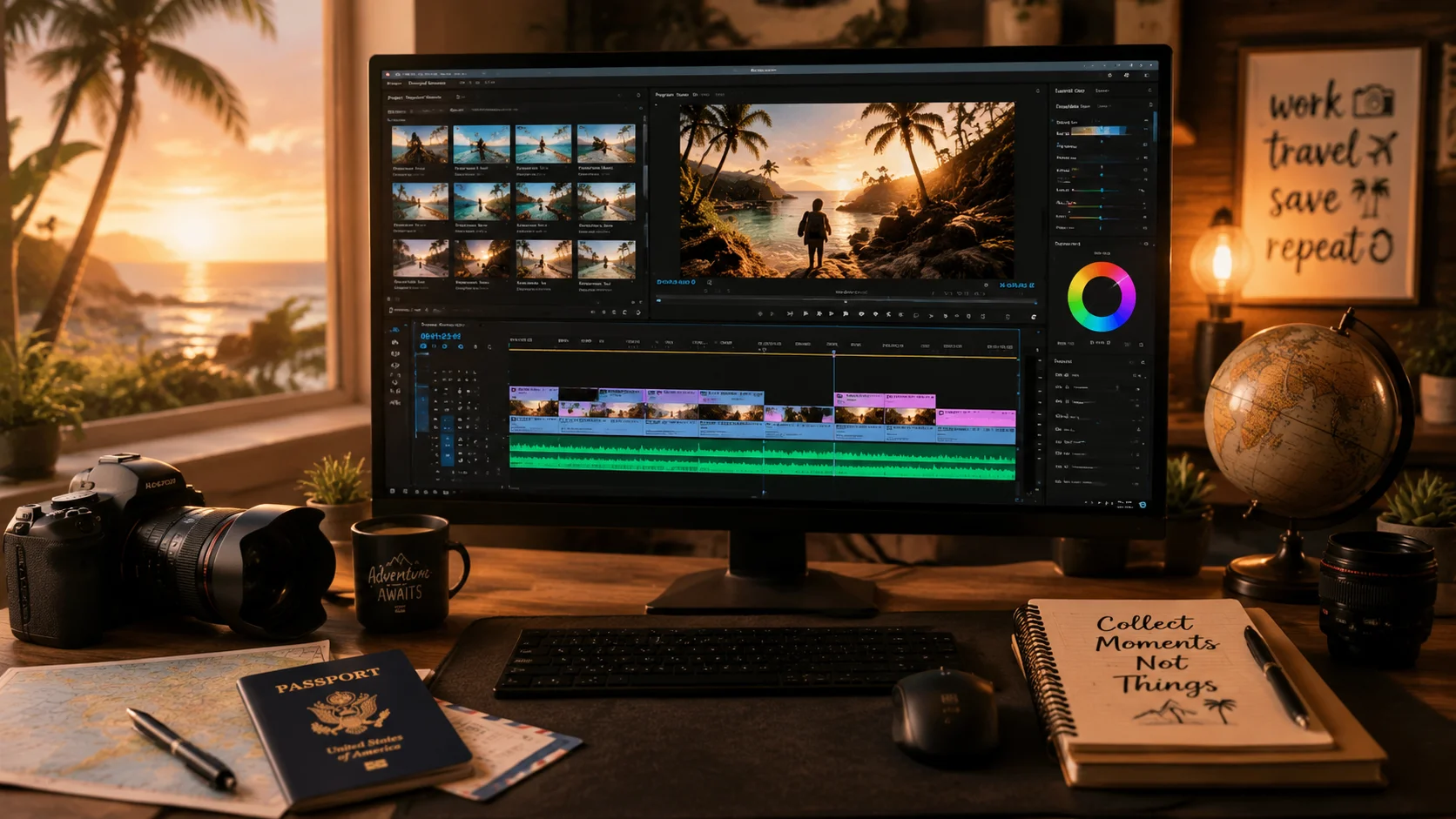
Most family vacations produce more footage than anyone will ever watch. A two-week trip leaves you with a few hundred gigabytes of phone clips, action cam footage, and snippets from every restaurant and beach. The editing problem is not a lack of material. It is too much of it, in no particular order, with no clear beginning, middle, or end. A vacation video editing service, whether human-assisted or AI-assisted, exists to solve exactly that problem.
1. Why vacation footage is hard to edit yourself
Unlike corporate or commercial footage, vacation clips are rarely shot with editing in mind. Clips are too long, lighting is inconsistent, and the best moments are buried between ten minutes of hotel room footage and shaky transitions. The emotional memory of being there makes it harder, not easier, to cut aggressively.
- Personal attachment to specific moments makes ruthless selection difficult.
- Inconsistent audio across locations complicates music mixing.
- Chronological structure often produces a flat emotional arc.
2. What a vacation video editing workflow looks like
A structured editing workflow starts with triage: separating the unusable clips from the usable ones. Next comes selection, choosing the moments with the strongest visual or emotional impact. Then structure, arranging selected clips into a story shape with an opening hook, a middle journey, and a closing beat. Finally, finish, adding music, color correction, and transitions.
3. How AI understanding speeds up triage and selection
Upload your vacation footage into a ClipMind project and let video understanding tag scenes, identify recurring locations, and surface the clips with the most visual variety or movement. The reverse script gives you a navigable map of the trip before you start making cuts, turning hours of triage into minutes.
- Scene detection separates beach clips from city footage automatically.
- Key frame extraction surfaces the most visually distinct moments.
- Multi-file projects keep hotel videos and day-trip clips organized together.
4. Building an emotional arc from disorganized clips
The strongest vacation edits are not strictly chronological. They open with a visually striking moment or an arrival that creates atmosphere, build through activities and discoveries, and close on an emotional beat: a sunset, a shared meal, or a child's reaction shot. Organizing clips by story beat rather than time of day produces a more watchable result.
5. Music, narration, and pacing
Music choice defines the emotional register of a travel film. A slow acoustic track makes the same clips feel contemplative; a rhythmic track makes them feel energetic. Match music tempo to intended pacing, then cut to the music rather than forcing the music to match random edit points. Narration can add personal context that visuals alone cannot carry.
6. Delivering a version people will actually watch
The most common mistake in vacation video editing is going too long. A three-minute cut that builds and resolves will be watched multiple times. A fifteen-minute chronological record will be watched once out of obligation. Target three to five minutes for a full trip, or two minutes for a single destination or day. Leave the longer archive edit as a separate file.
FAQ
How long should a vacation video be?
Three to five minutes is the sweet spot for a full trip edit. Single-day or single-destination cuts work well at two to three minutes. Anything over seven minutes needs a compelling narrative reason to hold attention.
What do vacation video editing services typically cost?
Human-edited vacation videos can range from a few hundred to over a thousand dollars depending on footage volume and turnaround. AI-assisted tools reduce cost significantly, especially for triage and first-cut assembly.
Can I edit vacation videos on my phone?
Yes, mobile editing apps can handle basic cuts and music. For projects with many clips across multiple days, a desktop workflow or AI-assisted project tool gives you more organization and control over structure.