
Transcript-Based vs Understanding-Based AI Editing: What Actually Works for Real Footage
Most AI video editors only read transcripts. True video understanding adds scene detection, character recognition, story beats, and visual context. Here is why the difference matters for anything beyond simple talking-head edits.
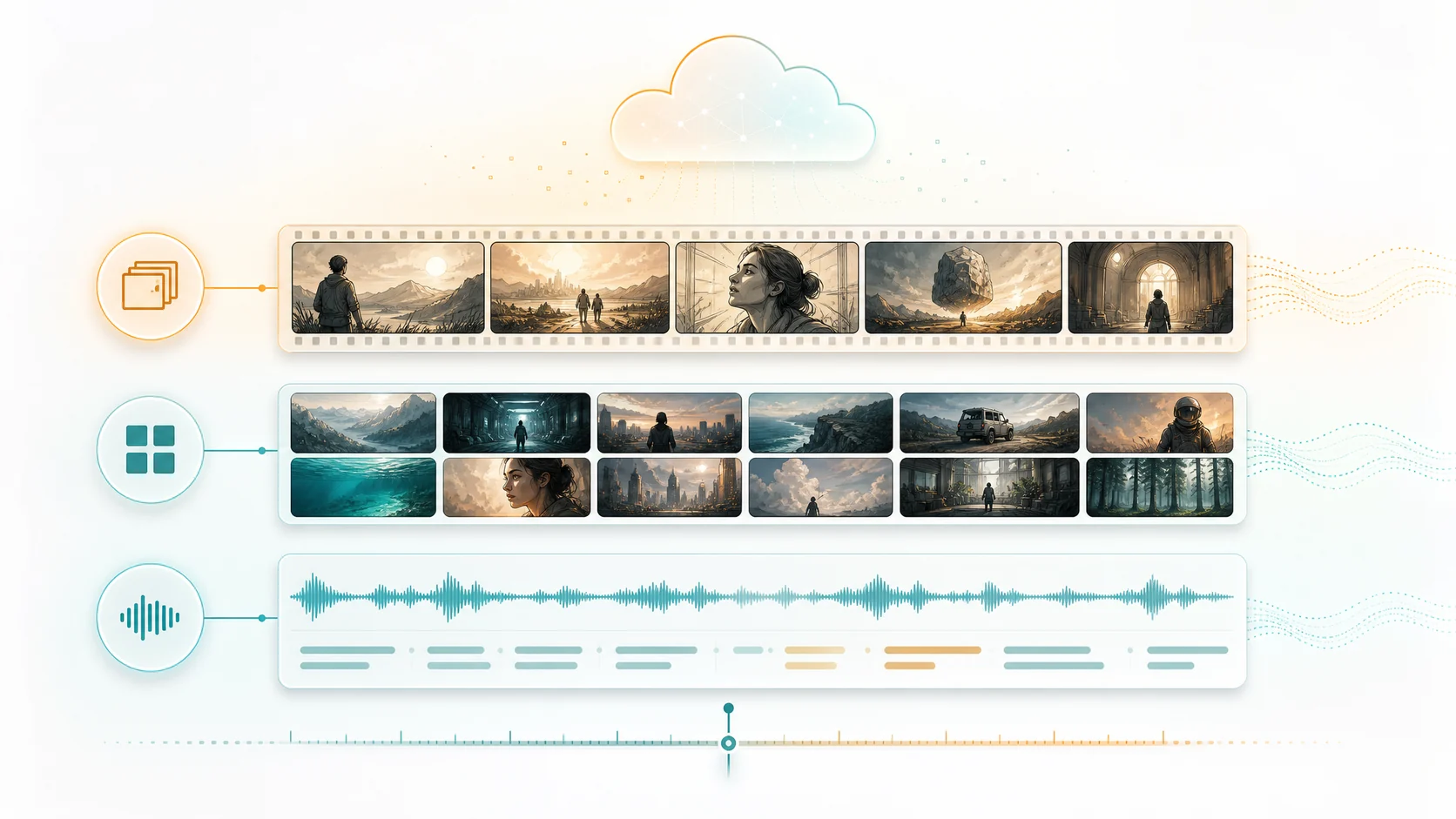
Not all AI video editing is built the same way. The most common approach is transcript-based: the system transcribes the audio, lets you highlight text, and converts those highlights into video clips. This works well for simple talking-head content — podcasts, interviews, monologues. But it falls apart when the visual content matters. A reaction shot, a product demonstration, a scene change, a character entrance: none of these leave a mark in the transcript. Understanding-based editing adds the visual, spatial, and narrative layers that transcript-only systems miss entirely.
1. What transcript-based editing can and cannot do
Transcript-based editing works by converting speech to text and treating the transcript as the primary editing interface. You search for keywords, highlight text ranges, and the system maps those text selections back to video segments. This approach is fast, intuitive for text-first workflows, and works well when the spoken word carries most of the content. The limitations appear quickly: visual events go undetected, scene transitions are invisible, multiple speakers are hard to distinguish without diarization, and non-verbal moments — reactions, demonstrations, visual gags — are completely absent from the editing interface. Transcript-based editing edits the audio, not the video.
- Strengths: fast text-based searching, intuitive for dialogue-heavy content.
- Weaknesses: blind to visual events, no scene awareness, no character tracking.
- Best for: podcasts, monologues, talking-head interviews with minimal visual action.
2. The layers that full video understanding adds
Understanding-based editing adds four critical layers on top of the transcript. Scene detection identifies where visual context changes, creating natural editing boundaries that correspond to actual shot and set changes. Entity recognition tracks faces and objects across scenes, building a project-level identity library so you know who appears where and when. Story beat analysis identifies narrative structure — introductions, developments, climaxes, conclusions — so the system understands not just what was said but what happened. Visual highlight detection identifies key visual moments like reactions, demonstrations, and action sequences that have no transcript footprint.
- Scene detection: visual context boundaries for natural clip grouping.
- Entity recognition: cross-scene character and object identity tracking.
- Story beat analysis: narrative structure, emotional arcs, and scene roles.
- Visual highlight detection: key visual moments not captured in the transcript.
3. When the transcript alone is not enough
Consider a product review video. The transcript tells you what the reviewer said about each feature. What it does not tell you: which camera angle showed the close-up of the product, when the reviewer demonstrated the feature rather than just describing it, which shots showed the product in use versus on a table, and where the B-roll footage should be inserted to support each claim. In a transcript-only system, the editor manually hunts for these visual elements. In an understanding-based system, the visual analysis is already mapped to the transcript, so the editor can see both layers simultaneously.
4. Hybrid approaches: combining transcript search with visual understanding
The most practical systems combine both approaches. You search the transcript to find what someone said, then see the visual context automatically attached: which scene it occurred in, who else was visible, what the camera was showing. This hybrid model gives editors the speed of text-based searching with the depth of visual understanding. ClipMind implements this through the reverse script, where each dialogue segment is annotated with its scene, entity, and story beat context. The transcript remains searchable, but search results come with visual metadata that transcript-only systems lack.
- Search transcripts and get visual context automatically attached to each result.
- Scene, character, and story data provide editing context beyond the spoken words.
- The reverse script displays both layers in a single, structured editing interface.
5. Making the right choice for your content type
The decision between transcript-based and understanding-based editing depends on your content. If you exclusively produce talking-head content where the visual component is a single static shot, a transcript-based editor may suffice. If your footage contains multiple scenes, multiple speakers, visual demonstrations, B-roll, action sequences, or any content where the visual layer carries meaning, you need understanding-based editing. The cost of choosing the simpler approach is the manual labor required to find and organize everything the transcript misses.
- Transcript-based: acceptable for single-shot talking-head content with one speaker.
- Understanding-based: essential for multi-scene, multi-speaker, or visually rich content.
- Hybrid: the practical standard, combining transcript speed with visual depth.
FAQ
Is transcript-based editing faster than full video understanding?
For simple content, yes — transcribing audio is faster than full video analysis. But this speed advantage disappears when you factor in the manual hunting required for visual elements that the transcript misses. Total workflow time often favors understanding-based editing when visual content matters.
Does understanding-based editing cost more?
Processing costs are higher because more AI models run on each video. However, the labor savings from reduced manual searching and organizing typically outweigh the processing cost, especially for video over 10 minutes.
Can I use both approaches in the same project?
Yes. ClipMind's ASR-Only pipeline provides fast transcript-based editing, while the Character-First-Narrative pipeline runs full understanding. You can choose per project based on content type and editing needs.