
AI Text To Speech For Video Narration: From Script To Export
AI text to speech works better when narration is planned with the actual footage, not pasted over the edit at the end.
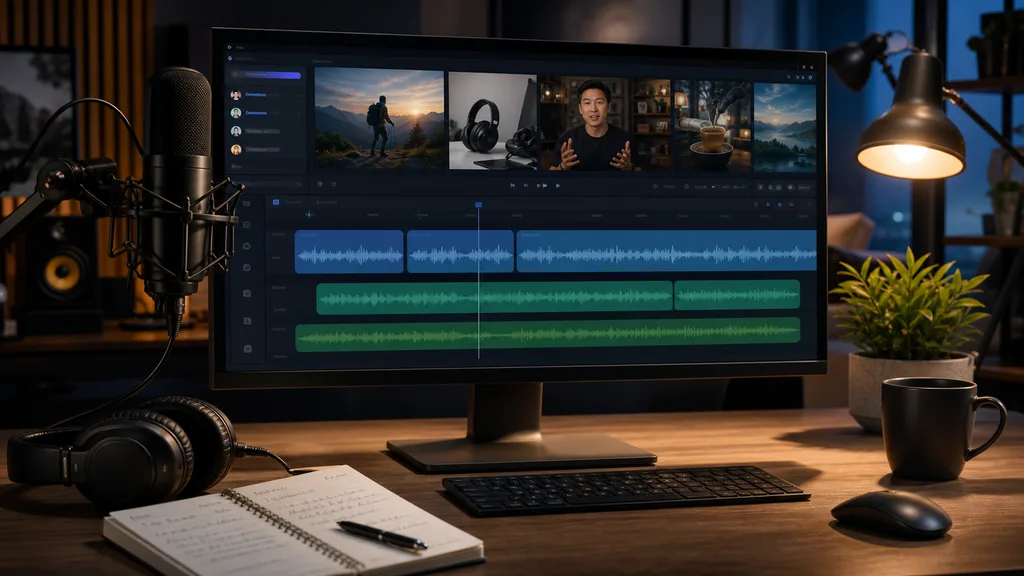
AI text to speech has made voiceover faster, cheaper, and easier to test. That does not automatically make video narration good. A voice track can sound clean and still feel disconnected from the footage. The script may explain what the viewer can already see. The pacing may fight the edit. The tone may be wrong for a customer story or product walkthrough. A practical AI text to speech workflow starts with the source video, builds a narration plan around real scenes, and treats voice as part of the edit rather than an audio layer added at the end.
1. Decide what narration should add
Narration should clarify, connect, or compress. It should not repeat every visible action. Before generating voice, write the job of the narration. Is it explaining a complex workflow, guiding a tutorial, summarizing a long interview, translating a silent screen recording, or giving a product demo a stronger story? The answer determines tone, length, and density.
- Use narration to bridge gaps between source clips.
- Leave space when the speaker or screen already carries the point.
- Avoid filling every second just because voice generation is easy.
2. Build the script from video understanding
A strong voiceover script is grounded in what the footage actually shows. ClipMind scans source videos into scenes, dialogue, key frames, objects, and story beats. That context helps you write narration that matches the edit. If the product screen changes at a specific moment, the script can introduce that change at the right time. If an interview quote is strong enough on its own, narration can step aside.
3. Keep sentences short and timed
Text that reads well in a document can be too dense for voice. AI text to speech needs short sentences, clear transitions, and room for visual beats. Read the script against the timeline before export. Mark where the voice should pause, where the scene needs air, and where captions may carry part of the message. A cleaner script usually sounds more natural than a longer one.
4. Match voice to format and audience
A product tutorial, customer recap, internal training clip, and social ad should not all use the same voice style. The voice can be calm, direct, energetic, formal, or conversational, but it has to serve the viewer. Test a short section before generating a full narration track. Listen for speed, emphasis, pronunciation, and whether the tone makes the product feel trustworthy.
- Use a calmer read for tutorials and technical explanations.
- Use more energy for short promotional clips.
- Check names, product terms, and uncommon phrases before final export.
5. Edit picture and voice together
The biggest mistake is locking the picture edit and then forcing narration to fit. Better results come from adjusting both. A strong line may need one more shot. A confusing visual may need shorter narration or a clearer screen capture. A transition may need a pause instead of another sentence. Treat the AI voice track as editable production material, not a final file handed down from the script.
6. Export versions with source context
Once a narration workflow works, create variants from the same project. A long tutorial can become a short teaser. A customer story can become a sales follow-up. A product walkthrough can become a silent captioned version and a narrated version. Keeping the script, source references, voice choices, and exports together makes those variants faster and reduces the risk that later edits contradict the original footage.
FAQ
Is AI text to speech good enough for marketing videos?
It can be useful when the script, pacing, and voice style are reviewed carefully. The important part is matching narration to the footage and audience, not only generating clear audio.
Should I write narration before or after editing?
Write an outline early, then refine narration after video understanding and first assembly. The final script should respond to the actual scenes and timing.
How does ClipMind help with narration?
ClipMind helps organize source footage, reverse scripts, selected clips, narration planning, and exports in one project so voiceover decisions stay connected to the edit.