
AI Video Editor For Long-Form Content: A Practical Workflow
An AI video editor is most useful when it can understand long recordings before it starts cutting. Use this workflow for interviews, webinars, courses, and product footage.
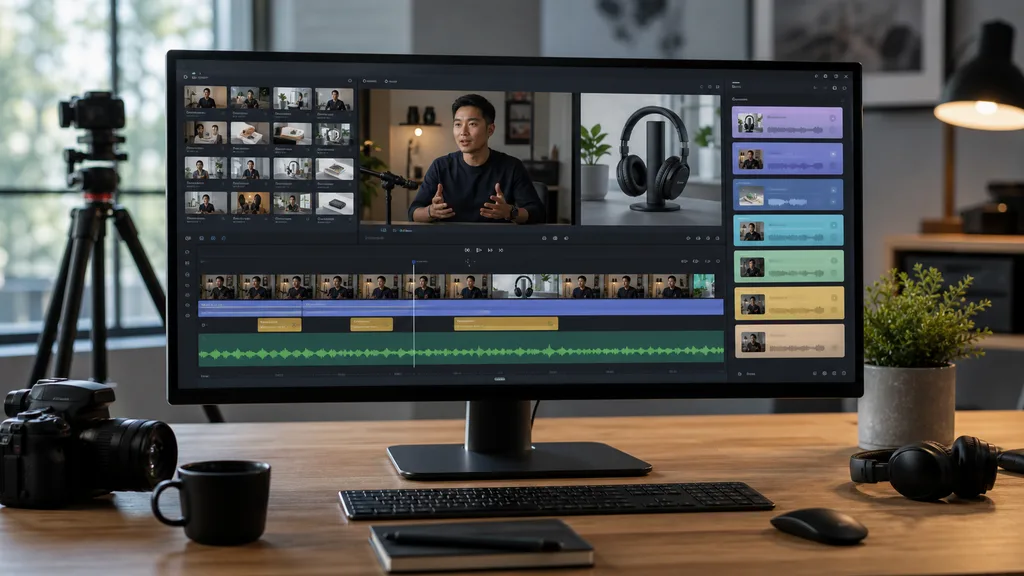
Searching for an AI video editor usually starts with a simple hope: upload a long video and get a clean, useful edit back. The hard part is that long-form content is rarely simple. A webinar has introductions, repeated points, audience questions, slides, side comments, and several possible stories. An interview has strong quotes buried between pauses and context. A product recording has screen changes that matter more than the transcript. A practical AI video editor should not jump directly from upload to export. It should first understand the material, expose that understanding to the team, and only then help assemble the cut.
1. Start with the output before the tool
The same source recording can become a two-minute recap, a 30-second ad, a sales follow-up clip, a tutorial chapter, or a batch of social posts. Before asking an AI video editor to cut, write the output you need in plain language. Include the audience, length, channel, tone, and the action viewers should take. This gives the editing agent a target instead of asking it to guess what counts as important.
- Choose one primary deliverable before generating variants.
- Separate educational edits from ads, recaps, and internal summaries.
- State what should be removed, not only what should be kept.
2. Let video understanding happen first
An AI editor that only reads the transcript will miss visual proof, speaker changes, product screens, reactions, and scene boundaries. ClipMind processes source footage into scenes, dialogue ranges, key frames, entities, and story beats before it creates a reverse script. This makes the edit reviewable. You can see which moments the system found, where they came from, and whether the proposed structure matches the real footage.
3. Treat the reverse script as the planning layer
The reverse script is where long-form editing becomes manageable. Instead of scrubbing through an hour-long recording, you review a structured outline of what happened. Strong quotes, repeated segments, visual examples, and scene transitions become visible. The best workflow is not to accept the first outline blindly. It is to use the outline as a map, keep the strongest sections, and remove anything that does not serve the final video.
- Check source references before approving a key claim.
- Move useful moments earlier if the hook needs more force.
- Keep context around quotes so the edit does not distort meaning.
4. Build a first cut from evidence
Once the useful beats are clear, the AI video editor can assemble a first cut with far less guesswork. For a webinar, that might mean opening with the strongest takeaway, cutting repetitive setup, keeping the best product proof, and closing with a clear next step. For an interview, it might mean grouping quotes by theme and using B-roll only where it supports the speaker. Evidence-based assembly keeps the result grounded in the source instead of turning every project into a generic template.
5. Review pacing, claims, and brand voice
AI can reduce sorting and rough assembly, but final judgment still matters. Watch the cut for pacing, over-compression, unsupported claims, and tone. A clip may be factually accurate but too abrupt for a brand video. A quote may be strong but need one more sentence of setup. The advantage of a project workspace is that each decision can be traced back to source footage, so revisions become concrete instead of vague.
6. Export variants without losing context
After the master version works, create shorter or channel-specific exports from the same project context. A long-form recording might produce a YouTube recap, a vertical short, an email follow-up clip, and an internal summary. Because the source understanding remains attached to the project, each variant can reuse the same approved moments while changing length, aspect ratio, narration, and opening hook.
FAQ
What makes an AI video editor good for long-form content?
It should understand scenes, dialogue, visual changes, speakers, and story beats before cutting. Long-form editing fails when the system treats a one-hour source as a single transcript.
Can ClipMind replace a human editor?
ClipMind reduces discovery, organization, and first-assembly work. Human review is still important for pacing, taste, brand voice, compliance, and final delivery quality.
Which long videos work best?
Interviews, webinars, courses, podcasts, customer calls, product demos, event recordings, and story-heavy source footage work well because the bottleneck is finding the useful moments.