
How AI Handles Long Video: Processing Multi-Hour Footage Without Losing Detail
Naive AI editing breaks on five-hour recordings. Here is how frame budgeting, context windowing, and smart downsampling keep multi-hour footage accurate and manageable.
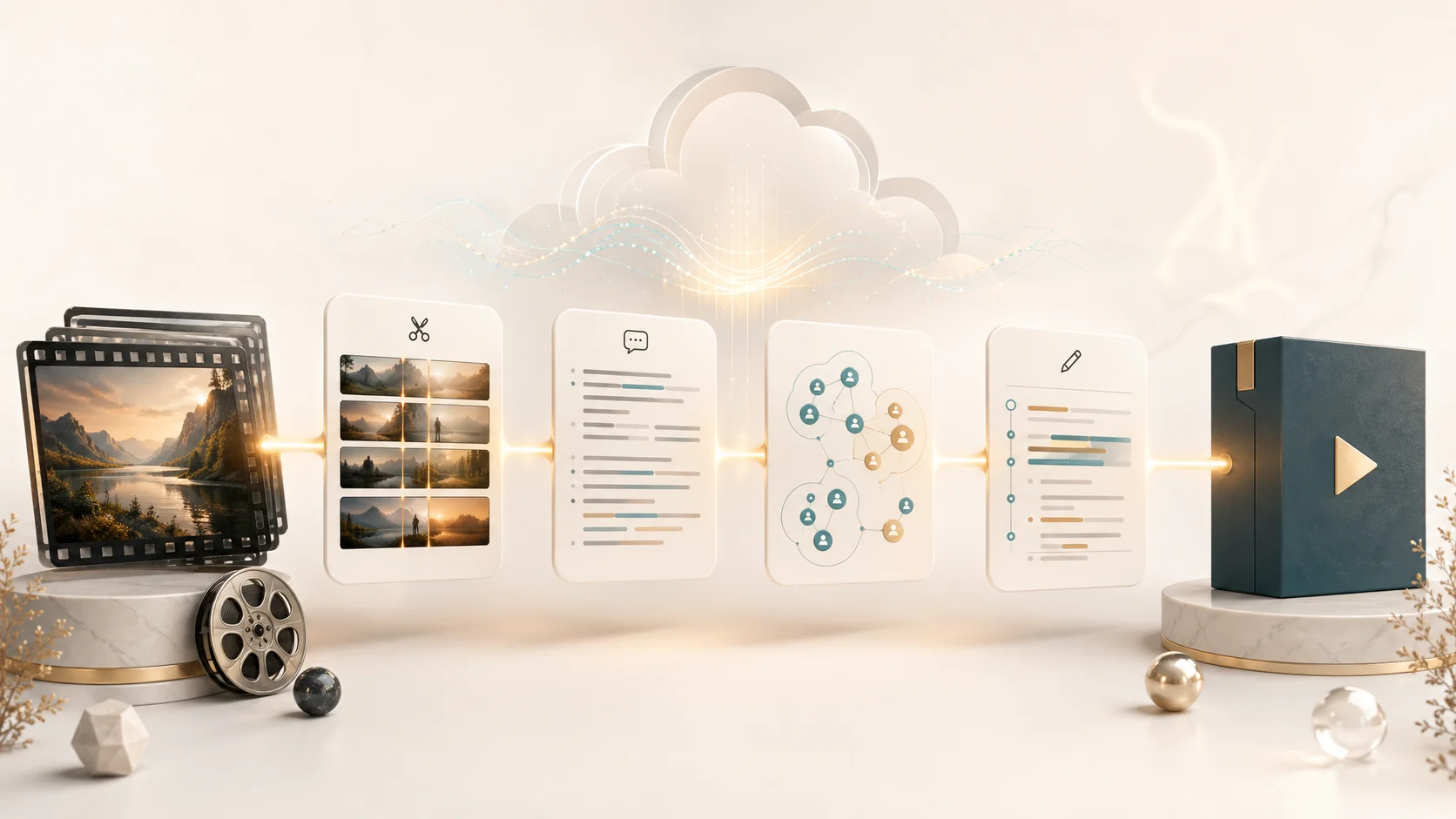
Most AI editing demos work great on a two-minute clip and fall apart on a six-hour wedding, conference, or podcast recording. The problem is not intelligence. It is capacity. Vision models, embedding pipelines, and context windows all have hard limits, and feeding a five-hour file straight into a model produces either a timeout, a huge bill, or a result that misses half the footage. The way around this is not a bigger model. It is a pipeline built to budget frames, window context, and downsample intelligently so that long footage stays accurate without overwhelming the system.
1. Why long video breaks naive AI workflows
Every model has a ceiling. A vision model can only inspect so many frames before it runs out of context. An embedding pipeline can only hold so many vectors before clustering slows to a crawl. And a context window can only hold so many minutes of scene and transcript before earlier material gets dropped. Push a multi-hour file past those limits and the system either fails outright or quietly ignores most of the footage. The failure is rarely reported as an error, which is what makes it dangerous.
- Vision models, embeddings, and context windows all carry hard capacity limits.
- Past those limits, footage is silently skipped rather than obviously failing.
- A bigger model does not fix this; a budgeted pipeline does.
2. Scene detection comes before anything heavy
The cheapest, most reliable step in long-video processing is scene detection, and it runs across the entire file first. This matters because every later, expensive step can then operate on scenes instead of raw frames. There is no point sending ten thousand near-identical frames to a vision model when a handful of key frames per scene carries the same information. Detection turns an unmanageable wall of frames into a finite list of meaningful units.
- Scene detection runs on the whole file before any expensive analysis.
- Heavy steps then operate on scenes and key frames, not raw frames.
- A finite scene list replaces an unmanageable wall of frames.
3. Frame budgets and smart downsampling
When footage runs long, a fixed frame budget forces the pipeline to spend wisely. Roughly a thousand frames per two hours is a practical baseline for normal projects; on very long recordings the rate drops, with a hard cap that stops costs from exploding. The budget is distributed across scenes by their length and importance, so a long, central scene keeps enough frames to be understood while a brief cutaway gets only what it needs. The goal is coverage, not completeness.
- A fixed frame budget scales with footage length instead of growing without limit.
- Frames are distributed across scenes by length and importance.
- The target is enough coverage to understand each scene, not every frame.
4. The 200-second context window
Long footage cannot be reasoned about as a single block. Instead, scenes are composed into mid-length segments of around two hundred seconds, which is the range where an LLM stays accurate without losing earlier context. Each segment carries its own scenes, transcript, and, where relevant, identity references. The model reasons within one segment at a time, and the results are stitched into a full outline afterward. This keeps quality high even as total runtime grows.
- Scenes are grouped into mid-length segments around two hundred seconds long.
- Each segment is reasoned about independently to stay within an accurate range.
- Per-segment results are stitched into one continuous outline.
5. Keeping responses and storage lean
Multi-hour projects generate a lot of data: thousands of embeddings, hundreds of cutouts, and large callback payloads. An engineered pipeline trims what it sends back, dropping local file paths and verbose history from callbacks and returning only sampled, representative results to the interface. That keeps the project responsive even when the raw processing behind it was heavy. Lean data flow is what makes a six-hour project feel as usable as a six-minute one.
- Callbacks drop local paths and verbose history to stay small.
- The interface receives sampled, representative results instead of everything.
- Lean data flow keeps long projects as responsive as short ones.
6. Practical prep for multi-hour footage
You can help a long-video pipeline by preparing the source thoughtfully. Keep related material in a single project so the system can build one consistent identity library across all of it. Avoid mixing unrelated topics that should never share context. Where possible, separate clearly distinct sessions into their own projects. Good source hygiene lets the pipeline spend its budget on understanding your footage instead of untangling a messy pile of unrelated clips.
- Keep related multi-hour material in one project for a consistent identity library.
- Avoid mixing unrelated topics that should not share context.
- Separate distinct sessions into their own projects when possible.
FAQ
What counts as a long video for AI editing?
Anything past roughly an hour starts to strain naive pipelines, and multi-hour recordings, like full weddings, conferences, or podcast sessions, are where capacity limits really bite. Short clips are easy because they fit inside a single context window. Long footage needs a pipeline that budgets frames, windows context, and trims data flow so nothing important is silently dropped.
Will AI skip parts of my long footage?
A well-engineered pipeline does not skip scenes. It samples frames within scenes according to a budget, so every scene is still represented and understood, just not at every single frame. The risk of skipping only appears when footage is fed straight into a model without budgeting, which is exactly what a purpose-built long-video workflow is designed to avoid.
How should I prepare multi-hour footage before processing?
Keep related material together in one project so the system can build a consistent identity library across all of it. Do not mix unrelated topics in the same project, since they should not share context. If you have clearly separate sessions, like different wedding ceremony parts or different podcast episodes, split them into their own projects. Clean, organized source material lets the pipeline spend its budget on understanding rather than untangling.