
A Pictory Alternative For Long-Form Video Editing
If you are looking for a Pictory alternative because your videos are longer than a few minutes and your source is real footage, video understanding tools offer a different kind of AI assistance.
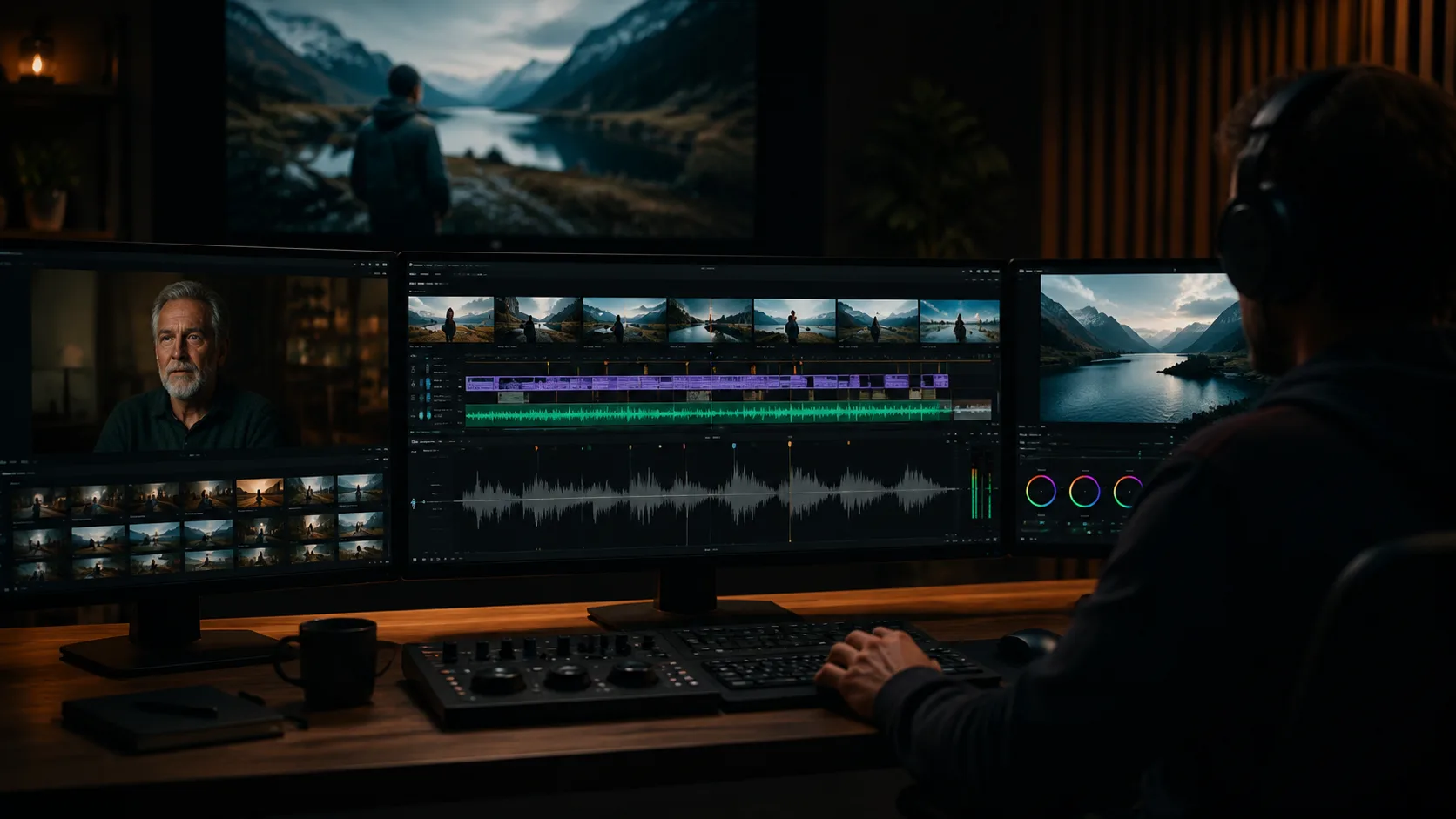
Pictory built its reputation on turning long-form content into short social clips. That is valuable, but it is only one piece of the video production stack. Teams that work with long-form source footage, multi-file projects, and recurring content series need more than clip extraction. They need AI that can understand hours of footage, map structure, and support assembly of complete edits. If that sounds like your workflow, a video understanding tool is the Pictory alternative you actually need.
1. Clip extraction vs full edit support
Pictory excels at pulling highlight clips from podcasts and webinars. It identifies moments, trims them to social length, and formats them with captions. What it does not do is help you build a twenty-minute documentary cut, organize a multi-episode series, or maintain context across hundreds of clips. Video understanding tools are built for that heavier lifting.
- Use clip extraction when the output is always short-form and social.
- Use video understanding when the output is a complete edit or series.
- Mix both when you need highlights from a longer project.
2. Understanding long-form structure
Long-form video has structure: acts, chapters, recurring themes, and narrative arcs. A clip extractor sees moments. A video understanding tool sees how moments connect across time. ClipMind builds a reverse script that shows the story your footage contains, not just the quotable lines. This matters when you are editing documentaries, courses, interview series, or any content where context across time defines meaning.
3. Multi-file project support
Most long-form projects involve multiple source files: interview segments, b-roll packages, behind-the-scenes clips, and archival footage. Pictory treats each file as a separate extraction job. ClipMind treats all files in a project as a shared context, linking speakers, locations, and themes across clips so you can build an edit that draws from the full library.
4. The editing workflow is different
With Pictory, you upload a video, get highlights, and export. With ClipMind, you upload footage, review the understanding output, then use the reverse script to plan and assemble an edit. The first workflow is extraction. The second is construction. They serve different creative needs and different content types.
5. When to stay with Pictory
If your primary need is turning webinars into TikTok clips, podcast episodes into Reels, and talking-head videos into short social posts, Pictory remains the right tool. It does one thing well. The alternative becomes relevant when that one thing is not enough.
6. When to add video understanding
Add a video understanding tool when your projects get longer than five minutes, when you need to maintain context across files, when you are building series or documentary work, or when the edit decisions matter as much as the extraction speed.
- Documentary and interview projects that need narrative structure.
- Multi-episode series that share speakers and themes.
- Event coverage where context across sessions matters.
FAQ
Can ClipMind do what Pictory does?
ClipMind can identify key moments and generate short clips, but it is optimized for longer, more complex editing workflows. For pure social clip extraction at scale, Pictory may still be the faster choice.
Should I switch or add to my stack?
Add if you have both short-form extraction needs and long-form editing needs. Switch if your primary work has outgrown clip extraction and you need full project-level understanding.
What file types work with video understanding?
Any video file your editing software can open. ClipMind processes uploads for scene detection, dialogue extraction, and entity recognition regardless of source format.