
AI Agent Video Editing: How Script Planner Agents Automate Timeline Assembly
AI agents move video editing from manual timeline dragging to intent-driven assembly. Learn how ClipMind's Script Planner Agent reads reverse scripts, selects clips, writes narration, and produces structured timelines from natural language instructions.
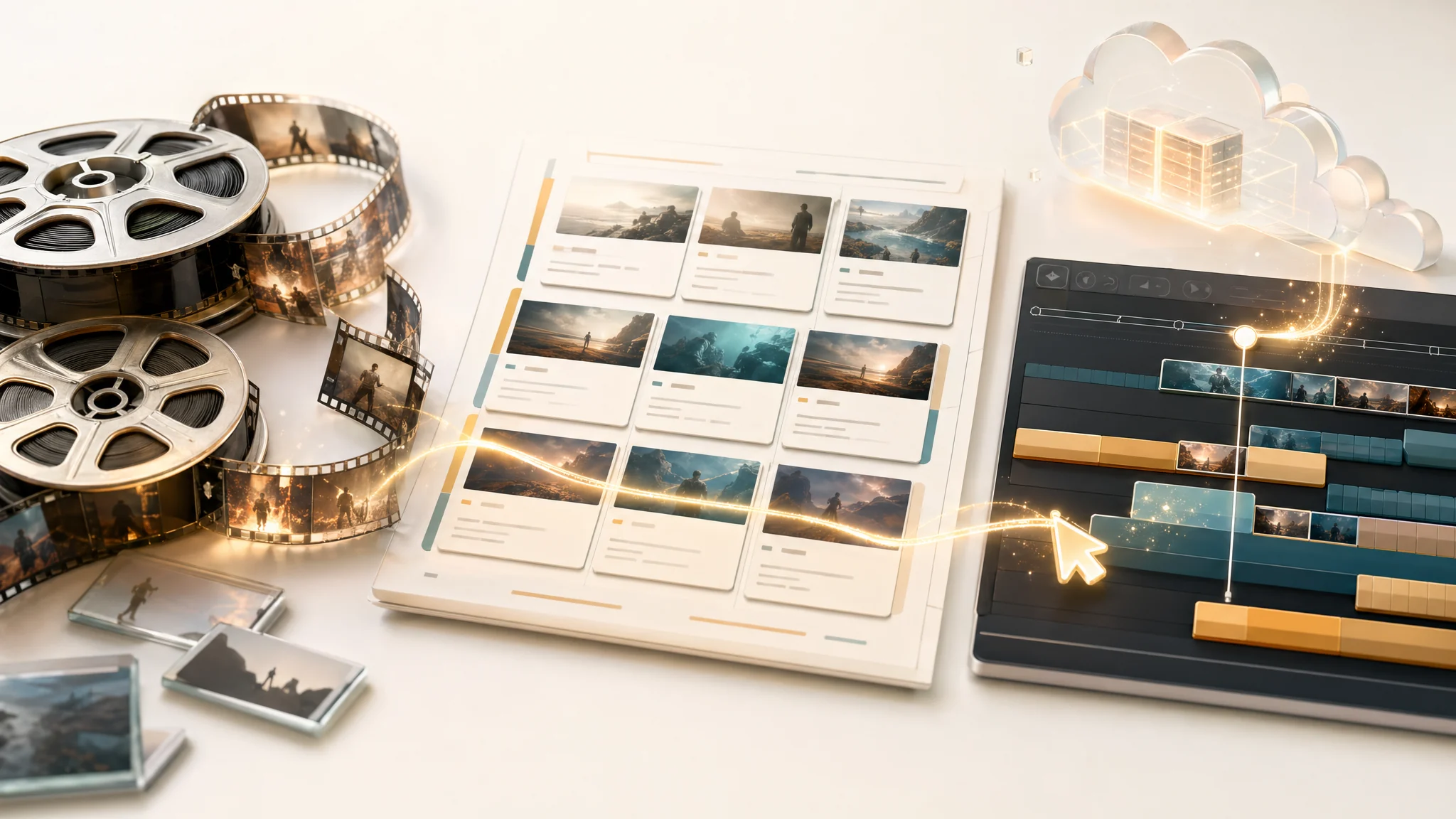
Traditional editing means dragging clips onto a timeline, one by one, while keeping the full story in your head. An AI editing agent changes that. You describe what kind of edit you want — a highlight reel, a character-focused recap, a dialogue-driven short — and the agent reads the project's reverse script, searches through scenes and transcripts, picks the right clips, writes narration, and builds a structured timeline. This is not templating. It is context-aware, intent-driven timeline assembly.
1. What makes an AI editing agent different from a template?
A template fills slots with whatever you feed it. An agent reads the full project context first — the reverse script, scene boundaries, transcripts, entity maps — and then makes selection decisions based on that understanding. When you ask for an emotional montage, the agent looks for scenes with high emotional density in the narrative summaries. When you ask for character-focused clips, it filters by entity appearances across scenes. The decisions are grounded in project data, not in fixed rules.
- Templates apply the same structure to every project — agents adapt to the source material.
- Agents can handle vague instructions like 'keep the funny parts' because they understand the content.
- The agent's output is a structured timeline JSON that you can review and adjust.
2. The tools an agent uses to understand your project
ClipMind's Script Planner Agent has access to a set of tools that let it inspect the project before making any editing decisions. These tools give the agent deep visibility into the video understanding results without requiring the user to manually search through hours of footage.
- asset.list_text_indexes: lists all text indexes in the project, including scenes, transcripts, and narrative segments.
- asset.read_text_window: reads a window of text around a specific point in the video, giving the agent fine-grained access to dialogue and descriptions.
- timeline.read_state: reads the current state of the timeline, so the agent knows what has already been placed.
- timeline.write_plan: writes a structured timeline plan in JSON format, specifying clip order, narration text, and source references.
- context.save_session: persists the session state so the agent can resume work across multiple conversations.
3. How context window management keeps the agent focused
An agent that reads the entire reverse script for a feature-length film would exceed any model's context limit. ClipMind manages this through automated context compaction. When the conversation approaches 80 percent of the 128K token limit, the system compresses earlier messages into summaries, keeping the current editing intent and recent decisions in full detail while condensing older context. This lets the agent work on long projects without losing track of earlier decisions.
4. Intent-driven clip selection: from natural language to timeline
The core workflow is simple: you tell the agent what kind of edit you want, and it builds a plan. The agent reads your request, searches the reverse script for relevant scenes and dialogue, selects clips that match your intent, writes narration text that connects the clips, and outputs a structured timeline. You then review the plan, adjust anything that does not fit, and move to export.
- Intent examples: 'emotional montage', 'funny moments compilation', 'character A and B interactions only.'
- The agent cross-references scene summaries, entity maps, and transcripts to find matching content.
- Narration text is generated to bridge clips, not to describe them redundantly.
5. Multi-session editing: picking up where you left off
Editing rarely happens in one session. The agent supports multi-session workflows by saving session context to R2 storage. When you return to the same clip project, the agent reloads its understanding of the reverse script, the timeline state, and the conversation history — including compacted summaries of previous sessions. You can continue refining the edit without repeating earlier instructions.
6. Agent editing vs. manual editing: where each fits
The agent is not meant to replace the final creative review. It handles the labor-intensive part: finding relevant clips in hours of footage, drafting narration, and assembling a rough timeline structure. Manual editing then takes over for fine-tuning — adjusting clip boundaries, tweaking narration delivery, timing transitions, and making aesthetic calls.
- Use the agent for discovery and rough assembly — it finds clips you might miss.
- Use manual editing for polish — timing, pacing, and creative nuance.
- The agent and manual editor share the same timeline, so you can switch between them freely.
FAQ
Can the agent handle feature-length videos?
Yes, through context window compaction. The agent processes the reverse script in manageable segments, keeping relevant context in active memory while summarizing older parts of the conversation.
Does the agent work in languages other than English?
Yes. The reverse script and transcripts are processed in their original language, and the agent can understand and generate clip plans based on Chinese, English, or mixed-language source material.
Can I edit the agent's timeline plan manually?
Yes. The agent produces a structured plan that you can review in the timeline editor. You can reorder clips, rewrite narration, adjust durations, and add or remove segments before export.
How many clips can the agent handle in one plan?
The agent can handle plans with dozens of clips. The practical limit is determined by the timeline editor and export pipeline, not by the agent itself.