
A Free AI Workflow For Minecraft Parkour Video Generation
Free AI Minecraft parkour video generators are everywhere, but most produce thin, repetitive clips. Here is a workflow that uses real parkour footage plus AI video understanding to build channels that last.
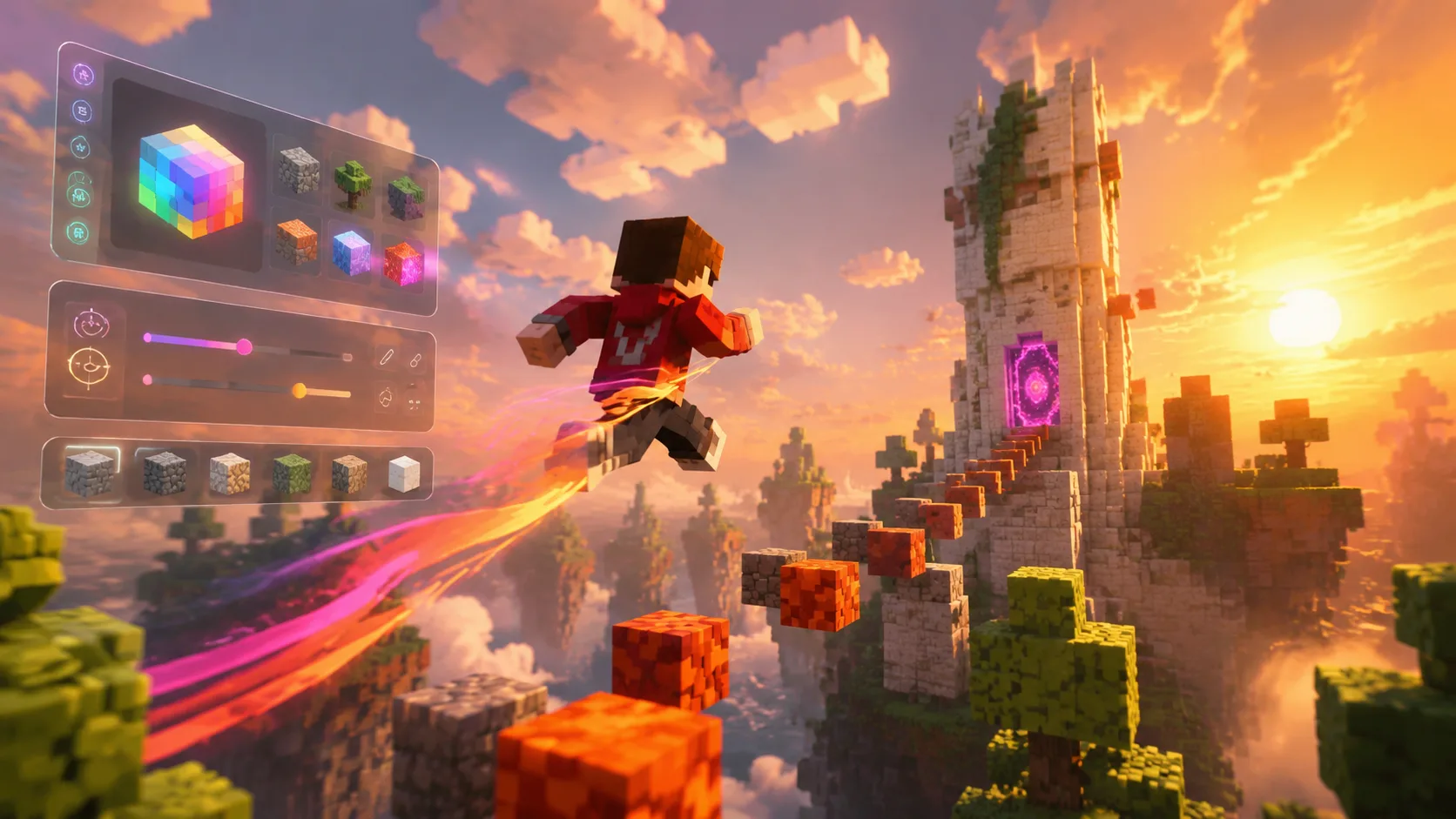
Minecraft parkour content is one of the most consistent short-form genres on YouTube and TikTok. The pattern is simple: a satisfying parkour run plays under a long-form audio clip, viewers stay until the end of the audio, and the algorithm rewards completion rate. Free AI Minecraft parkour video generators promise to skip the work entirely, but a more sustainable workflow keeps real parkour footage at the center and uses AI to do the slow editing.
1. Why pure generators struggle long term
Tools that synthesize parkour footage from scratch tend to produce visually weak runs. The physics looks off, jumps repeat in ways viewers spot, and the algorithm eventually flags channels that look templated. Channels that grow durably use real parkour footage and apply AI to the editing layer, not the generation layer.
- Real parkour has natural variance in timing, camera, and landings.
- Recycled generated clips lose performance after the first few uploads.
- Viewers reward authentic runs even when the audio carries the video.
2. Record long parkour sessions, not single runs
Record sessions that last 20 to 30 minutes per map. Long sessions give you variation in pace, near-misses, and clean runs. The editing problem becomes finding the best 60 to 90 seconds from those sessions, which is exactly the kind of work video understanding handles well.
3. Upload the session into one project
Drop the raw session into a ClipMind project. The system tags scenes, transitions, and key frames so you can spot the cleanest stretches without scrubbing the whole recording. For long sessions this turns hours of review into minutes of curation.
- Tag obvious clean runs and skip restart segments.
- Mark moments where camera and movement sync nicely.
- Save standout near-misses for separate compilation videos.
4. Match clip length to the audio you plan to use
Short-form audio drives watch time. Pick the audio first, note its natural climax, and trim parkour runs to land jumps and transitions on those beats. Video understanding helps you align frame transitions with audio peaks without manually counting frames.
5. Build a free-tier-friendly pipeline
Many AI tools offer enough free usage for one or two videos a week. Combine a recording habit, a free understanding tier, and a simple export workflow to keep production steady without paying for a generator that produces thin clips. The cost is your time, not your wallet.
6. Treat your channel as a content system
The channels that grow with Minecraft parkour content are not the ones with the prettiest generated clips. They are the ones that publish consistently, vary maps and audio, and learn what their audience finishes. Use a tool that gives you reusable project context so each new upload starts further along than the last.
FAQ
Can I use generated parkour clips at all?
Yes, sparingly. Generated clips can fill transitions, intros, or stylized cutaways. Lean on real footage for the body of the video to avoid the templated look that hurts long-term performance.
How long should a Minecraft parkour Short be?
Match the audio length. Most successful Shorts in this genre run 45 to 90 seconds, which is long enough to carry an audio arc and short enough to keep completion rate high.
Is ClipMind a Minecraft parkour generator?
No. ClipMind does not generate parkour footage. It understands real footage you record and helps you edit it faster, which is the part of the workflow that usually consumes the most time.