
Story-Driven Video Editing: How AI Turns Raw Footage into Structured Narratives
AI video editing goes beyond trimming clips. Learn how story-driven editing uses narrative understanding to organize raw footage into coherent timelines with emotional arcs, scene transitions, and character continuity.
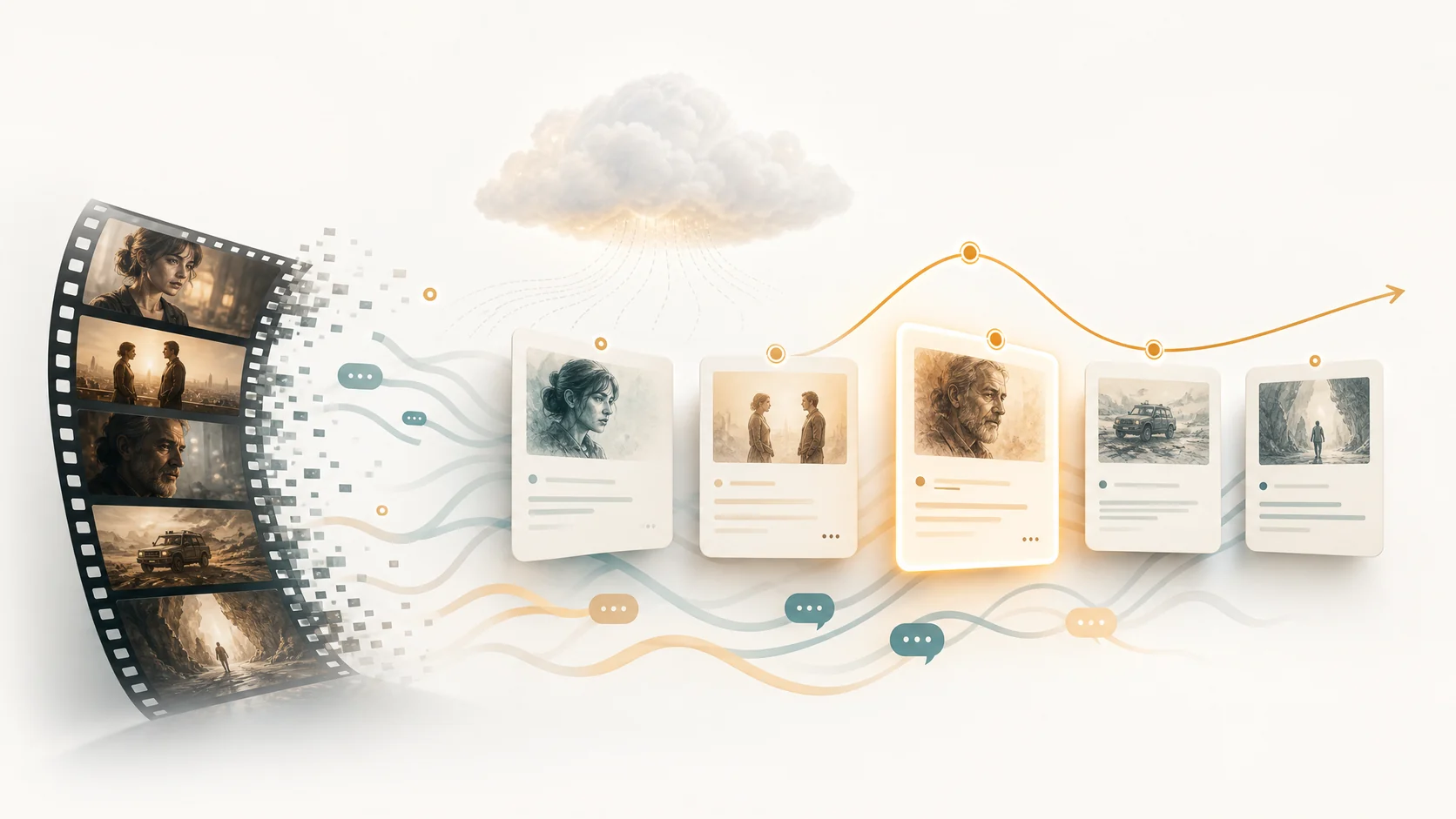
Most video editing starts with a pile of clips and a blank timeline. You scrub, trim, arrange, and hope the result tells a coherent story. Story-driven editing flips this: the AI first understands what story the footage contains, then organizes clips around narrative beats, emotional arcs, and scene transitions. Instead of starting from raw assets, you start from a structured outline that already knows where the key moments are, who appears in each scene, and how the story flows across time.
1. What story-driven editing actually means
Story-driven editing means the editing system understands the narrative content of your footage before it touches the timeline. It identifies where scenes begin and end, which characters appear and interact, what topics are discussed, where emotional shifts occur, and how individual moments connect to form larger story arcs. This is fundamentally different from keyword-based or transcript-only editing, which treats video as a flat collection of text-tagged clips. Story-driven systems build a hierarchical model of your footage: scenes contain beats, beats contain moments, moments contain the source clips and dialogue that support them.
- Scene boundaries mark where context shifts, creating natural editing segments.
- Character and entity tracking connects appearances across scenes for continuity.
- Emotional and tonal shifts are detected as editing inflection points.
- Story beats form the outline that guides clip selection and timeline order.
2. How AI builds a narrative map from raw footage
The process starts with scene detection, which splits footage into coherent visual segments using models like TransNetV2. Each scene is then analyzed for dialogue content via ASR with speaker diarization, for visual entities through face and object recognition, and for structural role through narrative classification. The AI determines which scenes serve as introductions, which as developments, which as climaxes, and which as conclusions. This narrative map becomes the foundation for automatic timeline assembly: each clip placed on the timeline corresponds to a known story beat with a known position in the narrative arc.
3. The reverse script as a story-first editing interface
ClipMind's reverse script is the practical implementation of story-driven editing. It presents the AI's narrative understanding as an editable outline where each story beat links back to its source footage, timecodes, character appearances, and dialogue segments. Instead of arranging clips on a timeline from scratch, you work with the reverse script as the editing interface: reorder story beats, merge or split scenes, add narration between segments, and let the timeline populate from the narrative structure. When the story makes sense in the reverse script, the exported video will make sense to the viewer.
- Each story beat is backed by source frame references and timecodes.
- Reorder, merge, or split beats without touching the timeline directly.
- Add narration text between beats for seamless scene transitions.
- The reverse script and timeline stay in sync as you refine the edit.
4. Character arcs and continuity across scenes
A key advantage of story-driven editing is character continuity. The AI's identity library tracks which characters appear in each scene and how their roles evolve. When you ask the agent for a character-focused edit — for example, following one person's arc across a feature-length video — the system already knows every scene where that character appears, what they say, and how their story develops. This would be nearly impossible with manual clip hunting but becomes automatic with the identity layer that story-driven editing provides.
5. When story-driven editing works best
Story-driven editing delivers the most value when source footage has inherent narrative structure: films, documentaries, interviews, event recordings, multi-episode series, and any content where the order of scenes matters to the viewer's experience. For purely visual content like atmospheric montages or abstract edits, the narrative layer is thinner but still useful for scene boundary grouping and pacing decisions. The key question is whether your audience cares about the sequence of moments. If they do, story-driven editing is the right approach.
- Best for: narrative content, interviews, documentaries, event recaps, episodic series.
- Still useful for: visual montages, B-roll library organization, clip grouping.
- Less relevant for: single-clip edits, abstract visual pieces with no narrative intent.
FAQ
How is story-driven editing different from regular AI editing?
Regular AI editing typically works from transcripts and timestamps. Story-driven editing adds scene boundaries, character tracking, emotional arcs, and narrative structure on top of the transcript layer, making editing decisions grounded in story context rather than just text alignment.
Does story-driven editing work for non-narrative content like B-roll?
Yes, but the story layer is thinner. Scene detection and visual grouping still help organize footage, even when there is no traditional narrative. The system can group similar shots, detect visual patterns, and suggest logical arrangements.
Can I override the AI's story structure?
Absolutely. The reverse script is designed as an editable planning layer. You can reorder beats, remove sections, merge scenes, or ignore the AI's suggested structure entirely. The story map is a starting point, not a final decision.