
Animated Marketing Videos: A Practical AI Workflow
Animated marketing videos work best when the message, source references, storyboard, voiceover, and export plan are built before the design sprint begins.
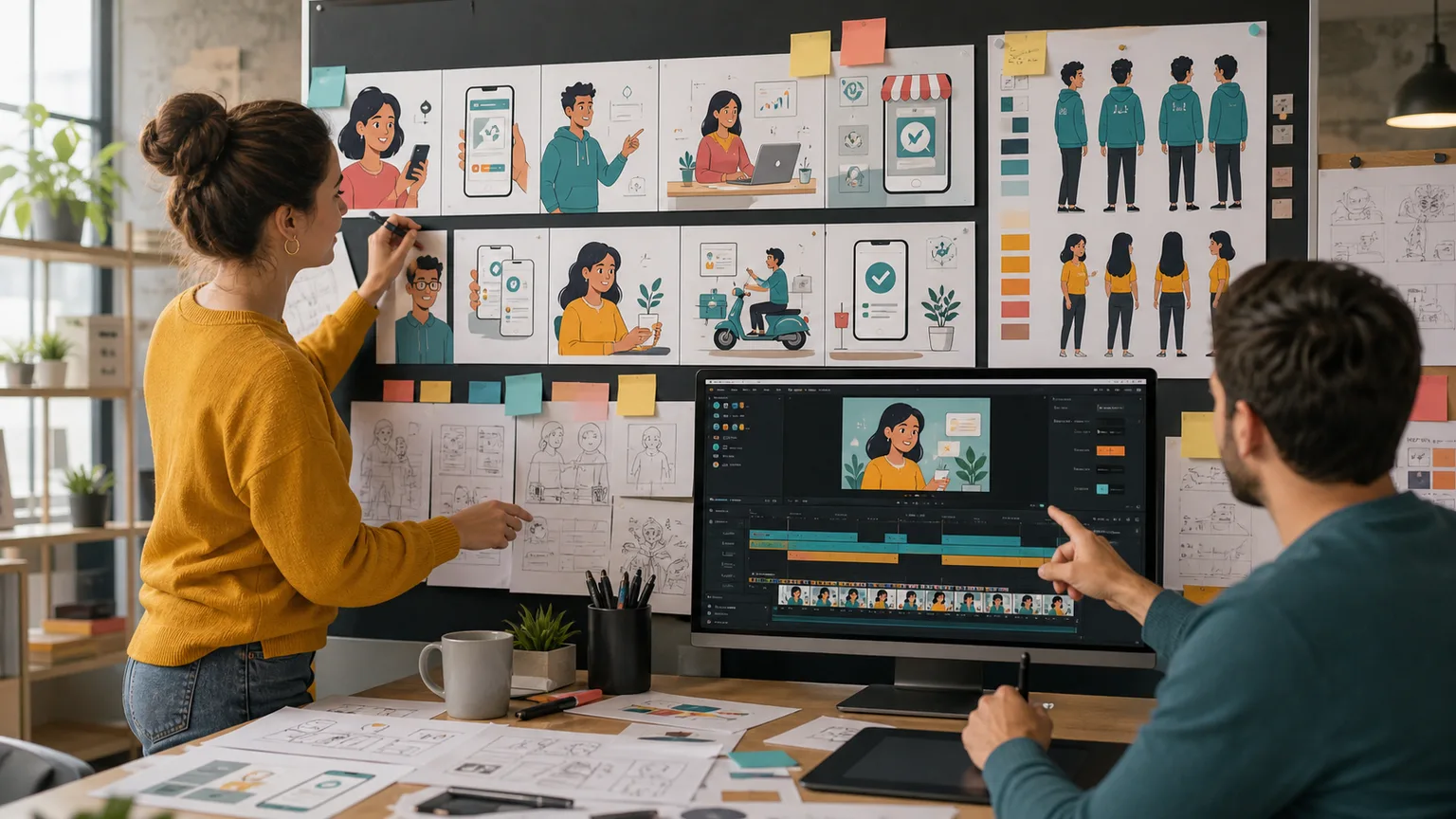
Animated marketing videos are useful when a product is hard to film, a concept is abstract, or a team needs consistent visuals across many campaigns. They are also easy to overcomplicate. A video that begins as a simple explainer can turn into weeks of mood boards, character tests, script revisions, and export changes. The fastest workflow treats animation as one layer of a larger video system: message first, evidence second, storyboard third, production last.
1. Use animation for the right problem
Animation is not automatically better than live footage. It works best for invisible systems, workflow diagrams, product concepts that change quickly, and brand stories where literal filming would be expensive or confusing. If you already have strong customer clips, product recordings, or founder footage, animation should support those assets rather than replace them.
- Use animation to explain systems that are difficult to shoot.
- Use live footage when credibility and human proof matter most.
- Use a hybrid format when the product needs both clarity and trust.
2. Start with the message and the viewer
Before style frames, write the single sentence the viewer should remember. Animated videos often become vague because they are visually flexible. A clear message gives designers constraints. It tells them which metaphors to avoid, which product moment to emphasize, and whether the pacing should feel educational, urgent, playful, or enterprise-ready.
3. Use existing footage as source context
Even if the final video is animated, existing footage can make the concept sharper. Upload sales demos, webinars, customer interviews, or product walkthroughs into ClipMind. Video understanding extracts real language, objections, and visual moments. That source context keeps the animated script grounded in what customers actually say instead of what the team imagines they say.
4. Build a storyboard before designing frames
A storyboard does not need to be beautiful. It needs to define the order of ideas, the relationship between voiceover and visuals, and the moments where the viewer needs a visual reset. ClipMind's reverse-script approach is useful here because it turns messy source material into beats. Those beats can become animated scenes, live-action inserts, or caption-led sections.
- Map every visual to one line of narration or one claim.
- Reserve motion for moments that need explanation, not decoration.
- Keep scene count realistic for the deadline and budget.
5. Plan variants before production
Marketing teams rarely need one animated video. They need a 60-second explainer, a 30-second ad, several vertical cutdowns, a silent version with captions, and sometimes a sales deck loop. Plan those variants before animation starts. A modular structure saves time because the same scene can be exported for multiple channels without rebuilding the entire video.
6. Keep animation connected to performance
After publishing, track which hooks, scenes, and CTAs work. Save the source project, storyboard, voiceover, and exports together. The next animated marketing video should not begin from a blank document. It should reuse the winning message structure and replace only the parts that need a new campaign angle.
FAQ
Are animated marketing videos good for B2B products?
Yes, especially when the product solves a workflow or infrastructure problem that is hard to film. Use concrete examples and real customer language so the video does not feel abstract.
How long should an animated marketing video be?
For top-of-funnel use, 45 to 90 seconds is usually enough. Product explainers can run longer if the audience has high intent and the video is structured clearly.
Can ClipMind create animation directly?
ClipMind is focused on video understanding and editing context. It helps you organize source material, build the script, and plan the edit that an animation or design tool can then produce.