
AI Video Transcription and Auto-Captioning: Turn Speech into Searchable, Shareable Text
AI-powered transcription and auto-captioning transform raw video dialogue into accurate text. Learn how ASR with speaker diarization creates captions, transcripts, and metadata that improve accessibility, SEO, and audience engagement.
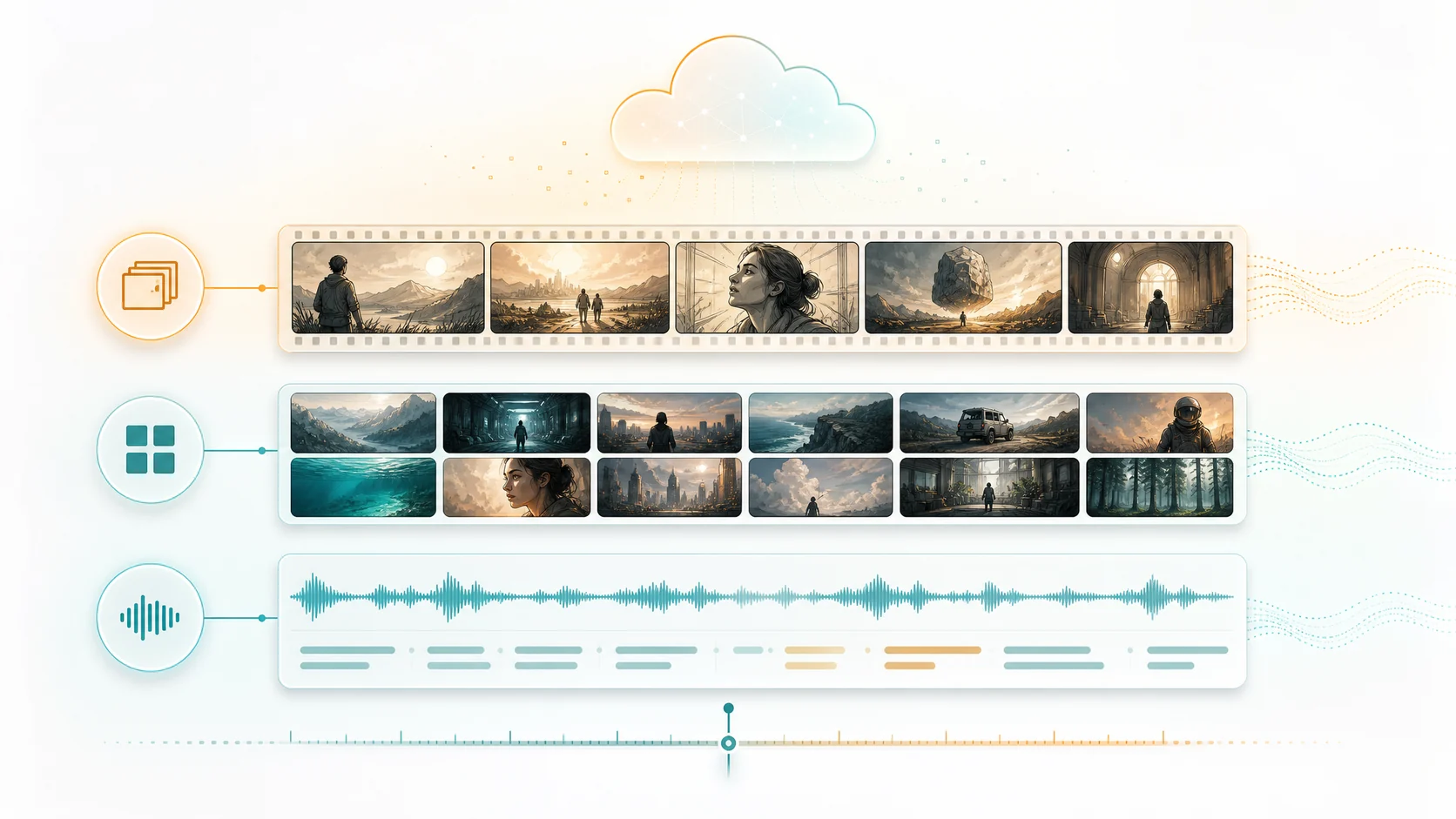
Video content without text is invisible to search engines, inaccessible to viewers who cannot hear or prefer to read, and harder to repurpose across platforms. AI transcription changes that equation by converting every spoken word into time-stamped text, while auto-captioning layers that text directly onto the video timeline. Modern automatic speech recognition with speaker diarization goes further by labeling who said what and when, creating structured transcripts that power search, navigation, and content reuse workflows.
1. Why video transcription matters beyond captions
Captions help viewers follow dialogue, but transcription data has broader value across the content lifecycle. A time-aligned transcript becomes the foundation for chapter markers, keyword search, SEO metadata, content repurposing, and accessibility compliance. When every spoken word is timestamped and attributed to a specific speaker, editors can navigate footage by searching for keywords instead of scrubbing through timelines. Teams can search across multiple projects to find specific quotes or topics. Audiences can jump to the exact moment that interests them.
- Time-aligned transcripts enable keyword-based video navigation.
- Speaker-labeled dialogue supports quote attribution and multi-speaker editing.
- Transcript metadata feeds search engines and improves content discoverability.
2. How AI transcription works: ASR and speaker diarization
Modern AI transcription combines two technologies. Automatic Speech Recognition converts audio waveforms into text, using deep neural networks trained on vast multilingual datasets. Modern ASR models like Fun-ASR handle accents, background noise, and overlapping speech with steadily improving accuracy. Speaker diarization is the second layer: it detects when speakers change and clusters speech segments by speaker identity, labeling them as Speaker A, Speaker B, and so on. When diarization is combined with entity recognition, these anonymous labels can be mapped to named characters in your project.
- ASR models process audio in segments, producing time-stamped text outputs.
- Speaker diarization identifies voice changes without needing pre-registered voice samples.
- Combined output shows what was said, by whom, and at what timestamp.
3. Auto-captioning: from transcript to on-screen text
A transcript is raw data. Auto-captioning converts that data into readable, synchronized on-screen text. The best auto-captioning systems handle timing, line breaks, and readability automatically. They split long sentences across multiple caption frames, keep important words grouped together, and avoid covering critical visual content. AI can even detect scene changes and adjust caption timing to avoid cutting mid-sentence across a scene boundary. For bilingual content, the same pipeline can generate captions in multiple languages simultaneously.
- Intelligent line-breaking keeps captions readable at various screen sizes.
- Scene-aware timing prevents captions from crossing scene boundaries awkwardly.
- Multi-language caption generation from a single transcription pass.
4. Transcription for content repurposing and workflow efficiency
Once you have a time-aligned transcript, your video becomes a text-searchable asset. Editors can search for specific phrases and jump directly to those moments in the timeline. Marketing teams can extract quotes for social media posts, blog articles, and email campaigns. Content teams can find all mentions of a product, person, or topic across video archives. Podcast producers can generate show notes and timestamps automatically. The transcript also feeds directly into ClipMind's reverse script pipeline, where it becomes one of the layers that the AI agent uses to understand the content and plan edits.
- Search across video archives by keyword to find specific moments instantly.
- Extract quotes and key points for social media, blogs, and marketing materials.
- Transcript data feeds into AI understanding pipelines for smarter editing.
5. Accessibility compliance and audience growth
Captions are not optional for many content producers. Legal requirements, platform policies, and audience expectations increasingly demand captioned video. Beyond compliance, captions expand your audience reach. Viewers watching in noisy environments, non-native speakers, and people who simply prefer reading along all benefit from captions. Studies consistently show that captioned videos have higher completion rates, better comprehension, and stronger engagement metrics. AI transcription makes captioning practical at scale, even for high-volume content operations.
FAQ
How accurate is AI video transcription?
Accuracy varies by audio quality, speaker clarity, and language. For clean studio audio in English, modern ASR achieves over 95 percent word accuracy. Background noise, heavy accents, and overlapping speech reduce accuracy, but models continue improving rapidly.
Can AI transcription handle multiple speakers?
Yes. Speaker diarization identifies speaker changes and groups speech segments by speaker identity. The system labels speakers as Speaker A, Speaker B, and so on, and these labels can be manually mapped to real names after processing.
Does auto-captioning work for non-English languages?
Yes. Modern ASR models support dozens of languages, including Chinese, Spanish, French, German, Japanese, Korean, and many others. ClipMind supports both English and Chinese transcription natively.
Can I edit the generated captions and transcripts?
Yes. AI transcription provides a strong starting point, but you should always review and correct any errors, especially for proper names, technical terms, and moments with challenging audio. ClipMind lets you edit transcripts and captions directly in the timeline.