
AI Video Scene Detection: How Auto-Chaptering Turns Raw Footage Into an Editable Outline
Scene detection is the foundation of fast video editing. Here is how AI auto-chaptering splits raw footage into navigable scenes so you can edit from an outline instead of scrubbing a timeline.
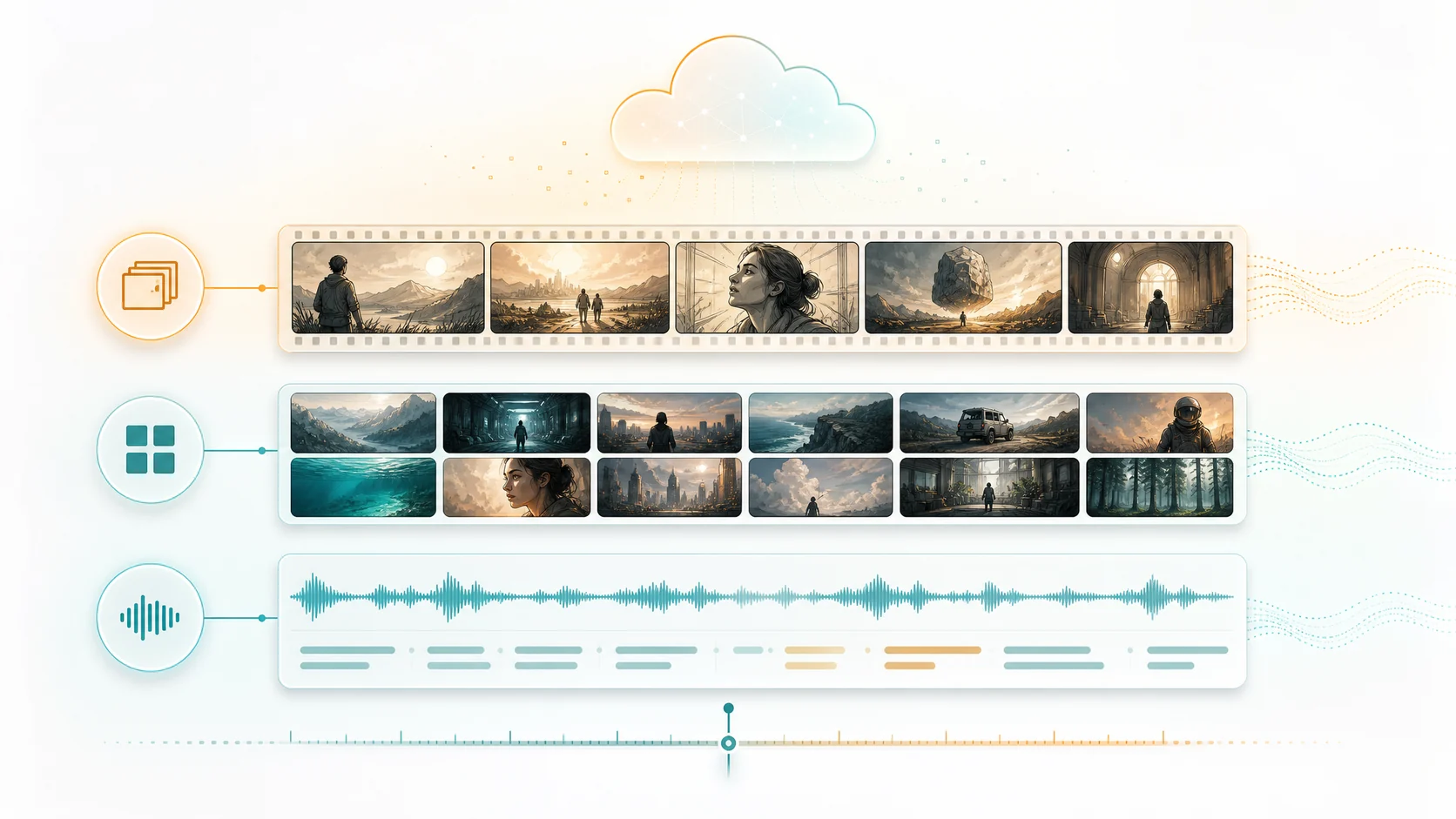
Before you can edit a video, you have to know what is inside it. Raw footage is a single long strip of frames, and the first job of any editor is to break it into pieces that mean something: a new shot, a change of location, a cut from one speaker to another. AI video scene detection automates that first pass. Instead of scrubbing a timeline for hours, you start from a structured outline where every scene is labeled, timestamped, and ready to review. Here is how automatic scene detection works, why it matters for editing speed, and what to expect when footage is messy.
1. What scene detection actually finds
Scene detection looks for the boundaries where one piece of footage ends and another begins. The most reliable signal is a hard cut, where the pixels change sharply between two frames. A good detector also recognizes dissolves, fade transitions, and rapid camera motion that mark a new segment. The output is not a creative interpretation of the story. It is a precise, timestamped list of segments that you can then label and organize. Think of it as an automatic table of contents for everything you shot.
- Boundaries are found at hard cuts, dissolves, fades, and major camera changes.
- Every segment gets a start time, end time, and a representative key frame.
- The result is a navigable table of contents, not a finished story.
2. Why an outline beats a flat timeline
When footage arrives as one unbroken clip, the editor's first task is linear: watch everything, mark the good parts, repeat. That is where most time disappears. A detected-scene outline flips the workflow. You scan a list of segments, jump straight to the ones that matter, and ignore the rest. On a forty-minute shoot this saves minutes. On a multi-hour recording it is the difference between a project that ships and one that stalls.
- Review scenes from a list instead of scrubbing a single long timeline.
- Jump directly to the segment that contains the moment you need.
- Drop weak scenes in bulk before any creative editing begins.
3. Visual boundaries and dialogue run in parallel
The cut is only half the signal. The other half is what people say. A robust pipeline runs visual scene detection and audio extraction at the same time, then joins the two. That join is what turns raw segments into something you can actually reason about: a scene with a visual boundary, a transcript, and a rough idea of what happened inside it. Speech also catches story beats that have no visual cut at all, like a topic change inside a single talking-head shot.
- Visual detection and audio extraction run in parallel, not in sequence.
- Joining scenes with transcripts reveals the meaning of each segment.
- Topic changes inside a static shot are caught through dialogue, not pixels.
4. Handling messy and handheld footage
Real-world footage is rarely clean. Handheld camera shake, whip pans, rapid zooms, and on-camera starts and stops all produce frame changes that can look like cuts. A practical scene detector smooths over those false positives so a shaky walk does not get split into thirty segments. When results feel too granular, the fix is not to abandon detection but to merge adjacent segments or raise the boundary threshold. The goal is a clean outline, not a frame-perfect forensic log.
- Whip pans and camera shake can create false boundaries that need smoothing.
- Merge adjacent scenes when the outline feels too granular.
- Aim for a navigable structure rather than a forensic frame log.
5. From detected scenes to a finished cut
Detection is the input, not the output. Once footage is organized into scenes, the editing decisions become manageable: which scenes open the video, which carry the story forward, which support a point, and which get cut entirely. Each detected scene can be ranked by steadiness, framing, and relevance, so the strongest material surfaces first. The creative edit still belongs to you. Detection simply removes the hours of searching that precede it.
- Detected scenes can be ranked by steadiness, framing, and relevance.
- Editing decisions become scene-level choices instead of frame-level hunting.
- The creative cut stays yours; detection removes the searching that slows it.
6. How ClipMind turns scenes into an editable plan
ClipMind runs scene detection across the entire source file before any heavy analysis, then joins those scenes with the transcript to build a shared understanding layer. That understanding feeds a reverse script, which lays out what happened in the footage and which scenes support each beat. Because the outline keeps references back to its source scenes, you can check every suggestion against the original material and adjust from there. You are editing from a plan, not guessing from a timeline.
- Scene detection runs on the whole file before heavier analysis begins.
- Scenes and transcripts join into a shared understanding of the footage.
- A reverse script turns that understanding into an editable, traceable plan.
FAQ
Does scene detection need speech or audio to work?
No. Scene detection runs on the visual track and finds boundaries from frame changes alone. Audio and transcripts are joined afterward to add meaning. Footage with no dialogue at all, like a b-roll reel or a timelapse, still gets a clean scene outline. Speech simply helps interpret what each visual scene contains.
How accurate is AI scene detection on handheld phone footage?
It is good but not perfect. Handheld shake, whip pans, and fast zooms can create false boundaries, so most pipelines apply smoothing to avoid splitting a single continuous shot into dozens of fragments. The outline is meant to be a fast navigation aid. You can always merge or split detected scenes when the result feels too granular or too coarse.
Can I merge or split detected scenes manually?
Yes. Automatic detection is a starting point, not a locked structure. If two scenes clearly belong together, merge them. If a long scene contains two distinct moments, split it. The value is that detection does the first pass in seconds; your manual adjustments are then quick refinements on top of an already organized outline.