
Real Estate Video Editing: How to Edit Property Tour Videos That Sell
A property tour video only sells when the edit is tight. Here is how to structure, pace, and finish real estate videos that hold buyer attention.
A property tour video is often the first time a buyer sees a home. In thirty to ninety seconds it has to communicate layout, light, and flow well enough to trigger a viewing. That puts enormous weight on the edit. Raw walkthrough footage is almost always too long, too shaky, and too repetitive to publish as-is. The job of the editor is to turn a wandering handheld walk-through into a tight, scannable tour that makes a buyer want to see the space in person. Here is how to structure, pace, and finish real estate videos that actually sell.
1. Start with a hook, not the front door
Most property tours open with a slow approach to the front door. Buyers scroll past that. Open instead on the single best feature of the property, whether that is a sunlit kitchen, a sweeping view, or a landscaped garden, then cut to a clean exterior establishing shot. You have roughly three seconds to stop the scroll, so the strongest frame should be frame one. Save the wide exterior and the door approach for after the hook has done its work.
- Open on the best feature of the property, not the front door approach.
- Keep the establishing exterior shot to two or three seconds.
- Front-load emotion; show the full layout once attention is won.
2. Select clips for flow, not completeness
A common mistake is trying to include every room in equal measure. Buyers do not need to see every closet. They need to understand the flow: how the living spaces connect, where the light enters, and how the home feels to move through. When you select clips, prioritise smooth camera moves that carry you from one space into the next, and cut anything that lingers too long in a single spot. A tour that feels continuous sells the layout far better than a checklist of rooms.
- Prioritise clips that connect spaces rather than isolated room shots.
- Cut any take that lingers more than two seconds without motivation.
- Skip small utility spaces unless they add genuine value.
3. Pace the edit to the platform
The right pace depends on where the video will live. An Instagram Reel or TikTok listing needs quick cuts every one to two seconds, vertical framing, and on-screen text calling out features. A YouTube or agent-website tour can breathe more, with cuts every three to five seconds and longer establishing moves. Match the rhythm to the platform rather than editing one master and hoping it works everywhere. Exporting a vertical cut for mobile-first buyers is no longer optional.
- Short-form social cuts land every one to two seconds with on-screen text.
- Website and YouTube tours can hold shots for three to five seconds.
- Always export a vertical version for mobile-first buyers.
4. Stabilise, color-correct, and brighten
Real estate footage is shot fast and often in mixed lighting, which means colour temperature shifts between rooms and the camera shakes on stairs. Before any creative editing, stabilise the shaky clips, balance the colour so walls read white instead of orange or blue, and lift shadows in dark corners so rooms feel bright and spacious. Brighter footage reads as more premium and more expansive, which is exactly the impression you want buyers to carry away.
- Stabilise handheld moves, especially on stairs and room transitions.
- White-balance each room so paint colours read true.
- Lift shadows so interiors feel bright and larger than life.
5. Use movement, music, and text deliberately
Music sets the mood, but the wrong track overwhelms the space. Choose a clean, modern instrumental that builds gently and cut on its beats. Add subtle push-ins on key features rather than static holds, because slow forward movement makes a still room feel alive. Use on-screen text sparingly to label bedrooms, square footage, and standout features, and keep it consistent in font and position throughout the tour. Restraint here looks professional; clutter looks amateur.
- Pick an instrumental that builds without lyrics cluttering the mood.
- Add gentle push-ins on hero features to create a sense of depth.
- Label key stats with consistent, well-placed text overlays.
6. How AI editing speeds up clip selection
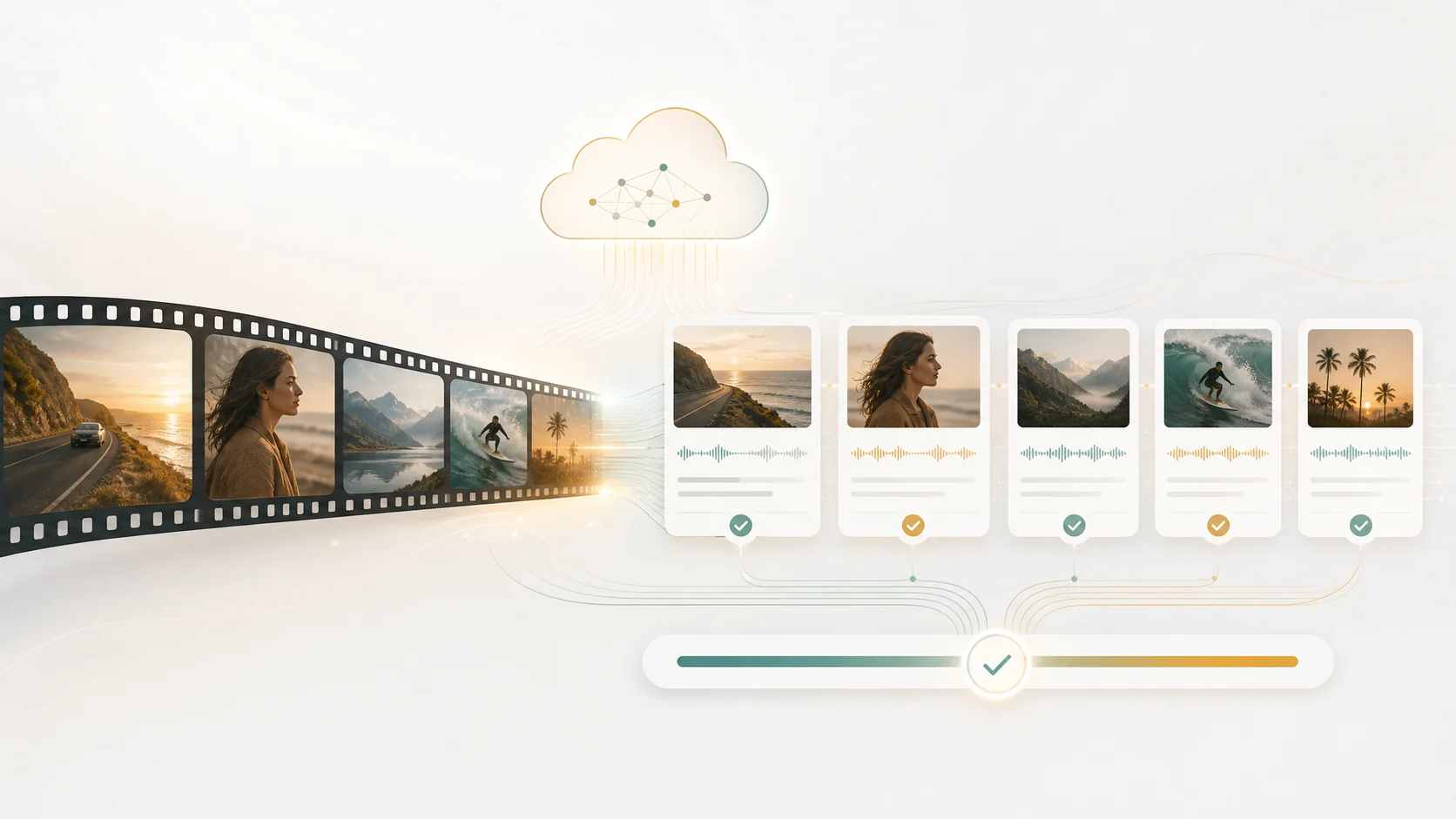
The slowest part of real estate editing is not the cutting. It is reviewing all the raw footage to find the best take of each room. ClipMind analyzes the full shoot and builds a reverse script that maps scenes, identifies the strongest and steadiest moments, and organizes everything by space. Instead of scrubbing through forty minutes of walkthroughs to find the one clean kitchen pan, you work from an organised outline that already surfaces the best material. The creative edit stays entirely yours; the AI simply removes the hours of searching.
- AI video understanding maps every scene across all raw footage.
- A reverse script surfaces the steadiest, strongest take of each room.
- Cut hours of review time while keeping full creative control.
FAQ
How long should a real estate video be?
A property tour for social should run thirty to sixty seconds. A full website or YouTube tour can run one to three minutes. Anything longer than three minutes rarely gets finished by buyers unless they are already seriously interested in that specific property. Match the length to the platform and to how warm the audience is.
Do I need a professional camera to make a good listing video?
Not necessarily. Modern phones shoot excellent real estate footage if you stabilise them, light the space well, and add an external wide lens. The editing matters more than the camera: tight cuts, balanced colour, and bright exposure do more for perceived quality than an expensive body. Invest in a gimbal and good lighting before you upgrade the camera itself.
Should I add a voiceover to a property tour?
Voiceover works for longer website tours where you want to guide the viewer through layout and features, but it is usually overkill for short social clips where music and on-screen text do the job faster. If you do add a voiceover, keep it warm and specific, naming rooms and features rather than reading generic marketing copy. AI-generated narration can produce clean, consistent voiceover without a studio session.