
Cartoon Sound Effects Pack: How to Find, Use, and Create Them
A comprehensive guide to cartoon sound effects for video production, covering where to find free and premium packs, how to use them effectively, and tips for creating your own.
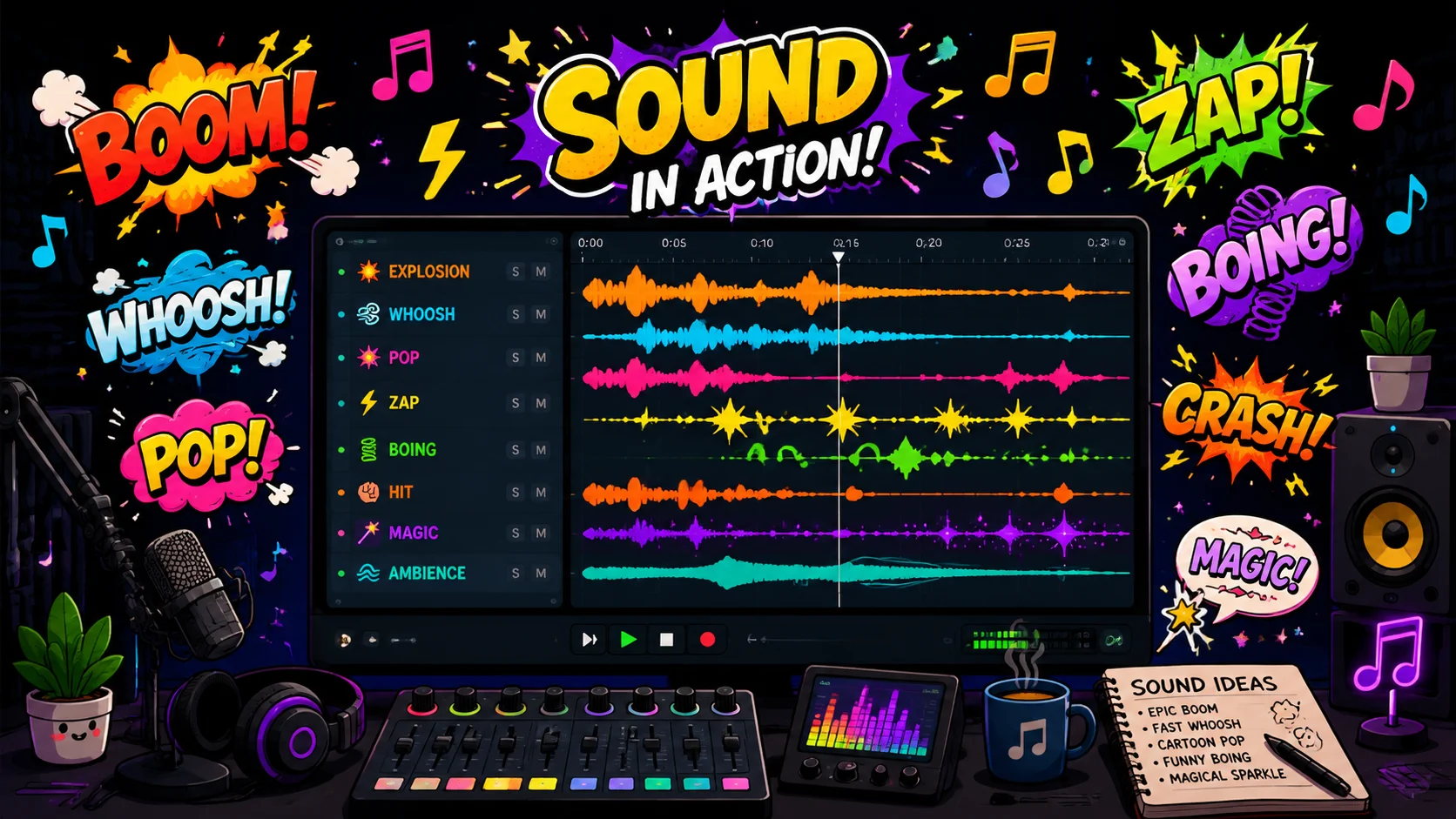
Cartoon sound effects are one of the most effective ways to inject personality, humor, and energy into video content. From classic slapstick boings and slide whistles to modern pop and whoosh effects, cartoon sounds grab attention and communicate emotion faster than any visual alone. Whether you are producing YouTube videos, social media content, educational animations, or children programming, having a well-organized cartoon sound effects library is essential. This guide covers where to find high-quality cartoon sound effect packs, how to use them without making your content feel cheap or overdone, and techniques for creating custom cartoon sounds from everyday objects.
1. Essential Categories in a Cartoon Sound Effects Pack
A well-rounded cartoon sound effects pack should cover several core categories. Impact sounds include boings, bonks, crashes, and splats that punctuate physical comedy and exaggerated movements. Transition sounds encompass whooshes, zips, slides, and pops that accompany scene changes, text animations, and element entrances. Musical stingers are short melodic phrases that underscore emotions like surprise, sadness, triumph, or confusion. Vocal effects include laughs, gasps, grunts, and exaggerated reactions that add character to animated figures or enhance live-action comedy. Environmental sounds cover cartoon-style rain, wind, thunder, and animal noises that set the scene without aiming for realism. Having each category organized in clearly labeled folders makes it fast to find the right sound during editing sessions.
- Impact sounds: boings, bonks, crashes, splats for physical comedy
- Transition sounds: whooshes, zips, slides, pops for scene changes
- Musical stingers: short melodic phrases for emotional underscore
- Vocal effects: laughs, gasps, grunts for character reactions
- Environmental sounds: cartoon rain, wind, thunder for stylized scenes
2. Where to Find Free and Premium Cartoon Sound Packs
Several excellent sources offer cartoon sound effects for different budgets. Freesound.org provides a large community-contributed library where you can find individual cartoon sounds under Creative Commons licenses, though quality varies. YouTube Audio Library includes a selection of cartoon effects that are free to use in monetized content. Zapsplat offers a free tier with a broad cartoon category and premium tiers for higher quality downloads without attribution. For premium packs, Epidemic Sound and Artlist include extensive cartoon and comedy sound libraries as part of their subscription. Soundly and Splice also offer curated cartoon packs with consistent quality and metadata tagging. When choosing a source, check the license carefully to ensure the sounds are cleared for your intended use, especially for commercial projects and monetized content.
- Freesound.org: community library with Creative Commons cartoon sounds
- YouTube Audio Library: free cartoon effects for monetized content
- Zapsplat: free tier available with premium options for higher quality
- Epidemic Sound and Artlist: subscription-based with extensive cartoon libraries
- Always verify licensing for commercial and monetized use
3. How to Use Cartoon Sounds Without Overdoing It
The biggest risk with cartoon sound effects is overuse, which can make content feel juvenile or distracting. The key principle is intentionality: every sound effect should serve a specific purpose, whether it is emphasizing a visual gag, signaling a transition, or reinforcing an emotional beat. Avoid stacking multiple cartoon sounds on top of each other unless the comedic timing demands it. Match the intensity of the sound to the intensity of the visual moment. A subtle pop is more effective for a small text animation than a massive explosion sound. Also consider your audience and content tone. Educational content for adults can handle occasional cartoon sounds as emphasis markers, but a corporate training video might need a more restrained approach. Use silence strategically too; a well-placed pause before a punchline sound makes the effect land harder.
- Every sound effect should serve a specific narrative or comedic purpose
- Match sound intensity to visual intensity for coherence
- Avoid stacking multiple cartoon sounds unless timing demands it
- Consider audience demographics and content tone when choosing effects
- Use strategic silence before punchline sounds for maximum impact
4. Layering and Processing Cartoon Sounds for Custom Results
Professional sound designers rarely use cartoon effects completely raw. Layering two or three sounds creates a richer, more unique effect that stands out from stock libraries. Combine a whoosh with a pop and a subtle reverb tail to create a custom transition sound. Pitch-shift cartoon effects up or down to match the size and energy of the visual element they accompany; a large character deserves a lower-pitched boing than a small one. Time-stretch effects to match the duration of on-screen actions precisely. Apply EQ to carve out frequency space so cartoon sounds do not compete with dialogue or music. For content creators who edit a high volume of videos, AI tools like ClipMind can help analyze the visual pacing of your footage and suggest optimal placement points for sound effects based on scene changes and motion patterns.
- Layer 2 to 3 sounds for richer, more unique effects
- Pitch-shift effects to match the size and energy of visual elements
- Time-stretch effects to match on-screen action duration
- Apply EQ to prevent cartoon sounds from competing with dialogue or music
- ClipMind can analyze visual pacing and suggest optimal sound effect placement
5. Creating Your Own Cartoon Sound Effects
You do not need an expensive studio to create custom cartoon sounds. Many classic cartoon effects were made with household objects and creative recording techniques. A slide whistle produces the iconic rising and falling pitch effect. Rubber bands stretched across a box create twanging boing sounds. Snapping celery near a microphone simulates bone-cracking impacts. Blowing through a straw into water creates bubbly, cartoon-style liquid effects. Record these sources with any decent microphone, then process them in a free audio editor like Audacity: pitch-shift, time-stretch, add reverb, and layer to taste. Creating your own sounds gives you a unique sonic signature that differentiates your content from the thousands of videos using the same stock effects. It also avoids any licensing concerns since you own the recordings outright.
- Slide whistle for classic rising and falling pitch effects
- Rubber bands on a box for twanging boing sounds
- Snapping celery near a mic for bone-cracking impacts
- Blowing through a straw into water for bubbly liquid effects
- Process recordings in Audacity with pitch-shift, reverb, and layering
6. Organizing and Maintaining Your Sound Effects Library
As your cartoon sound effects collection grows, organization becomes critical for efficient editing. Create a folder structure by category: impacts, transitions, stingers, vocals, and environment. Within each category, sub-sort by intensity or character. Rename files with descriptive names rather than keeping generic stock filenames. Add metadata tags if your editing software supports it, so you can search by keyword within the media browser. Keep a favorites folder with your top 20 to 30 most-used sounds for instant access. Back up your library to cloud storage regularly to prevent loss. When you find a sound that works particularly well for a specific use case, note that association so you can replicate the pairing in future projects. For teams working on multiple video projects, tools like ClipMind can help maintain consistency by suggesting similar sound effect choices across related videos.
- Organize by category: impacts, transitions, stingers, vocals, environment
- Rename files with descriptive names instead of generic stock names
- Keep a favorites folder with your top 20 to 30 most-used sounds
- Back up to cloud storage regularly to prevent library loss
- ClipMind can suggest consistent sound choices across related video projects
FAQ
Are free cartoon sound effects good enough for professional videos?
Yes, if you curate carefully. Sources like Freesound.org and Zapsplat offer professional-quality cartoon sounds for free. The key is to audition each sound, process it to fit your mix, and layer it creatively rather than using it raw.
Can I use cartoon sound effects in monetized YouTube videos?
It depends on the license. YouTube Audio Library sounds are cleared for monetized content. Creative Commons sounds may require attribution. Premium subscription libraries like Epidemic Sound cover monetized use under their license. Always check the specific license terms before publishing.
How many cartoon sound effects do I actually need?
A focused library of 50 to 100 well-chosen sounds covers most production needs. Having too many options slows down your editing workflow. Build a core set of go-to sounds and expand only when a project requires something specific you do not already have.