
AI Video Tools For Enterprise Deployment: What IT Teams Need To Know
OpenAI and Anthropic are racing to help enterprises deploy AI. For video workflows, this means evaluating tools not just on features but on security, integration, and operational fit. Here is what enterprise teams should look for.
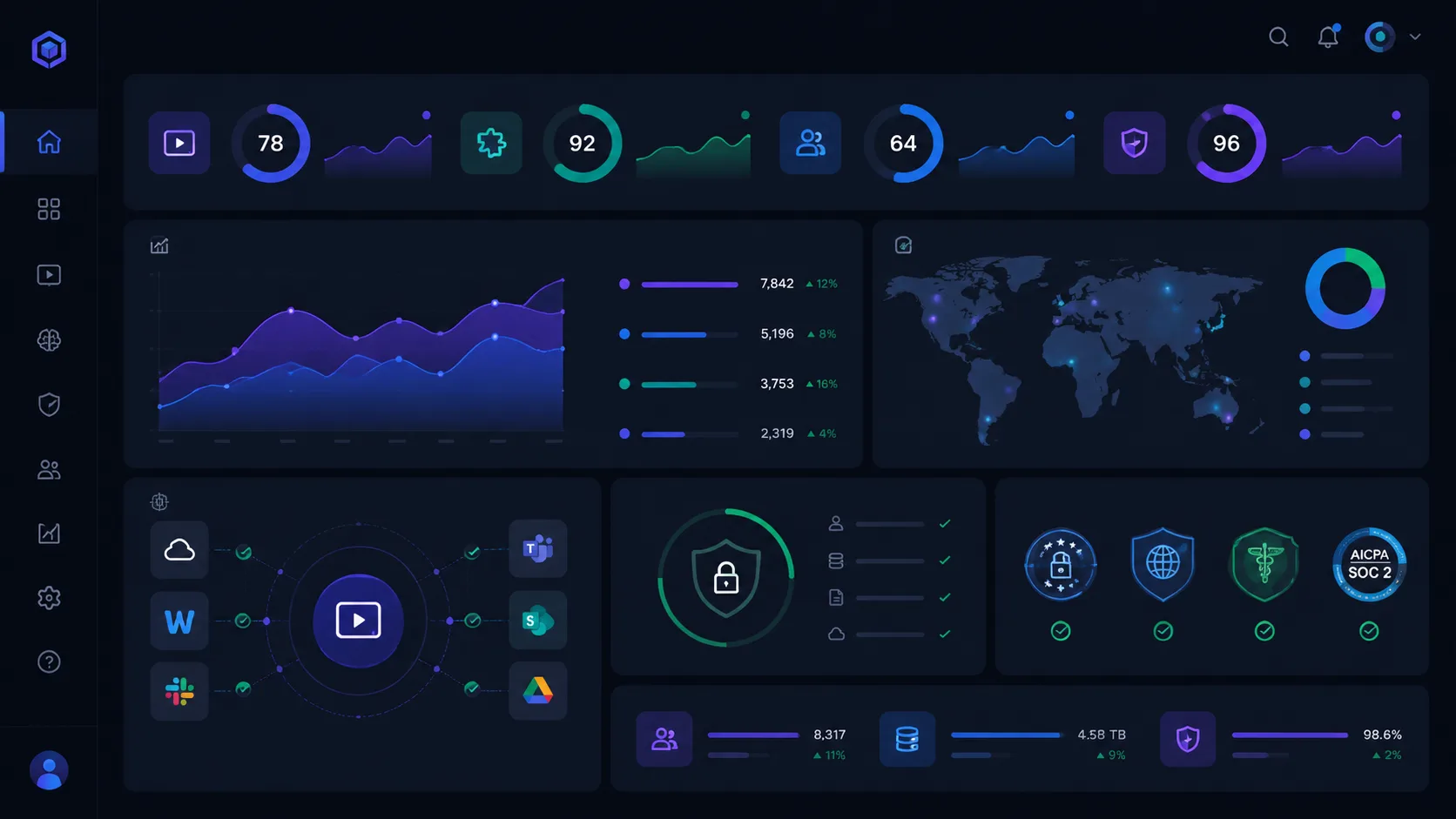
OpenAI just announced a major push into enterprise deployment, investing billions to help large organizations adopt AI. Anthropic is pursuing the same market. The message is clear: AI tools need to work inside enterprise constraints, not just in consumer workflows. For video teams in large organizations, this changes how you evaluate and deploy AI. Features matter less than security, compliance, and integration.
1. Security is the first gate, not an afterthought
Enterprise video workflows handle sensitive content: internal communications, customer data, proprietary product information. AI tools that process this content must meet security standards. Cloud-based tools should encrypt in transit and at rest. Data retention policies must align with organizational requirements. The tool should not train on your content without explicit consent.
- Verify encryption standards for upload, processing, and storage.
- Confirm data retention and deletion policies.
- Check whether training on your content is opt-in or opt-out.
2. Integration with existing workflows
Enterprise video teams already have tools: asset management systems, editing software, collaboration platforms, and export pipelines. AI tools must integrate, not add another silo. ClipMind is designed to fit into existing workflows: upload from your storage, export to your editing timeline, and archive to your asset manager. Standalone tools create friction.
3. Compliance and auditability
Regulated industries need audit trails. When AI makes a decision about which clips to select or how to summarize dialogue, that decision should be traceable. The reverse script in ClipMind provides a transparent record of what the AI understood and why each section was proposed. Black-box outputs are harder to defend in audit scenarios.
4. Scale and reliability
Consumer tools fail gracefully. Enterprise tools fail expensively. Evaluate AI video tools on how they handle scale: large files, concurrent users, burst workloads. Look for SLAs, support channels, and incident response processes. A tool that works great for a ten-minute test video may choke on a hundred-hour archive.
5. Vendor stability and roadmap
Enterprise deployments are investments. The tool you choose today should exist and improve tomorrow. Evaluate vendor stability: funding, customer base, and development velocity. Understand the product roadmap so you are not surprised by deprecated features or pricing changes. OpenAI and Anthropic are betting on long-term enterprise relationships; smaller tools must prove the same commitment.
6. Pilot before committing
Run a pilot on real work before signing an enterprise agreement. Test the security claims, the integration points, and the actual performance. Measure time saved against errors introduced. Get buy-in from the actual users, not just the procurement team. The best evaluation is a real project.
FAQ
What security certifications should I look for?
SOC 2 Type II is the baseline for cloud tools. ISO 27001 is a plus. For government or healthcare, look for FedRAMP or HIPAA compliance. Ask for the vendor's security documentation before sharing sensitive content.
How do I evaluate AI tool vendors?
Pilot with real work, test integrations with your actual systems, verify security claims, and assess vendor stability. Talk to reference customers if available. Do not rely solely on vendor marketing.
Should I wait for enterprise features from consumer tools?
Some consumer tools will add enterprise features. Others will not. If you have an immediate need, evaluate tools that are already enterprise-ready. Waiting for future features is not a strategy.